The iPhone Air and iPhone 15 Pro are aimed at different users. The iPhone Air makes its case with up to 27 hours of video playback and a larger screen, while the iPhone 15 Pro is the stronger fit if you care more about more telephoto flexibility, an easier size for one-handed use, and faster USB 3 transfer speeds.
In this comparison, we break down the key differences in price, design, display, performance, cameras, battery life, software features, and overall value.
TL;DR: The iPhone Air makes the stronger case for value with up to 27 hours of video playback and a larger screen, while the iPhone 15 Pro pulls ahead if you specifically want more telephoto flexibility, an easier size for one-handed use, and faster USB 3 transfer speeds.
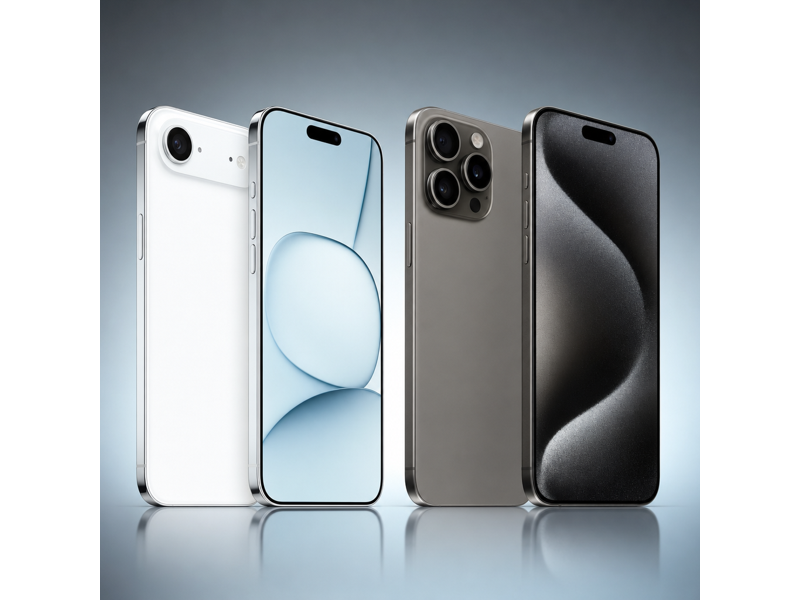
iPhone Air vs iPhone 15 Pro Specs Table
If you want a quick overview before diving into the details, the table below highlights the most important differences between the iPhone Air and iPhone 15 Pro. The main tradeoff here is simple: the iPhone Air is easier to justify on value, while the iPhone 15 Pro offers an easier size for one-handed use, more telephoto flexibility, and faster USB 3 transfer speeds.
| Specifications | iPhone Air | iPhone 15 Pro |
|---|---|---|
| Starting Price | $999 | $999 |
| Dimensions | 6.15 x 2.94 x 0.22 in | 5.77 x 2.78 x 0.32 in |
| Weight | 165 g | 187 g |
| Processor | A19 Pro | A17 Pro |
| Storage | 256GB, 512GB, 1TB | 128GB, 256GB, 512GB, 1TB |
| Display | 6.5 in (Super Retina XDR OLED, ProMotion, Always-On) | 6.1 in (Super Retina XDR OLED, ProMotion, Always-On) |
| Resolution | 2736 x 1260 | 2556 x 1179 |
| Connectivity | 5G, Wi-Fi 7, Bluetooth 6, Thread, NFC, Ultra Wideband | 5G, Wi-Fi 6E, Bluetooth 5.3, Thread, NFC, Ultra Wideband |
| Rear Cameras | Single 48MP Fusion camera | 48MP Main, 12MP Ultra Wide, 12MP Telephoto |
| Front Camera | 18MP Center Stage | 12MP TrueDepth |
| Battery | Up to 27 hours video playback | Up to 23 hours video playback |
| USB | USB 2 | USB 3 up to 10Gb/s |
| Colors | Space Black, Cloud White, Light Gold, Sky Blue | Black Titanium, White Titanium, Blue Titanium, Natural Titanium |
iPhone Air vs iPhone 15 Pro: Price
The iPhone Air starts at $999, while the iPhone 15 Pro starts at $999. That means there is no launch price gap between them before any storage upgrades. In this situation, the decision comes down more directly to whether the premium hardware differences are worth prioritizing for your use. What separates them instead is an easier size for one-handed use, more telephoto flexibility, and faster USB 3 transfer speeds, along with any later spend that comes from moving up storage tiers or choosing the configuration that best fits your needs.
If those verified advantages match your priorities, the higher-spec option can still be justified. If not, the model that makes more sense is the one whose strengths line up better with your day-to-day needs.
 Winner: iPhone Air
iPhone Air vs iPhone 15 Pro: Design
Both phones follow the same general iPhone design direction, but the handling tradeoff is more nuanced than simply calling one better. The iPhone Air measures 6.15 x 2.94 x 0.22 in and weighs 165 g, while the iPhone 15 Pro comes in at 5.77 x 2.78 x 0.32 in and 187 g. That affects pocketability, one-handed comfort, thickness in hand, and how heavy the phone feels over a full day.
The iPhone 15 Pro has the smaller footprint, while the iPhone Air is thinner and lighter. That makes this section a real design tradeoff rather than a clear overall win.
Winner: TieiPhone Air vs iPhone 15 Pro: Display
The iPhone Air uses a 6.5 in Super Retina XDR OLED, ProMotion, Always-On display with 2736 x 1260 resolution, while the iPhone 15 Pro uses a 6.1 in Super Retina XDR OLED, ProMotion, Always-On display with 2556 x 1179 resolution. In this matchup, the biggest display difference is size, along with any always-on support difference shown in the specs. A larger panel is better for video, gaming, split attention, and reading, while the smaller panel is easier to manage day to day.
If you want the more immersive screen, the iPhone Air is the stronger choice. If you care more about reachability and easier handling, the iPhone 15 Pro is the more practical buy.
Winner: iPhone AiriPhone Air vs iPhone 15 Pro: Performance
The iPhone Air uses the A19 Pro with Apple 5-core GPU while the iPhone 15 Pro uses the A17 Pro with Apple 6-core GPU. That creates a real performance distinction because one phone uses the newer or stronger chip generation. In day-to-day use, both phones should feel fast, but the stronger chip has more headroom for heavier editing, gaming, and long-term performance demands.
If you mainly care about getting the highest performance tier available in this comparison, the iPhone Air wins. If your use is mostly social apps, photos, messaging, and streaming, the iPhone 15 Pro may still be more than enough.
Winner: iPhone AiriPhone Air vs iPhone 15 Pro: Camera
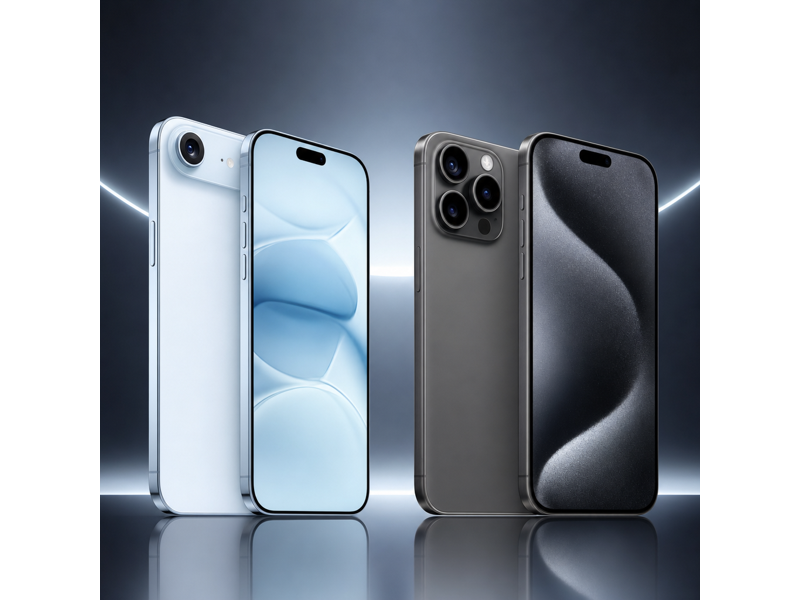
The iPhone Air uses Single 48MP Fusion camera, while the iPhone 15 Pro uses 48MP Main, 12MP Ultra Wide, 12MP Telephoto. The iPhone 15 Pro has the stronger rear camera setup thanks to its telephoto lens and broader focal-length flexibility, while the iPhone Air is more limited on rear-camera versatility.
The iPhone Air has the upgraded 18MP Center Stage front camera, while the iPhone 15 Pro uses 12MP TrueDepth. For wired ingest or larger file moves, the iPhone 15 Pro also has the better video-workflow angle because it offers USB 3 up to 10Gb/s, while the iPhone Air stays on USB 2. That makes this section a real tradeoff: one phone has the stronger rear camera setup, while the other has the upgraded front camera for selfies and video calls.
 Winner: iPhone 15 Pro
iPhone Air vs iPhone 15 Pro: Battery
The iPhone Air is rated for up to 27 hours of video playback, while the iPhone 15 Pro is rated for up to 23 hours. That creates a 4-hour gap in Apple's quoted video playback figures, which can matter for travel, streaming, navigation, gaming, and longer days away from a charger.
If you want the phone with the strongest endurance, the iPhone Air is the safer pick. If the lower number is already enough for a full day of your normal use, paying more for extra battery may not be necessary.
Winner: iPhone AiriPhone Air vs iPhone 15 Pro: Software, Storage, and Features
From a software perspective, these two iPhones are closer than they are different. Both support the same core iPhone ecosystem experience, but there can still be meaningful feature gaps around storage and wired transfer speed. The iPhone Air offers USB 2 and 1TB max storage, while the iPhone 15 Pro offers USB 3 up to 10Gb/s and 1TB max storage.
The iPhone 15 Pro wins this section because it offers faster USB 3 transfer speeds. If those workflow advantages do not matter to you, day-to-day software use will feel broadly similar.
Winner: iPhone 15 ProSwitching to a New Phone? Use MobileTrans to Transfer Your Data ⭐
If you are upgrading between iPhone Air and iPhone 15 Pro, a common concern is how to move photos, videos, messages, contacts, and apps safely without wasting time. This becomes even more relevant when you are moving between generations, changing storage size, or setting up a second phone for work or family use.
This is where MobileTrans – Phone Transfer can help. MobileTrans is designed to move data between phones quickly and safely, including contacts, photos, videos, messages, and other common file types.


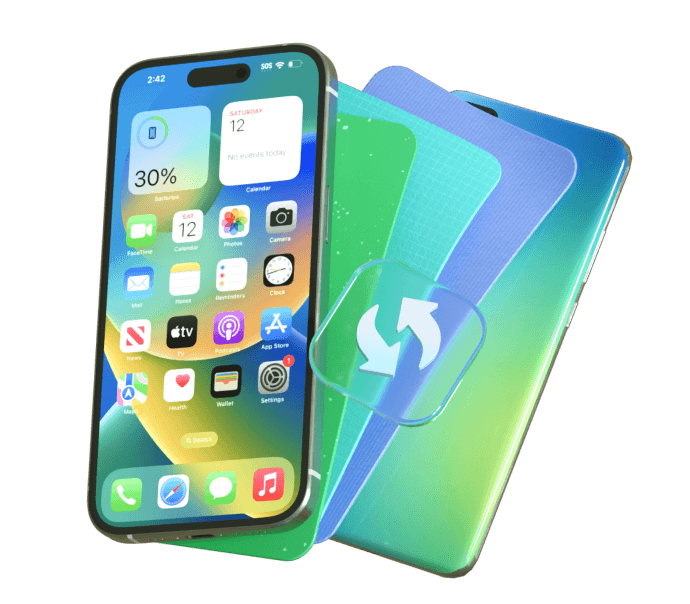


How to transfer data using MobileTrans
If you decide to upgrade to either model, moving your data can be quick and simple with MobileTrans.
Step 01
Connect Your Phones
Install MobileTrans on your computer, then click the Phone to Phone tab and connect both Phones via USB.
Step 02
Choose What to Transfer
Select the data you want to move, such as contacts, photos, messages, videos, and other important files.
Step 03
Start the Transfer
Click the transfer button and wait for the process to finish. Once done, check your new phone to make sure everything has been copied successfully.



iPhone Air vs iPhone 15 Pro: Which One Should You Buy?
Choose the iPhone 15 Pro if you care more about more telephoto flexibility, an easier size for one-handed use, and faster USB 3 transfer speeds than about the comfort or value advantages of the iPhone Air. The iPhone Air still makes more sense if you mainly want up to 27 hours of video playback, a larger screen, and stronger A19 Pro performance.
In short, the iPhone 15 Pro is the better pick if its extra camera, battery, and performance headroom matters more to you, while the iPhone Air still makes sense if easier handling and day-to-day comfort matter more.
Winner: iPhone 15 ProFinal Verdict
Overall, the iPhone 15 Pro is the better camera-workflow choice in the iPhone Air vs iPhone 15 Pro comparison because there is no launch price gap between them and the more meaningful differences come from more telephoto flexibility, an easier size for one-handed use, and faster USB 3 transfer speeds.
The iPhone Air still makes sense if you specifically want up to 27 hours of video playback, a larger screen, stronger A19 Pro performance, a thinner and lighter build, and upgraded 18MP Center Stage front camera.