Transfer Data to
iPhone 18
from
Android or iPhone
Move photos, contacts, messages, apps, WhatsApp chats,
and
more to your new iPhone 18—even after setup.
 Up to 60% Off
Android & iPhone Supported
AI-Powered WhatsApp Transfer
Up to 60% Off
Android & iPhone Supported
AI-Powered WhatsApp Transfer
Windows 11/10/8/7/XP/Vista
7-day money-back guarantee
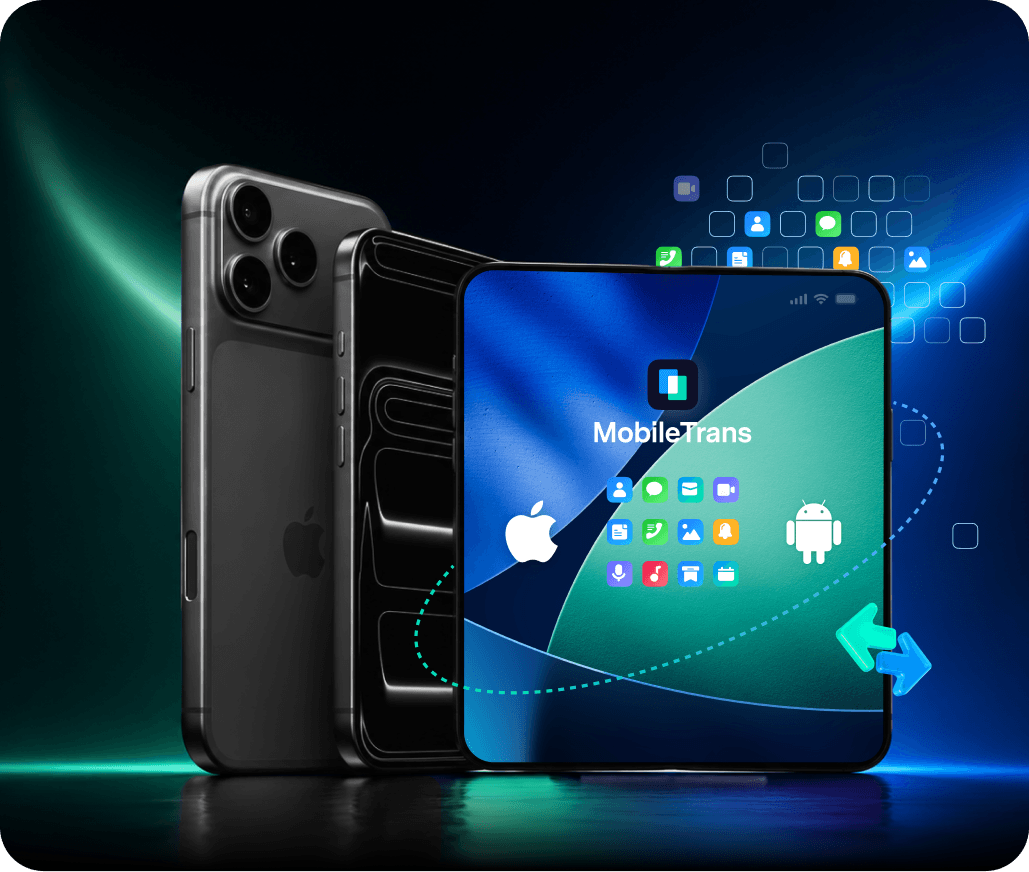
Save Up to 60% on
Your iPhone 18 Switch
Choose a MobileTrans plan to transfer data to iPhone 18 and save up to 60% during the launch.
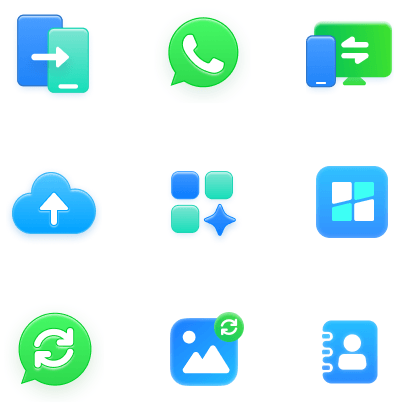

MobileTrans Full Features
- Transfer WhatsApp between Android and iOS devices.
- Transfer up to 18 types of data across 6,000+ devices.
- Transfer data between phones and computers.

WhatsApp Transfer
● Merge WhatsApp data from your old and new phones.
● Move LINE, Kik, and WhatsApp Business to a new phone.

Phone Transfer
● Move iCloud data directly to Android.
● Transfer supported apps from Android to iPhone or Android.

Backup & Restore
● Export WhatsApp and WhatsApp Business messages to a computer as PDF or HTML files.
● Restore iTunes backups and deleted WhatsApp data to Android and iOS devices.
Mobile Apps for Your
iPhone 18 Transfer

MobileTrans App
A fast and easy solution for wireless phone data transfer.
- Transfer up to 10 types of phone data between devices.
- Transfer large files between your phone, PC, and tablet.
- No cellular data or cable required.
 Android
 iOS
iOS

Mutsapper
A handy solution for wireless WhatsApp transfer.
- Transfer WhatsApp between Android and iPhone wirelessly.
- Transfer WhatsApp, WhatsApp Business, and GBWhatsApp data.
- Transfer WhatsApp from Google Drive to iPhone.
Android
How to Transfer Data to iPhone 18: 3 Best Ways
Choose the best way to transfer data to iPhone 18 from an old iPhone or Android. Compare Quick Start, Move to iOS, and MobileTrans for setup, WhatsApp, and post-setup transfers.
Transfer from iPhone to iPhone 18 with Quick Start
Use Apple Quick Start to transfer data directly from your old iPhone while setting up your new iPhone 18.
Old iPhone → iPhone 18
During initial iPhone setup
Move apps, photos, messages, settings, and other supported data directly between iPhones.
Transfer from Android to iPhone 18 with Move to iOS
Move to iOS helps Android users transfer supported content to iPhone 18 during the initial setup process.
Android → iPhone 18
During initial iPhone setup
A free Apple option for moving supported Android data to a new iPhone.
Transfer Data to iPhone 18 with MobileTrans
Move selected data from Android or another iPhone, transfer WhatsApp, or add supported data even after your iPhone 18 is already set up.
Android or iPhone → iPhone 18
Before or after setup
Selective transfer, WhatsApp migration, cross-platform transfer, and more flexibility after setup.
Already Set Up Your iPhone 18?
MobileTrans lets you transfer supported data to iPhone 18 even after setup, so you can move what you need without restarting the entire setup process.
Why Use MobileTrans for Your iPhone 18 Switch?
Move data from Android or another iPhone to your new iPhone — including WhatsApp — with one flexible phone transfer solution.
Transfer from Android or iPhone to iPhone 18
Transfer data between Android and iPhone or from one iPhone to another across thousands of supported devices.
6,000+ devices supported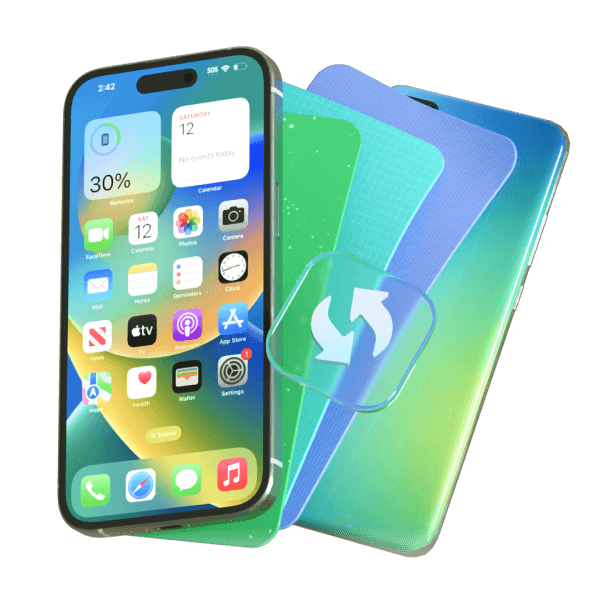
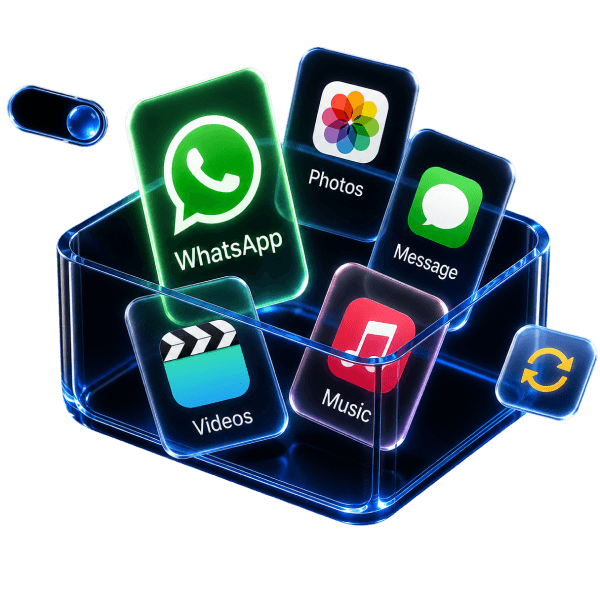
Transfer Photos, Contacts, Apps & WhatsApp to iPhone 18
Move photos, contacts, messages, videos, supported apps, and more, with dedicated WhatsApp transfer for your chats and media.
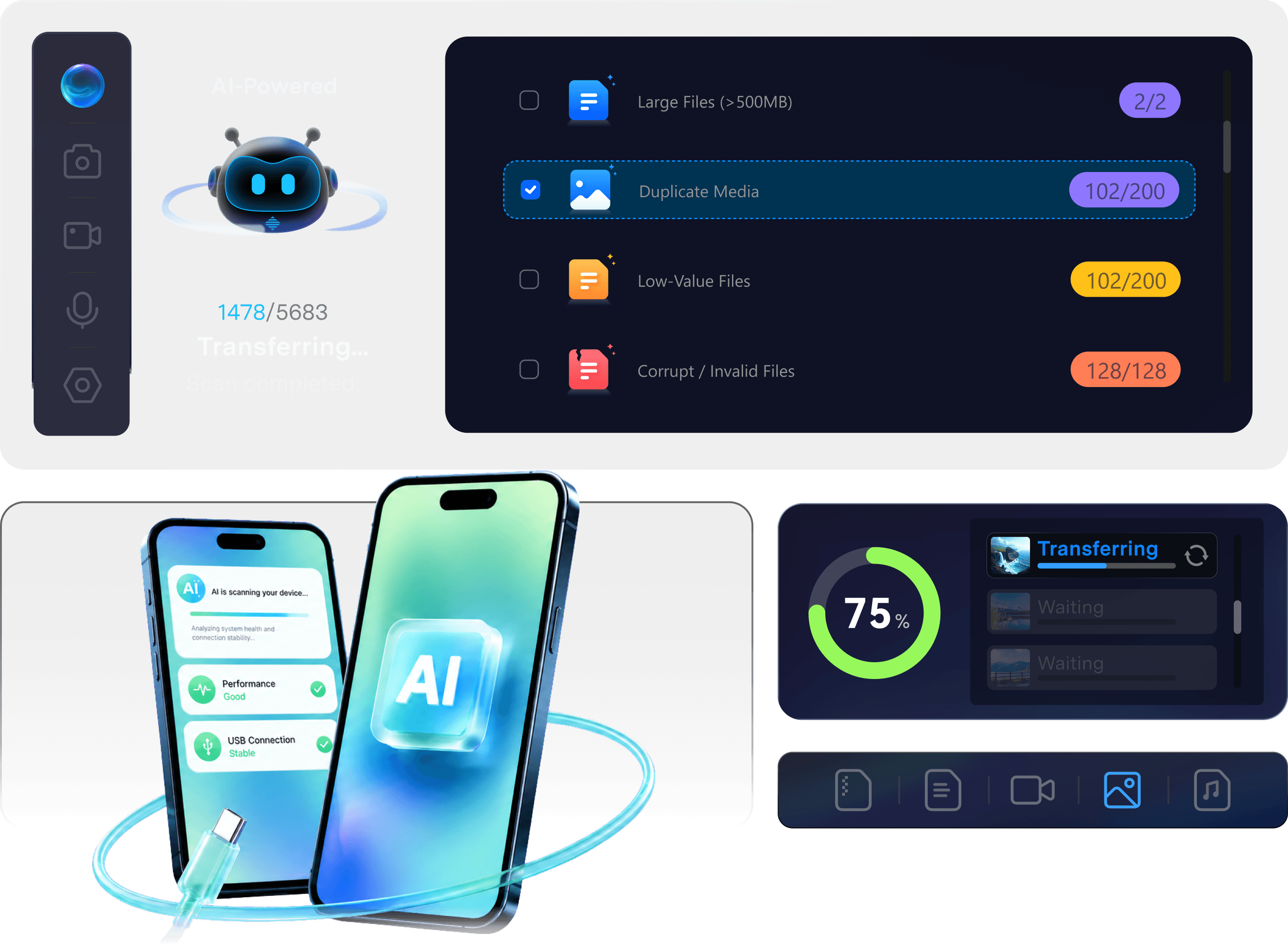
Transfer WhatsApp to iPhone 18 with AI
AI checks for potential transfer issues, helps you identify unnecessary WhatsApp files, and optimizes the transfer for a faster, smoother move.
Smarter Prep · Less Clutter · Faster Transfer


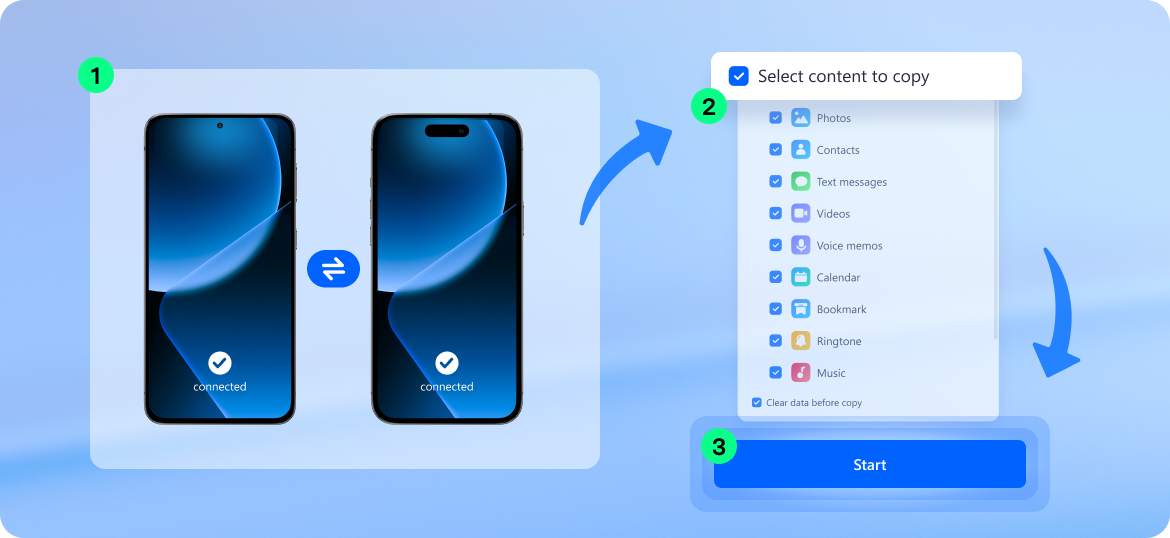
How to Transfer Data to iPhone 18 with MobileTrans
To transfer data to iPhone 18 with MobileTrans, connect your old phone and new iPhone, choose the data you want to move, and start the transfer. It works for both Android-to-iPhone and iPhone-to-iPhone transfers.

MobileTrans vs Move to iOS for iPhone 18 Transfer
Move to iOS is a free option for Android users during initial iPhone setup. MobileTrans offers more flexibility for cross-platform transfers, selective data migration, WhatsApp, and transfers after setup.
Transfer Direction
Works After iPhone Setup
Keep Existing iPhone Data
WhatsApp Transfer
Selective Transfer
Best For
MobileTrans
Android ↔ iPhone and same-OS transfers
Android ↔ iPhone and same-OS transfers
Yes
Yes
Dedicated WhatsApp transfer and merge tools
Select data types and supported content
Flexible, cross-platform, or post-setup transfers
Move to iOS
Android → iPhone
No — erase the iPhone to restart Move to iOS, or transfer content manually
Designed for the initial setup workflow
WhatsApp messages and media supported
Choose supported apps and information during setup
Free Android → new iPhone migration during setup
Move to iOS Not Working on iPhone 18? Common Problems and Fixes
If Move to iOS won't connect, gets stuck, or leaves data behind, start with these quick fixes.


Meet the New iPhone 18 Lineup:
iPhone 18 Pro, Pro Max & iPhone Duo
Explore the latest iPhone 18 models before transferring data to your new iPhone.
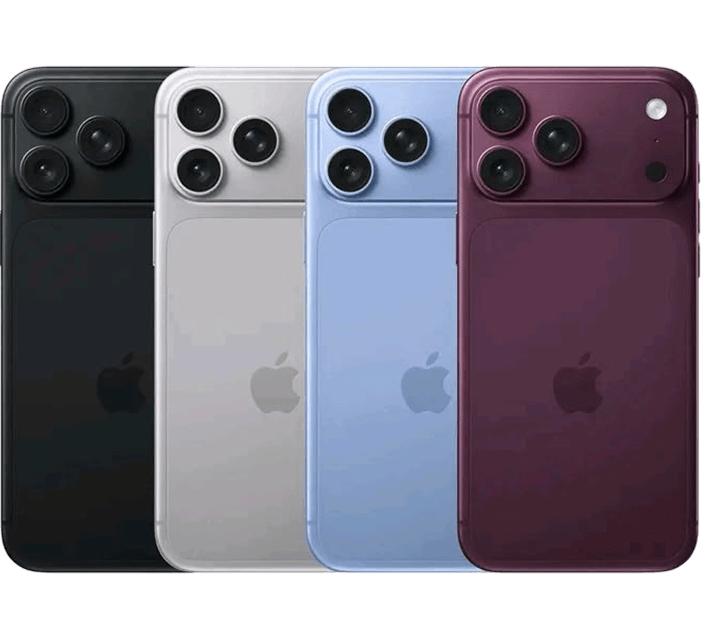
iPhone 18 Pro
Pre-order Sep 12 · Available Sep 18Powered by A20 Pro, iPhone 18 Pro adds a 48MP Fusion Main camera with variable aperture and a smaller, more capable Dynamic Island.
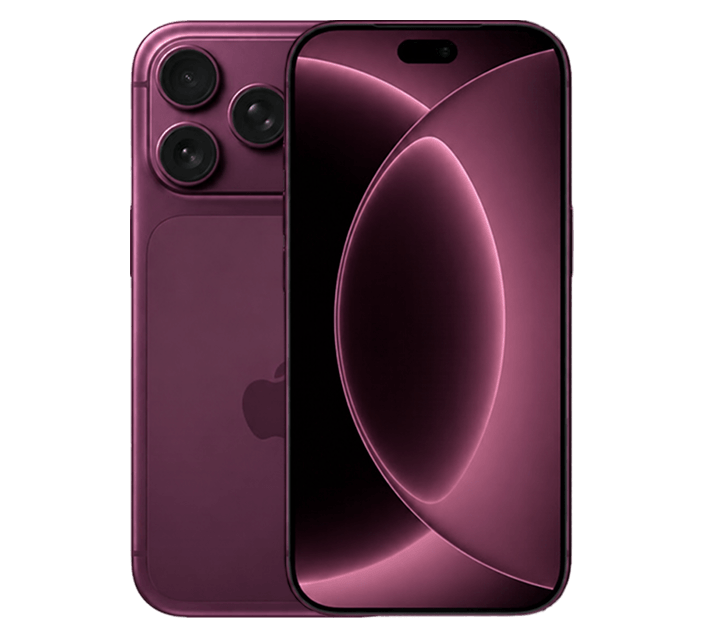
iPhone 18 Pro Max
Pre-order Sep 12 · Available Sep 18iPhone 18 Pro Max combines A20 Pro and the new Pro camera system with Apple's biggest-ever leap in iPhone battery life.
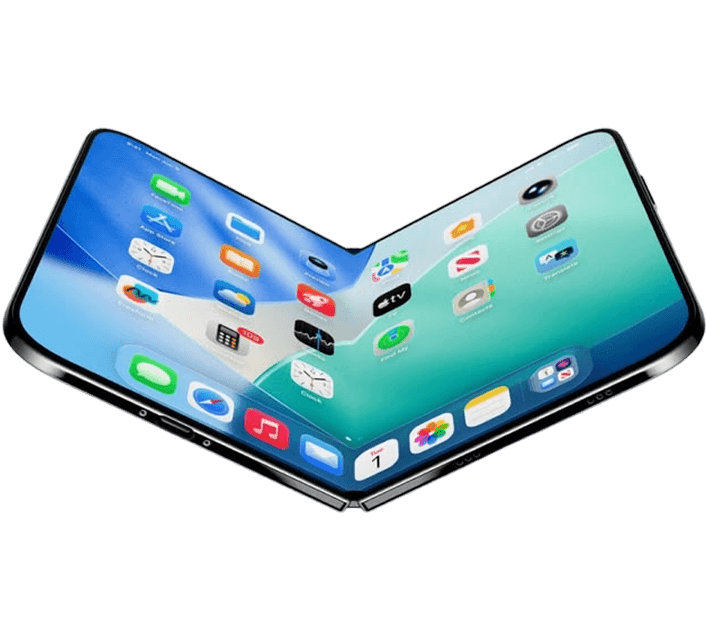
iPhone Duo
Pre-order Oct 16 · Available Oct 23Apple's first foldable iPhone pairs a 5.4-inch outer display with a 7.6-inch inner display, A20 Pro, and new iOS 27 experiences.
What About the Standard iPhone 18?
Apple did not announce a standard iPhone 18 at its September 9 event. Current reports point to an early 2027 launch instead.
What's New in iPhone 18 Pro and iPhone Duo?
See what's new before transferring data to your iPhone 18 Pro or iPhone Duo.
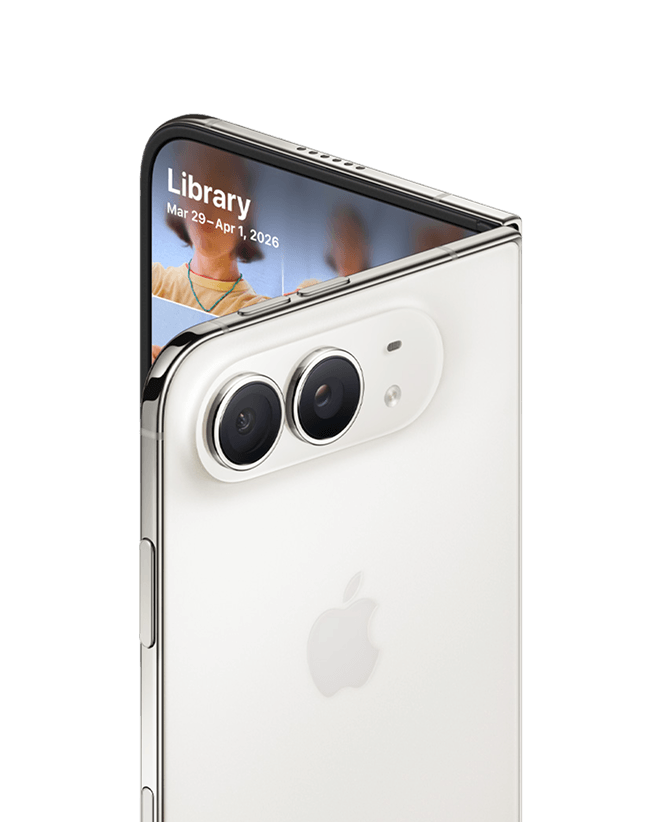
Meet iPhone Duo, Apple's First Foldable iPhone
Closed, iPhone Duo has a 5.4-inch outer display. Open it to reveal a 7.6-inch inner display — the largest ever on an iPhone.
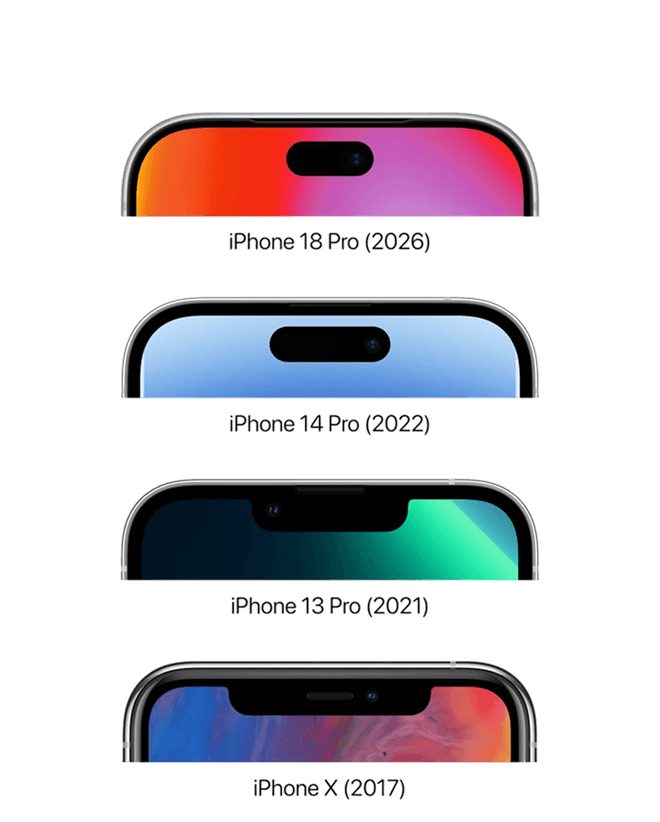
A Smaller, Smarter Dynamic Island
iPhone 18 Pro models feature a smaller Dynamic Island that can now show up to three Live Activities at once.
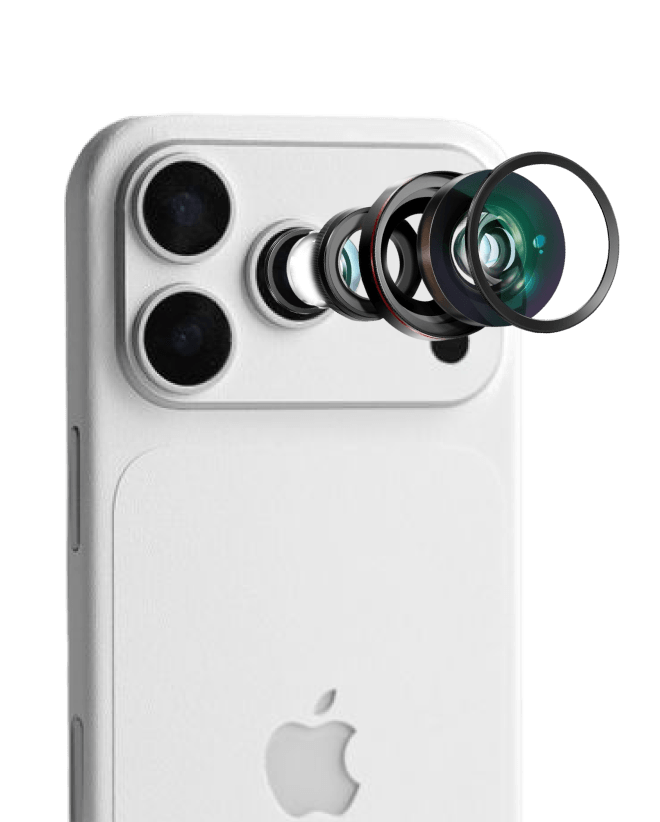
Variable Aperture Comes to iPhone 18 Pro
The new 48MP Fusion Main camera uses variable aperture to give users more control over light, exposure, and depth of field.
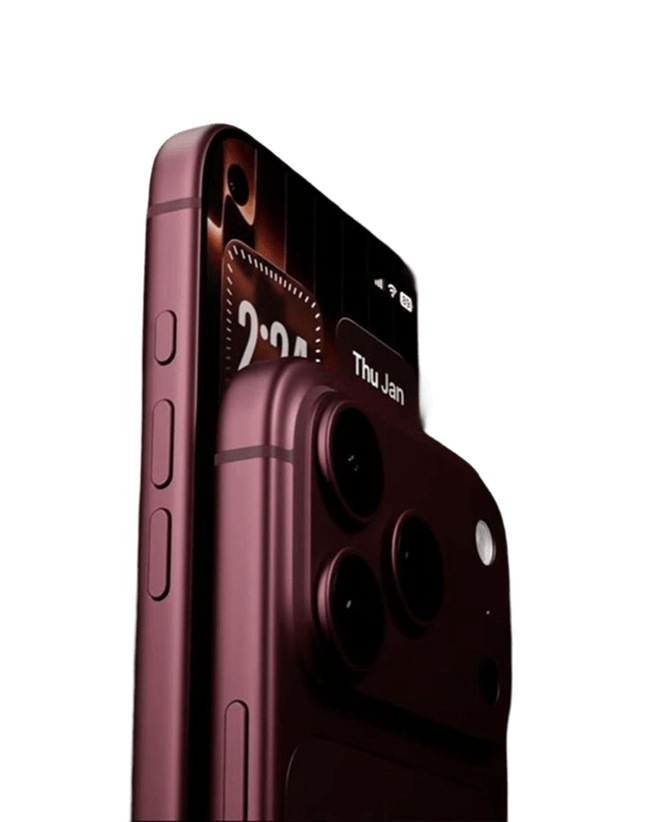
Biggest Battery-Life Leap on iPhone 18 Pro Max
Apple says iPhone 18 Pro Max delivers the largest increase in iPhone battery life yet, helped by A20 Pro and a larger battery.
iPhone 18 Pro, iPhone 18 Pro Max, and iPhone Duo details are based on Apple's September 9 announcement. Standard iPhone 18 timing is based on current reports.
What Users Say About MobileTrans for iPhone Transfer
See how MobileTrans helps users move data, WhatsApp chats, and more between phones.


Yazid A. You made our lives easier. Thank you for creating this.
 7
7

Sean B. It handled a huge transfer of over 15,000 WhatsApp messages between my iPhones without losing a single one. That's pretty impressive!
5

Sarah M. I switched to my new phone in under 20 minutes with everything perfectly intact. The speed is just amazing.
8

Tolgahan D. Very stable and successful.
9

Donna H. This sets the standard for how phone transfers should work; it's so comprehensive and reliable.
3

Lashawn *** It's such a relief to find something that handles transfers between iOS and Android so smoothly without any compatibility issues.
6
Yazid A. You made our lives easier. Thank you for creating this.
7
Sean B. It handled a huge transfer of over 15,000 WhatsApp messages between my iPhones without losing a single one. That's pretty impressive!
5
Sarah M. I switched to my new phone in under 20 minutes with everything perfectly intact. The speed is just amazing.
8
Tolgahan D. Very stable and successful.
9
Donna H. This sets the standard for how phone transfers should work; it's so comprehensive and reliable.
3
Lashawn *** It's such a relief to find something that handles transfers between iOS and Android so smoothly without any compatibility issues.
6

Serene *** The entire experience was fantastic - the instructions were crystal clear, the transfer happened in a flash, and we didn't lose a single message.
5

Malorie N. I'm so glad I found this app! After trying a few others, this one just worked - it handled all the different file types I needed to move between my devices without any issues.
8

Jaime M. Compared to other transfer apps I've used that felt clunky, this one was so smooth, and I was all set up in just a few minutes.
2
Donna H. This sets the standard for how phone transfers should work; it's so comprehensive and reliable.
3

Shawn C. It's fantastic that this supports older devices - I got all 12,000 songs from my old iPod Classic onto my new phone without a problem!
5

Atran *** After getting frustrated with the official transfer methods, I found this mentioned on a forum and it worked flawlessly.
6
Serene *** This app is reliable and easy to use, and it's definitely worth the download!
5
Malorie N. I'm so glad I found this app! After trying a few others, this one just worked - it handled all the different file types I needed to move between my devices without any issues.
8
Jaime M. Compared to other transfer apps I've used that felt clunky, this one was so smooth, and I was all set up in just a few minutes.
2
Donna H. This sets the standard for how phone transfers should work; it's so comprehensive and reliable.
3
Shawn C. It's fantastic that this supports older devices - I got all 12,000 songs from my old iPod Classic onto my new phone without a problem!
5
Malorie N. I'm so glad I found this app! After trying a few others, this one just worked - it handled all the different file types I needed to move between my devices without any issues.
8
More iPhone 18 Transfer Guides and Updates
Explore the latest iPhone 18 news, switching guides, and solutions for common transfer problems.
iPhone 18 News & Features
Move to iOS Help
iPhone 18 Transfer Guides

Ready to Transfer Data to iPhone 18?
Move your photos, contacts, messages, apps, WhatsApp chats, and more from Android or another iPhone to your new iPhone with MobileTrans.