How to Achieve Fast Video Transfer for Large Files
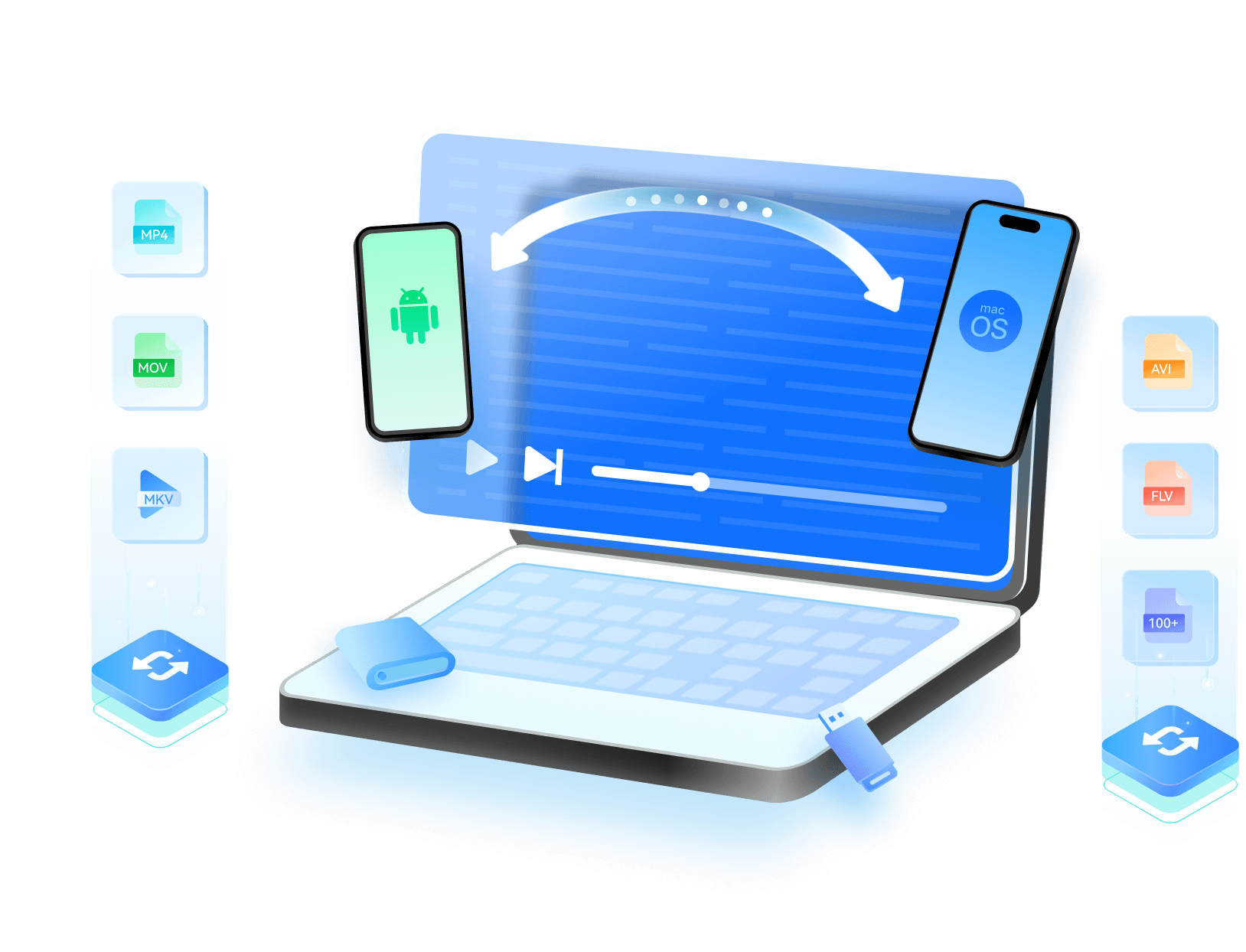
Achieve fast video transfer across Android, iPhone, PC, and Mac without quality loss. Easily transfer large video files in any format—no compression, no delays. Perfect for quick sharing, cross-platform video transfer, and keeping every detail intact.


Common Hurdles in Video Transfer
Ever spent hours trying to transfer large videos from phone to computer, only to end up with broken files or poor resolution?
Video delays, failed transfers, and degraded quality can ruin your important moments. It's time to fix that—fast, smooth, and lossless.

 Video File is Large?
You’ve got a full HD film saved on your phone and want to watch it on your laptop. But the file’s over 4GB, and nothing seems to work — email’s too small, cloud takes forever, and Bluetooth? Don’t even try. You end up googling how to share large video files just to figure out something that should be simple.

 Blurry After Transfer?
You took the time to transfer video in 4K — only to find it’s grainy, the colors are off, and motion feels choppy. It’s frustrating when quality drops without warning, and you're left searching how to transfer videos without losing quality just to get your original back.

 Storage Full Panic?
Right as she blew out the birthday candles, your phone flashed: ‘Storage Full’. No warning, no backup plan. You started deleting apps and photos just to keep filming. What you really needed was a quick way how to transfer videos from iPhone to PC to free up space without panic.

 Endless Progress Bar?
You hit ‘Send’ on your graduation ceremony, and the progress bar barely moved. Ten minutes in, it’s still stuck at 22%. You’re not sure if it’s your Wi-Fi, the file size, or just bad luck—but it shouldn’t be this hard to move one video between two devices.


Reliable Solutions to Transfer Videos
Between Devices Without Losing Quality
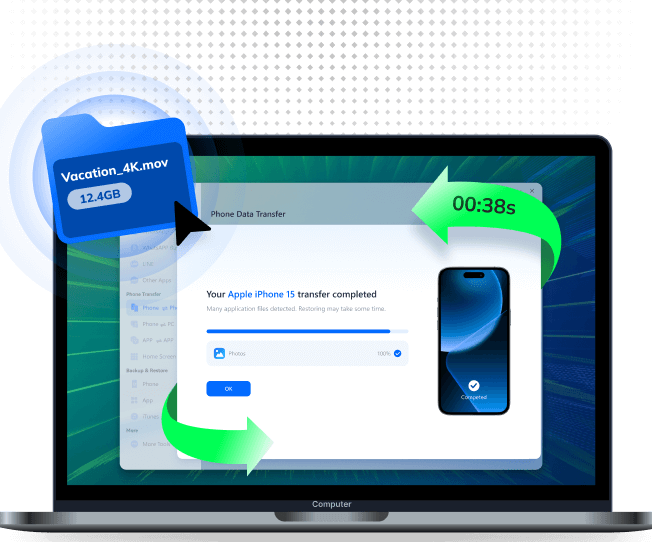
MobileTrans is the fastest way to share large video files between phones and computers—without format limits or quality
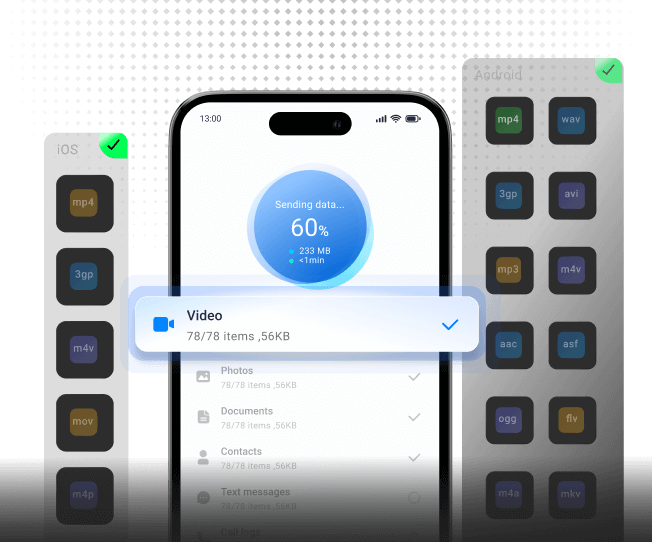
loss. From Android to iPhone or PC to mobile, it supports all major formats (MP4, MOV, MKV, M4V, and more), so your 4K
videos, screen recordings, and family memories transfer smoothly, just as they were.
Transfer Videos From Phone to Phone
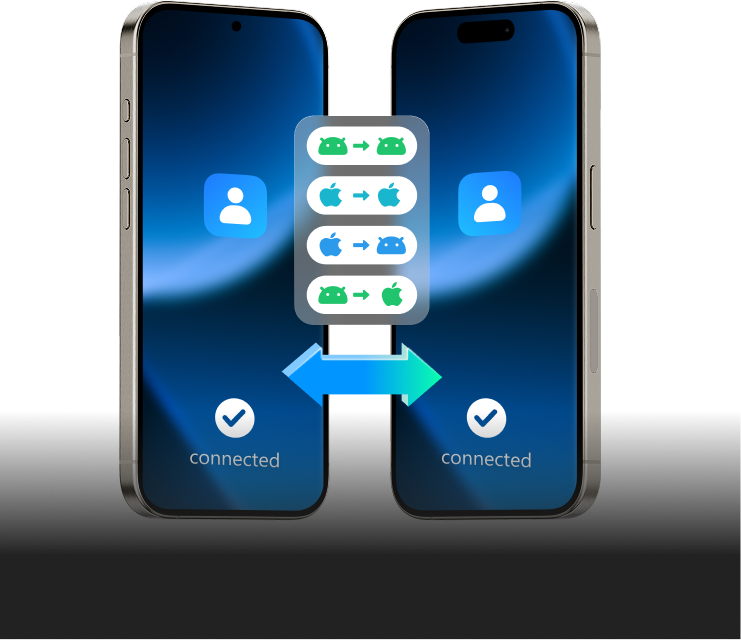
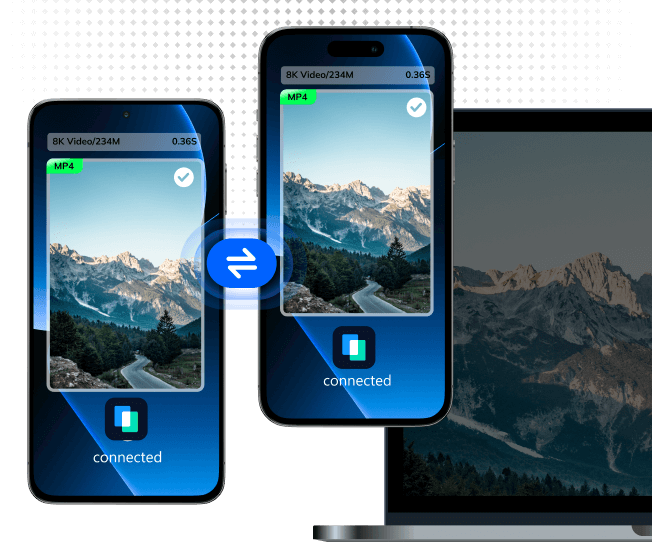
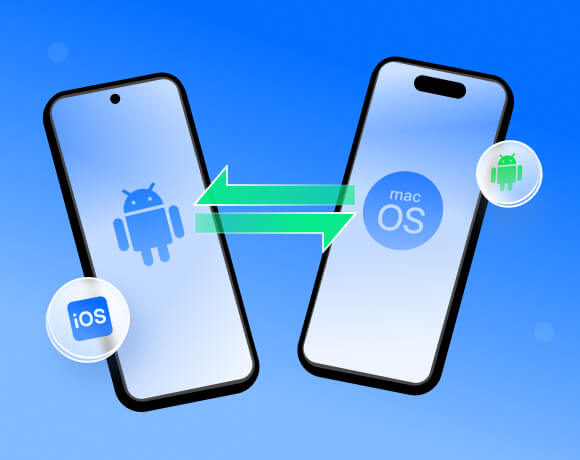
Switching phones but don’t want to lose your memories? With MobileTrans, you can transfer videos from Android to iPhone—or iPhone to Android—in just a few clicks. No internet? No problem. MobileTrans works with direct connections, keeping your original video quality, file names, and metadata intact. Whether you’re upgrading to a new Galaxy or the latest iPhone, your videos move over seamlessly without compression or complicated setup.


Transfer Videos From Phone to PC
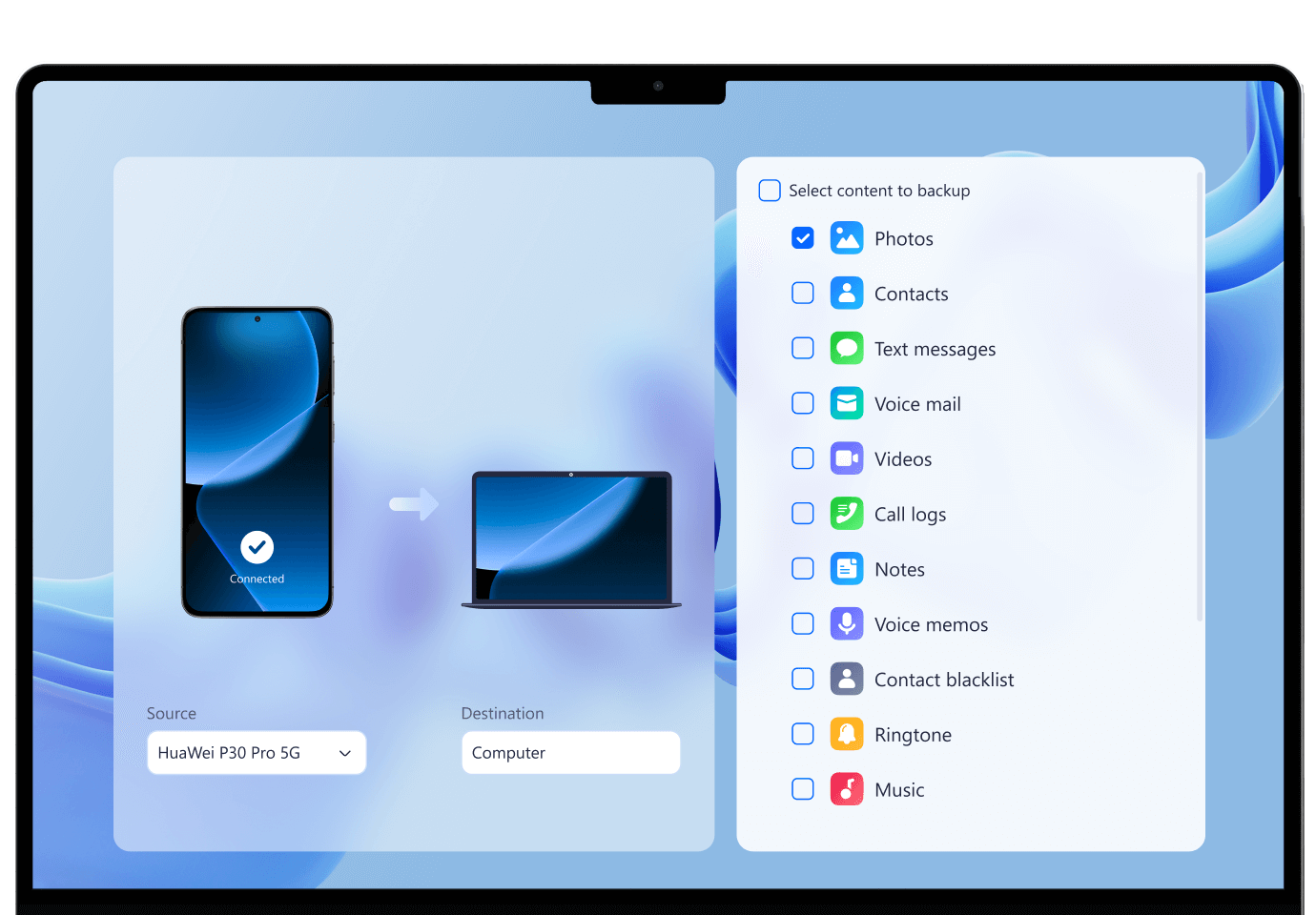
Need extra storage or a safe backup for your videos? MobileTrans makes it simple to transfer videos from your phone to your computer—whether it’s Android to Windows or iPhone to Mac. Keep family videos in their original resolution, organize them on your desktop, or create a long-term archive without relying on cloud space. With full support for popular formats like MP4 and MOV, MobileTrans ensures your video collection stays accessible and protected.
Transfer Videos From Cloud to Phone
Got videos saved in iCloud but switching devices? MobileTrans lets you download your iCloud videos directly to any phone—including Android—without wiping existing data. Just sign in, select the videos you want, and transfer them to your new device at full quality. No Apple ID reset, no re-downloading through multiple apps, and no loss of metadata like timestamps. Your videos are ready to play instantly on your new phone, no matter the platform.
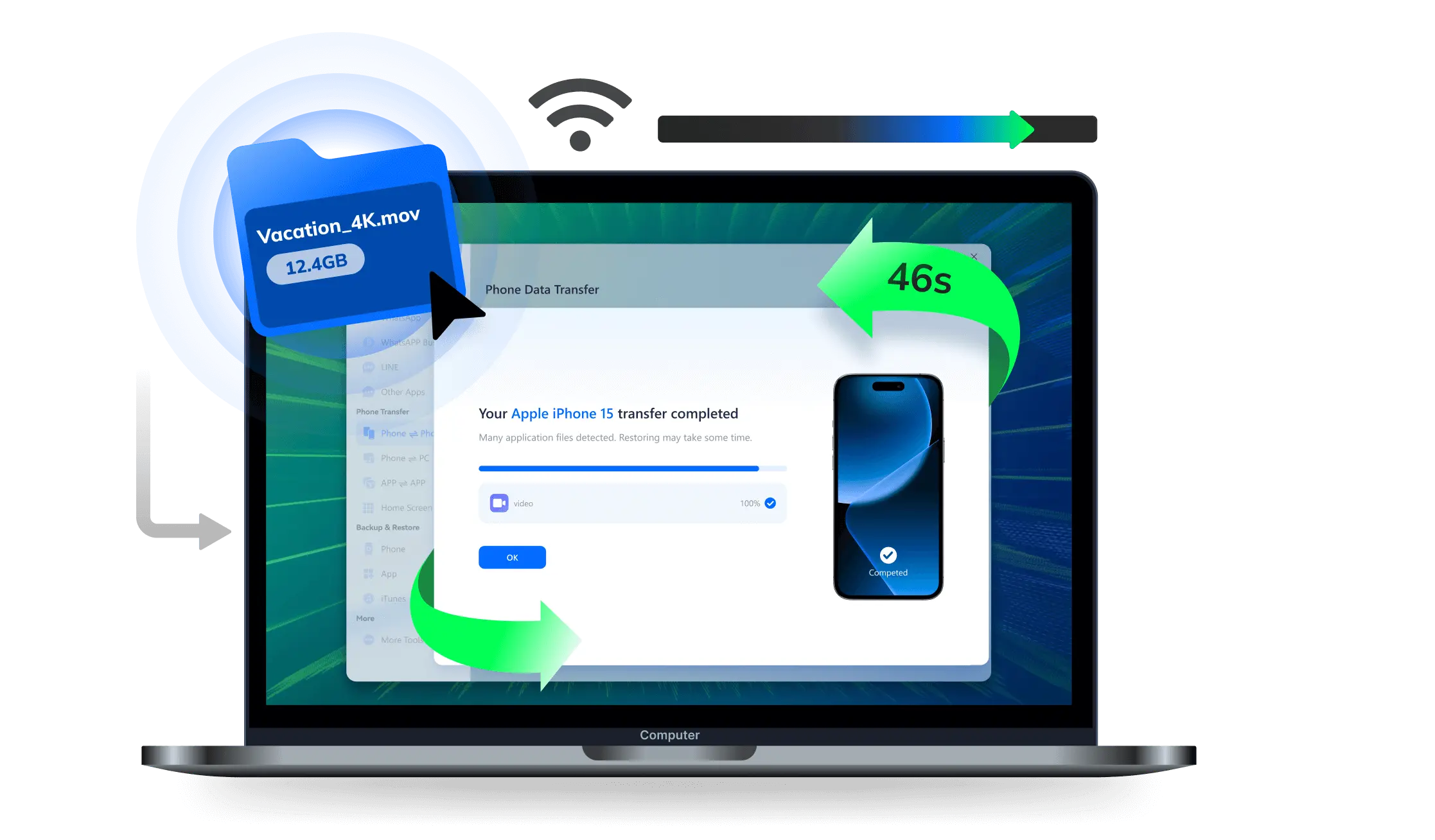
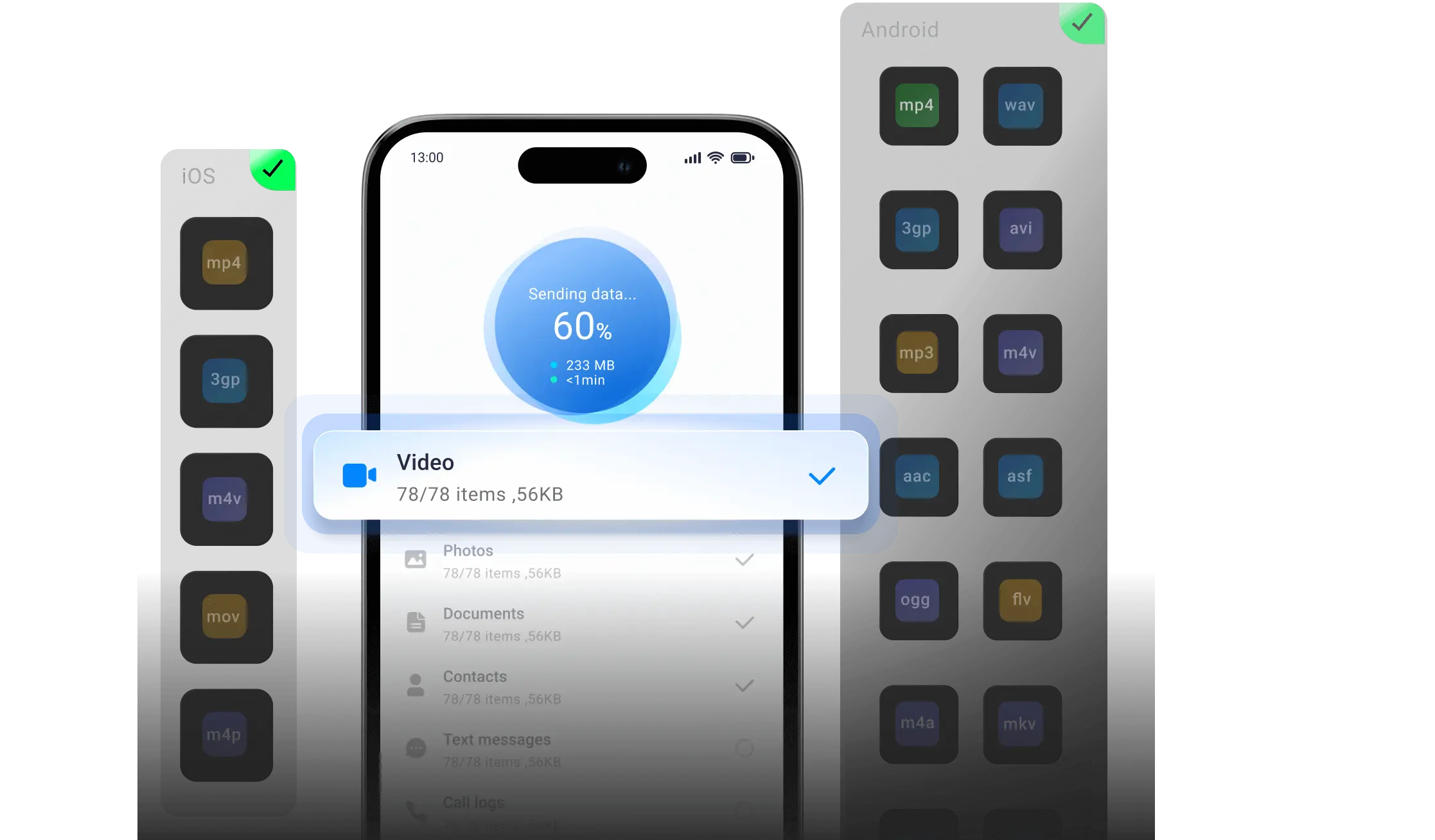
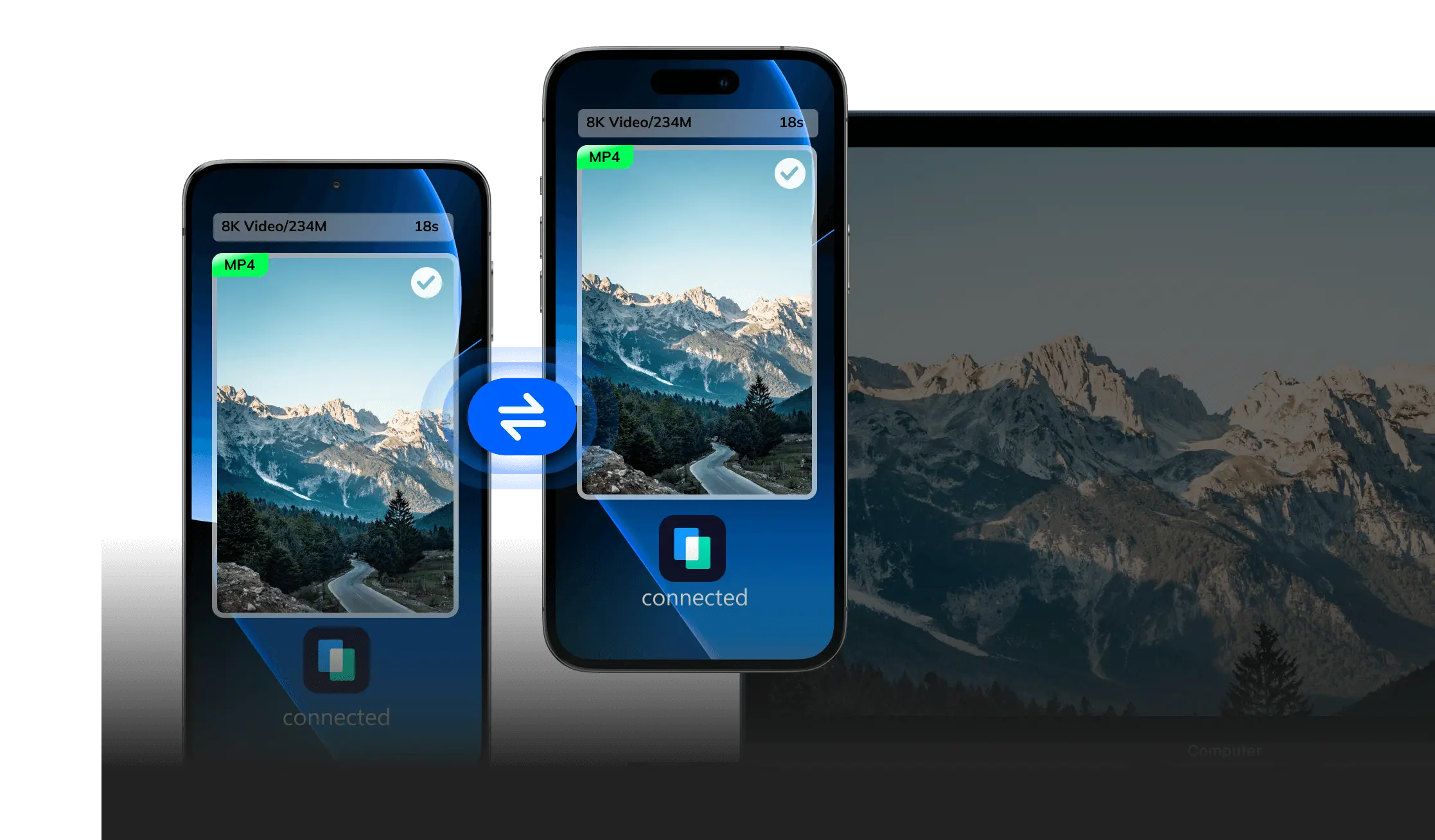
How to Transfer Large Video Files via MobileTrans
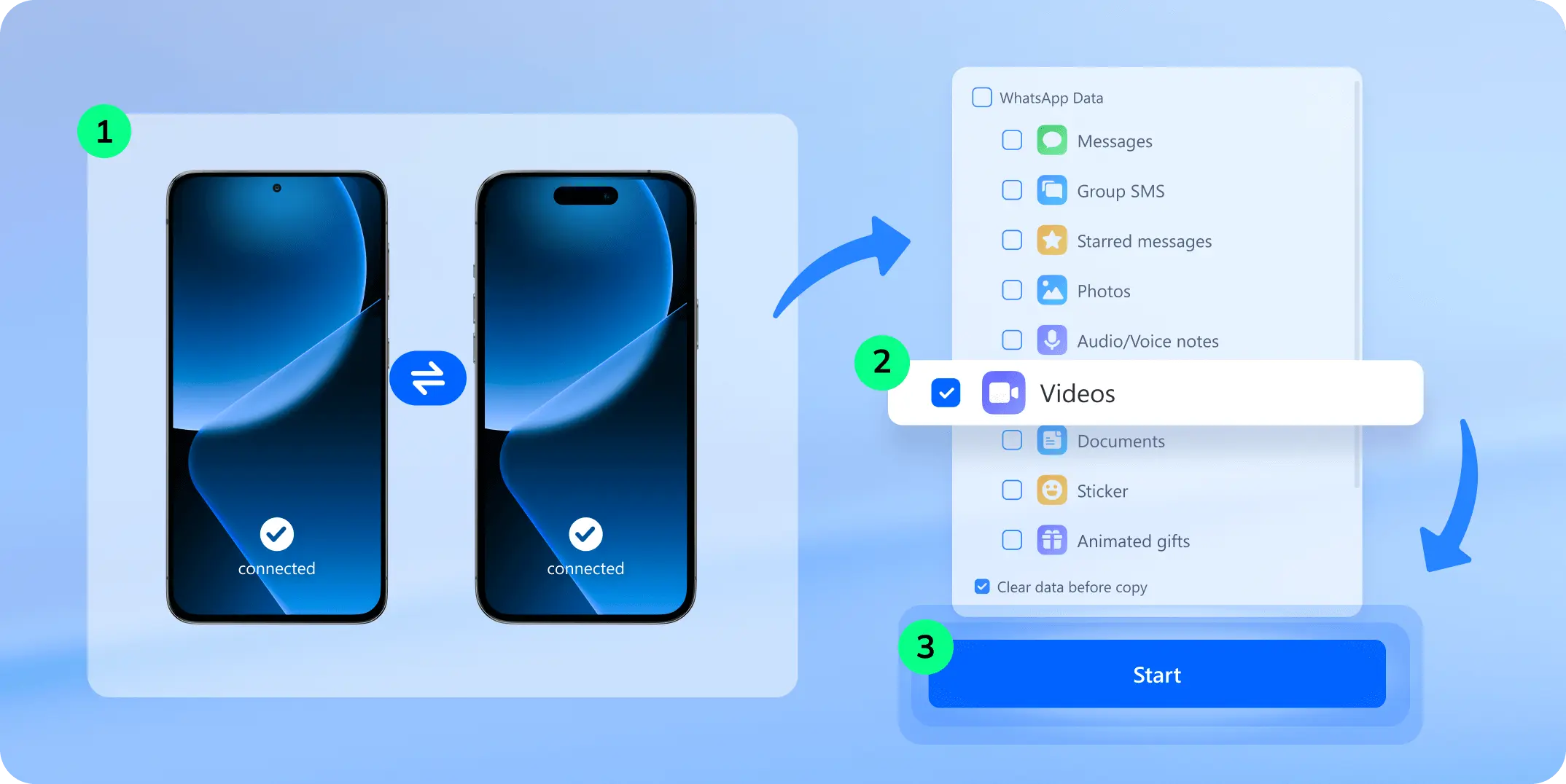
Looking for the easiest way to transfer videos from phone to PC or Android to iPhone? MobileTrans lets you move your clips—
regardless of format or size—without using iTunes, cloud storage, or manual backups.
Other Free Methods to Transfer Videos



- Connect your phone to the computer with a USB cable and enable File Transfer Mode or MTP on your phone.
- Open your computer’s file explorer and locate your phone’s storage.
- Find and copy the video file you want to transfer.
- Paste the video into your computer’s desired folder or transfer it to another device.

- Turn on Bluetooth on both devices and make them discoverable.
- Pair the devices in Bluetooth settings.
- Send the video file via Bluetooth (ensure it’s within size limits).
- Wait for the transfer—it can be slow for large videos, and quality loss is likely.
- Upload the video to Google Drive (may need compression for large files).
- After the upload finishes, select the video and choose Share.
- Send the video link or invite the recipient to access the file.
- On the recipient’s device, open Google Drive and download the video.

- Upload the video to iCloud from your iPhone.
- Sign into iCloud on the recipient’s device (Apple only).
- Navigate to the iCloud Drive or Photos app and locate the video.
- Download the video to the new device.
Why MobileTrans Is the Best Video Transfer Tool
Cloud tools like Google Drive and iCloud rely on internet speed and account storage, making them less ideal for quick, local
transfers. That’s why we focused on offline methods—where MobileTrans clearly leads in speed, file size, and format support.
| MobileTrans | USB | Bluetooth | |
|---|---|---|---|
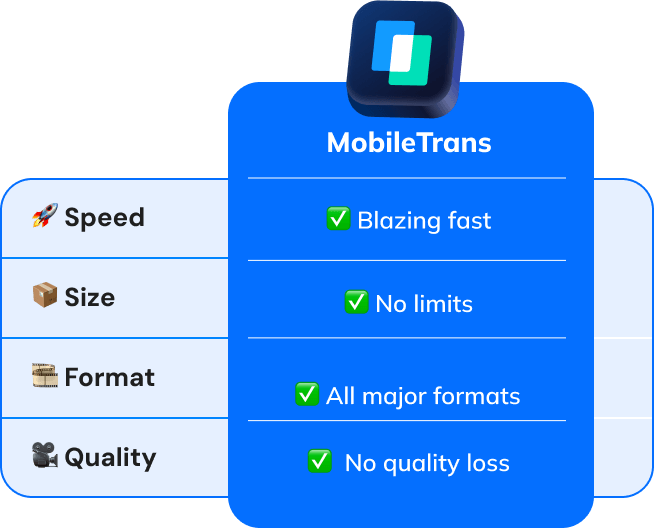
| 🚀 Speed | ✅ Blazing fast | Fast | Slow |
| 📦 Size | ✅ No limits | Limited by storage | Not ideal for large files |
| 🎞️ Format | ✅ All major formats | OS-dependent | Very limited |
| 🎥 Quality | ✅ No quality loss | No compression | Often compressed |

| MobileTrans |
|---|
| ✅ Blazing fast |
| ✅ No limits |
| ✅ All major formats |
| ✅ No quality loss |
3,892 hours saved
More Features of MobileTrans Video Transfer
99.8% success rate in cross-platform video transfers, trusted by 500K+ professionals.
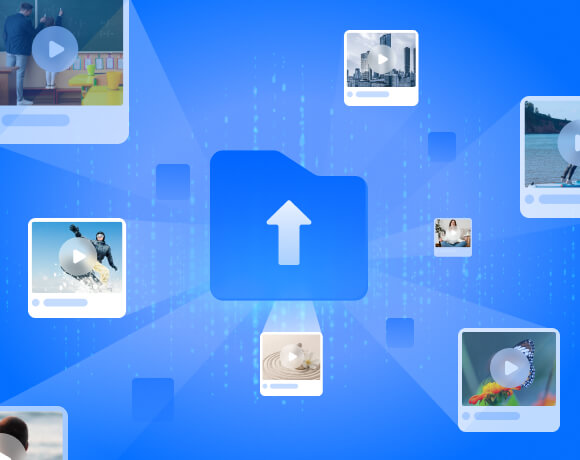
Move hundreds of videos in one go—from family memories to creator libraries, MobileTrans handles it all—while you sip your coffee.
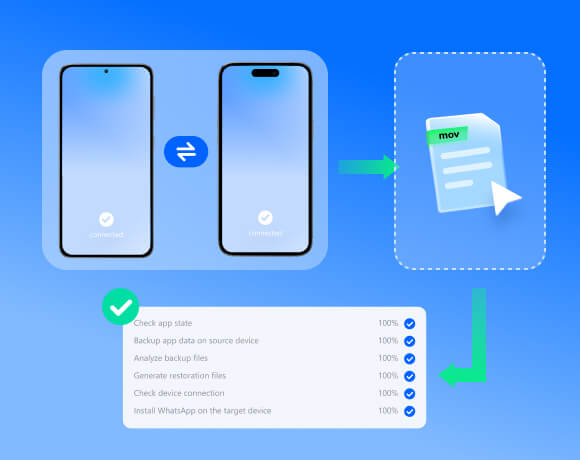
Drag, drop, done. Transfer videos between iPhone and Android in 3 steps—no tech skills needed. Grandma-approved simplicity.
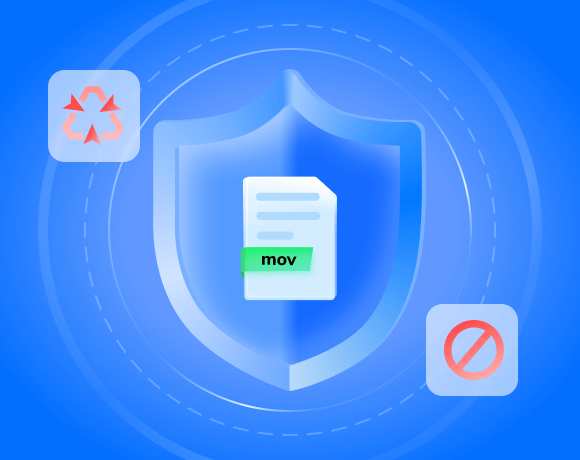
Your memories stay private. AES-256 encryption ensures no one—not even us—can access your videos during transfer.
Helps Anyone Who Needs Video Transfer
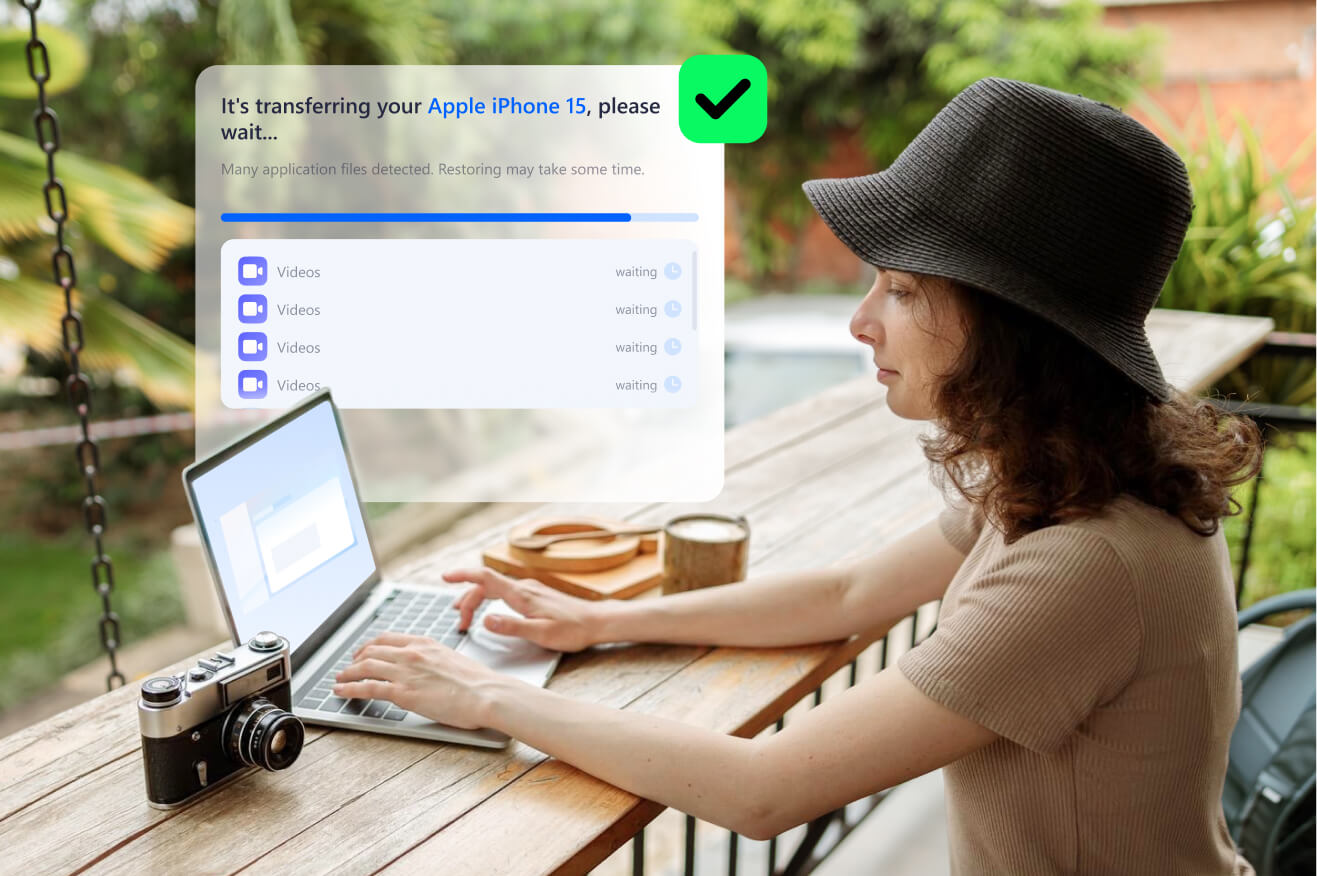
“Saved my 3-week Japan trip when my phone almost died! MobileTrans lets me back up 200GB of videos to my MacBook in cafes. No quality loss!"


“My bride got her preview videos before leaving the venue! Transferred 8K footage to 5 phones simultaneously. Clients love instant sharing."

“My son helped me transfer my 60th birthday videos once, and now I can resend them myself!"
Tips to Transfer Large Video Files Without Losing Quality

