All-in-One Contact Transfer Move & Merge Seamlessly
- Transfer contacts from Android to iPhone and vice versa
- Import contacts from phone to PC/PC to phone
- Import/export via vCard, Outlook & more
- Merge duplicate contacts in one tap
- Retain your contact groups


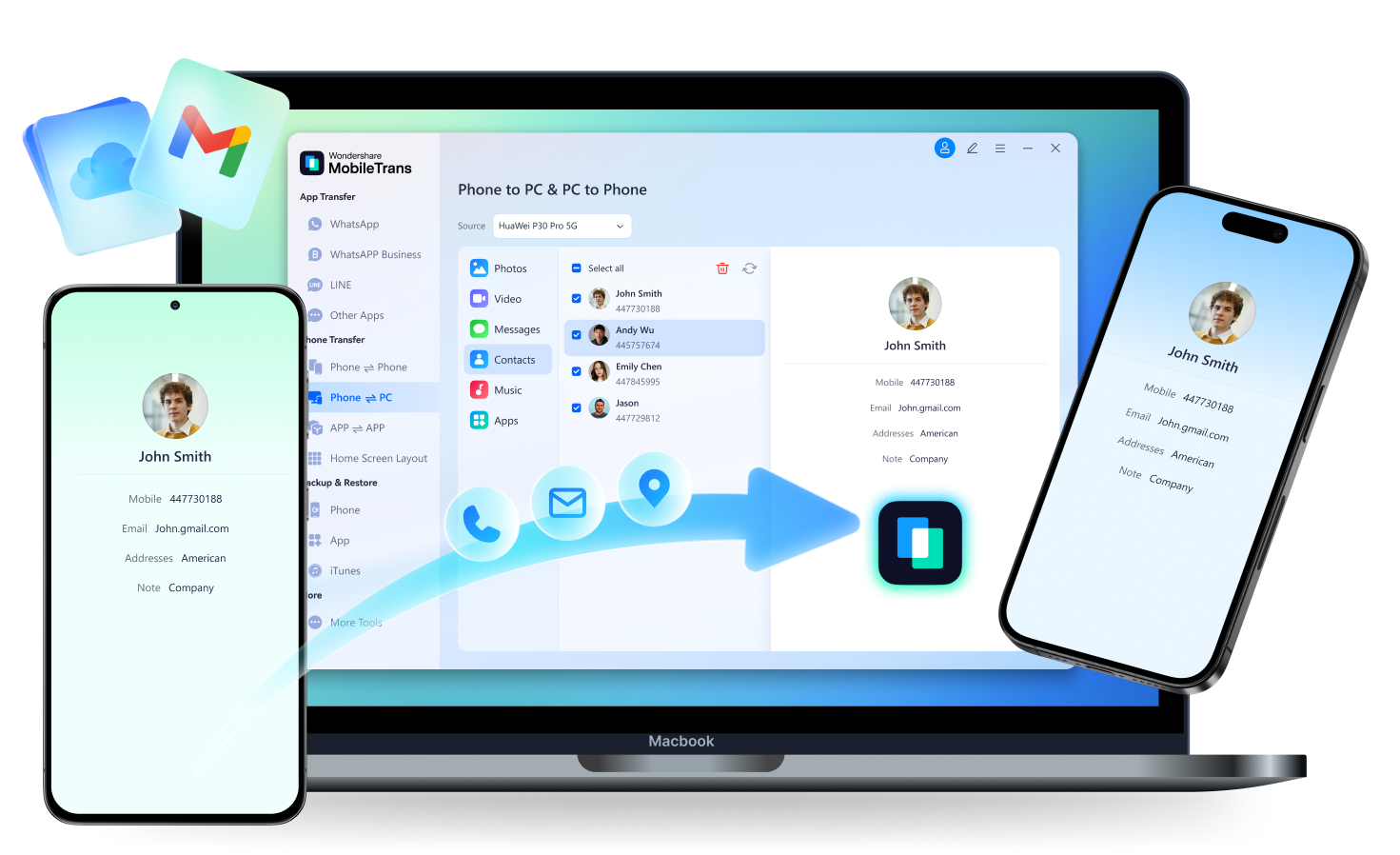


Struggling to Move Your Contacts?
Unfortunately, moving house from your old phone to your new one isn't always smooth sailing.

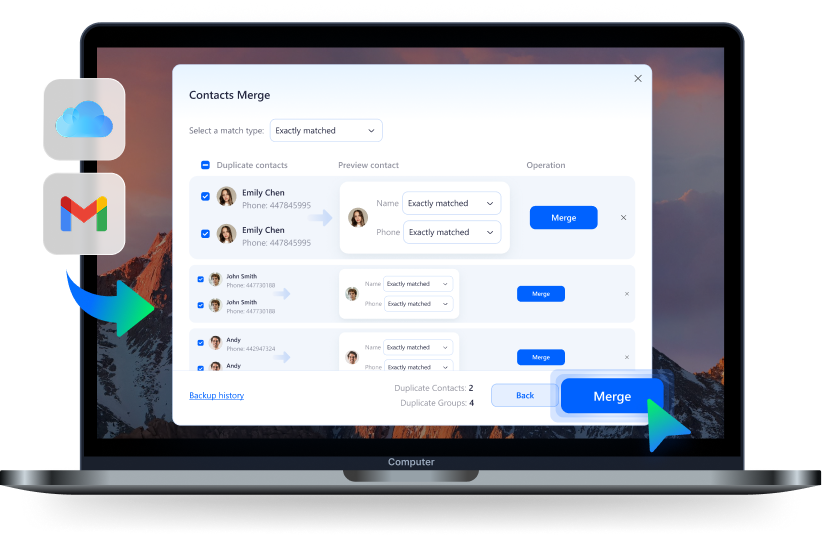
Trying to transfer contacts from multiple accounts — Gmail, iCloud, Outlook — only to end up with triple the mess? Now you’ve got five Johns, four Emilys, and no clue which one is current. Manual cleanup is a headache, and deleting the wrong one could cost you important info.

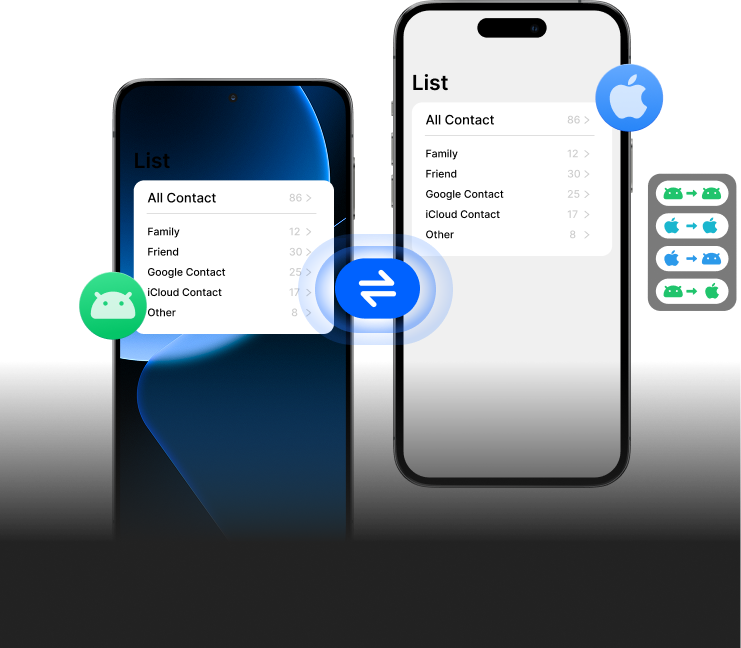
You had your contacts neatly grouped — family, work, school. But after transferring them to your new phone, everything’s dumped into one big list. No folders, no labels, just chaos. It’s frustrating when you need to find someone quickly, but your new device can’t recognize how you organized them before.

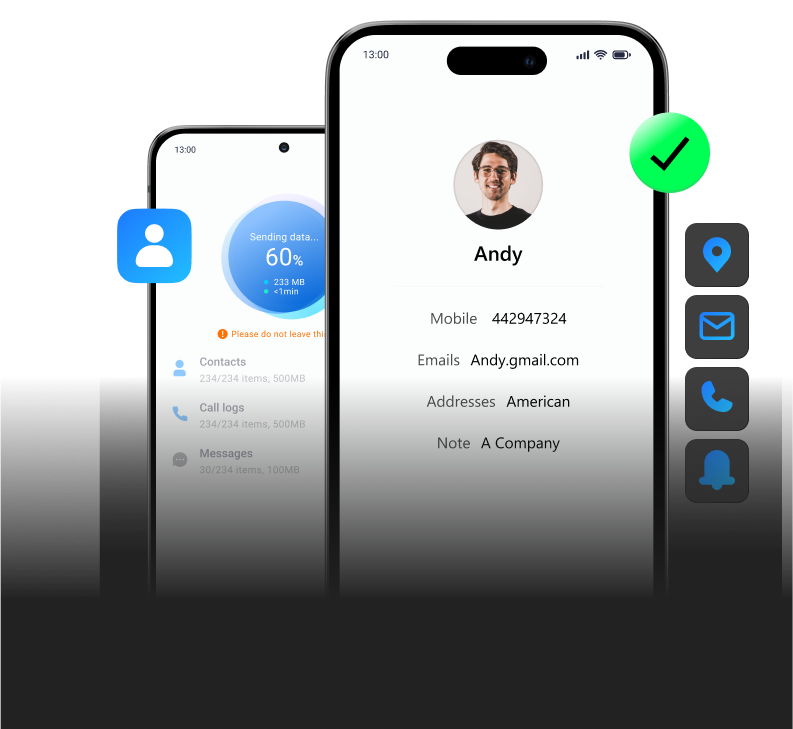
Ever transferred your contacts to a new phone only to find just names and phone numbers left? Where are the emails, addresses, company names? Whether you switched from Android to iPhone or just upgraded your device, losing important details during contact transfer is more common than you think.


One-Click & One-Stop Contact Transfer Solution
MobileTrans lets you move contacts across devices—without losing names, emails, groups, or notes. It merges duplicates, supports iOS, Android, and PC,
and works with formats like vCard and Outlook. No more messy transfers. Just clean, complete, and effortless contact migration.
Transfer Contacts From Phone to Phone
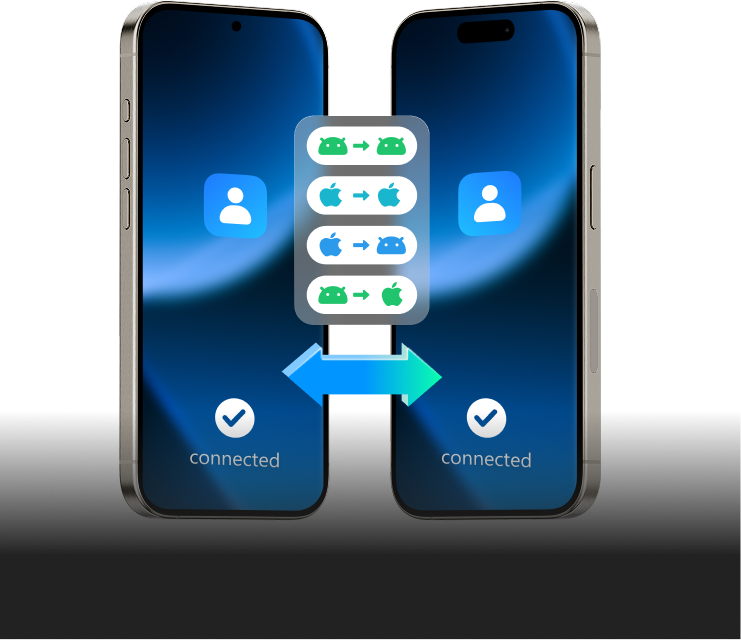
Switching phones? With MobileTrans, easily transfer contacts from Android to iPhone—or vice versa, with no data loss or manual cleanup. MobileTrans supports every transfer combination: Android to Android, iPhone to iPhone, and even across systems like iPhone to Android. Don’t need Wi-Fi, cloud sync, or complicated steps—just plug in and go. Your contact names, numbers, emails, and notes move over completely, just like that.




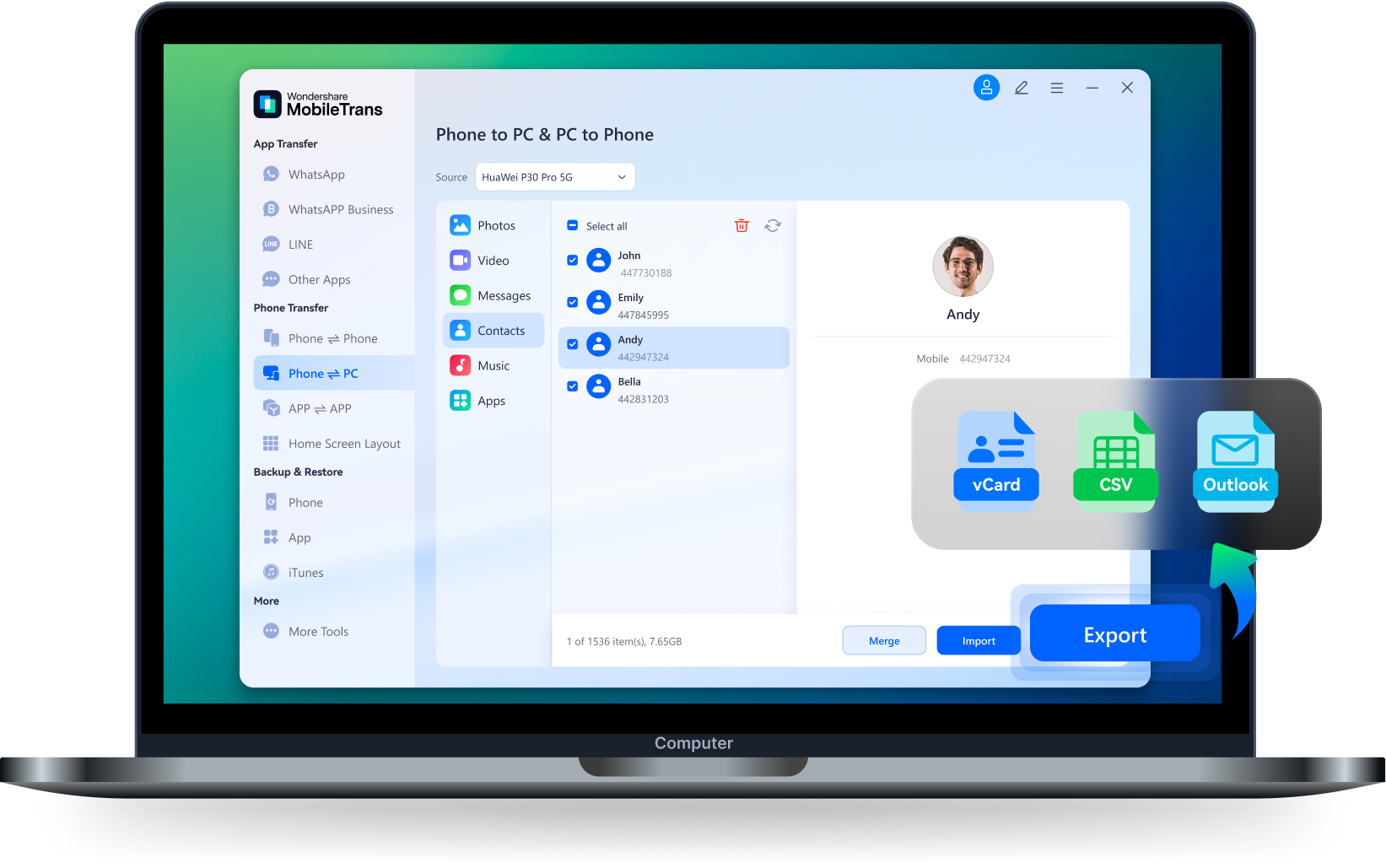
Transfer Contacts From Phone to PC
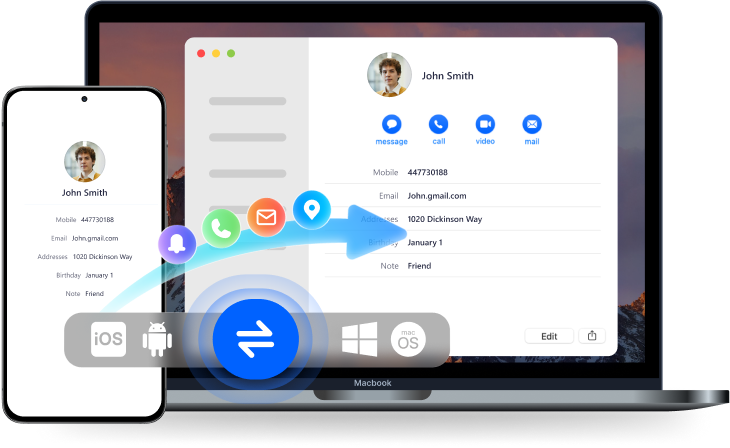
Transfer your phone contacts to computer for backup or bulk editing in seconds. Whether you're syncing contacts from iPhone to Mac, or backing up Android contacts to Windows, MobileTrans makes it fast and simple. Keep a local copy for peace of mind, or export in formats like CSV or vCard to manage large contact lists more efficiently.
Transfer Contacts From Cloud to Phone
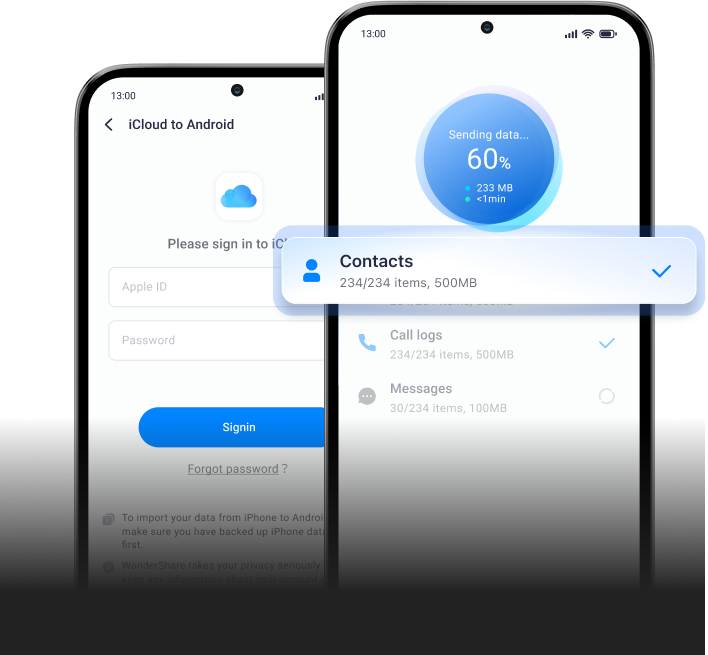
Got contacts in iCloud? MobileTrans helps you sync your iCloud contacts directly to any device, even Android, without needing to reset your phone. Easily sign into your iCloud account, preview contacts, and selectively transfer what you need to your new phone—whether it’s Android or another iPhone. No need to wipe data, switch Apple IDs, or go through complicated setup steps.
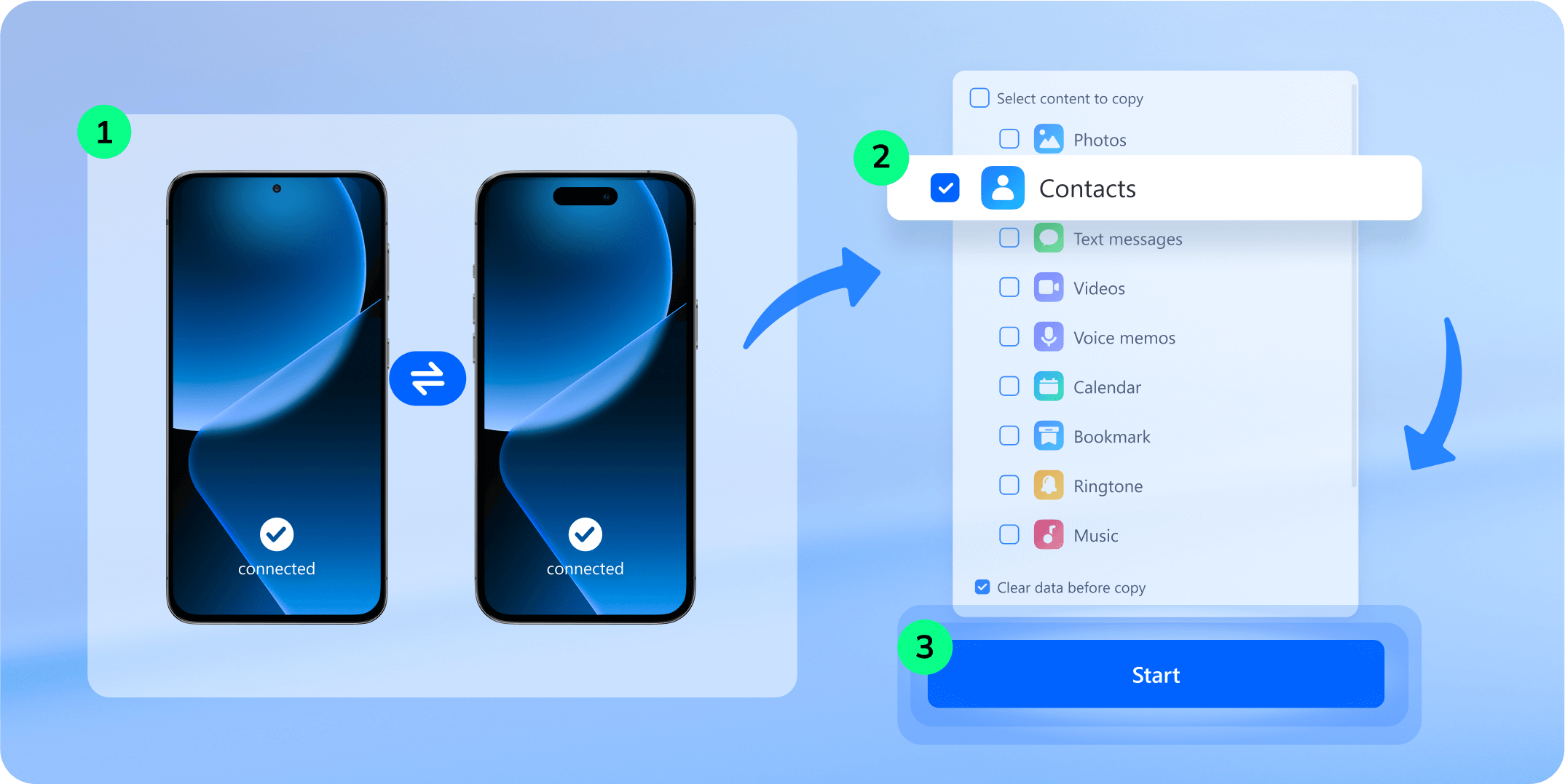
MobileTrans’s Simplified Contact Transfer Process
Need a quick, reliable way to move your contacts between devices? MobileTrans makes it easy to transfer your
entire address book—complete with names, numbers, emails, and notes—without iCloud, SIM cards, or manual
exports.
Other Common Methods to Transfer Contacts


- Log into your Google/iCloud account on both old and new phones.
- Enable contact sync in account settings.
- Wait for sync to complete (may take time depending on network).
- Manually check and merge duplicates if needed.
- Download "Move to iOS" on your Android device.
- Start iPhone setup and select "Move Data from Android".
- Enter the code displayed on iPhone into Android device.
- Select "Contacts" and begin transfer.
- Export contacts as a .VCF file on your old phone.
- Send the file via email or transfer it using USB/cloud.
- Open the .VCF file on the new device.
- Import contacts manually into the Contacts app.
- Save contacts to your SIM card on the old phone.
- Remove SIM and insert it into the new phone.
- NGo to Contacts settings and import from SIM.
- Manually edit or organize contacts afterward.
Why Millions Trust MobileTrans
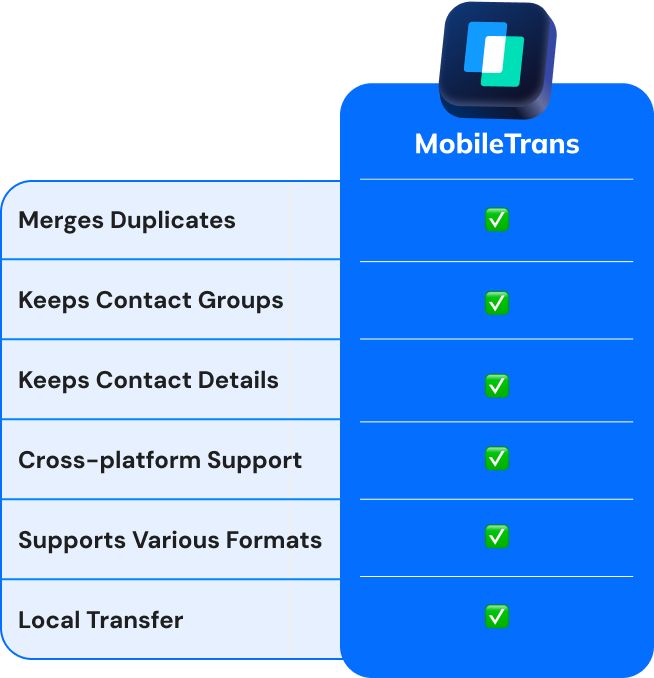
Not all contact transfer methods are created equal. Whether you're switching from Android to iPhone, backing up your address
book, or managing duplicates, here's how MobileTrans stacks up against other common methods.
| MobileTrans | Google/iCloud | Move to iOS | .VCF | SIM Card | |
|---|---|---|---|---|---|
| Merges Duplicates | ✅ | ❌ | ❌ | ❌ | ❌ |
| Keeps Contact Groups | ✅ | ❌ | ❌ | ❌ | ❌ |
| Keeps Contact Details | ✅ | ✅ Mostly | ⚠️ Some | ⚠️ Varies | ❌ |
| Cross-platform Support | ✅ | ❌ | ✅ | ✅ | ❌ |
| Supports Various Formats | ✅ | ❌ | ❌ | ⚠️ .vcf only | ❌ |
| Local Transfer | ✅ | ❌ | ❌ | ✅ | ✅ |

| MobileTrans |
|---|
| ✅ |
| ✅ |
| ✅ |
| ✅ |
| ✅ |
| ✅ |
More Features of MobileTrans Contact Transfer
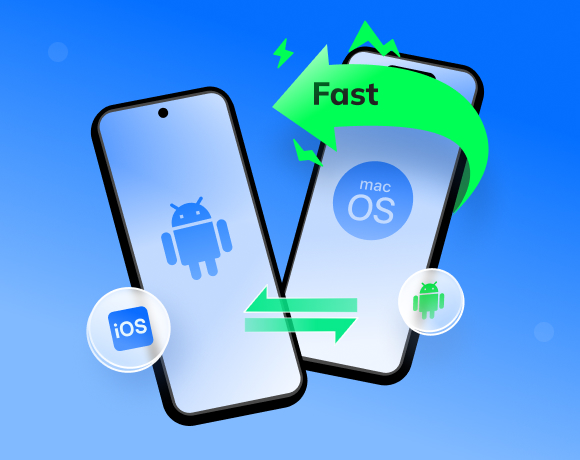
Transfer 1000+ contacts in seconds—fast, reliable, and built for busy users switching devices or backing up data.
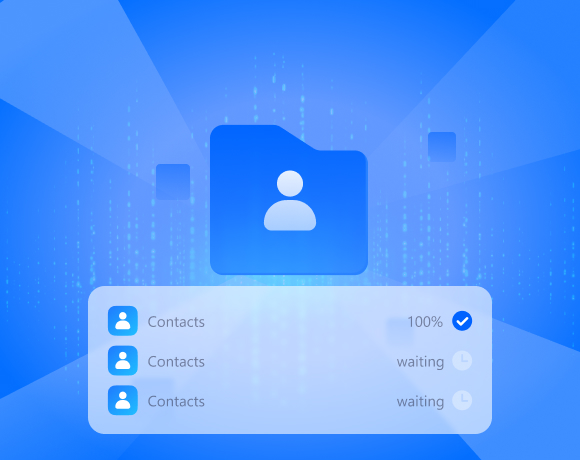
No more guessing. Watch your contact transfer progress in real time—so you instantly know what’s completed and what needs a
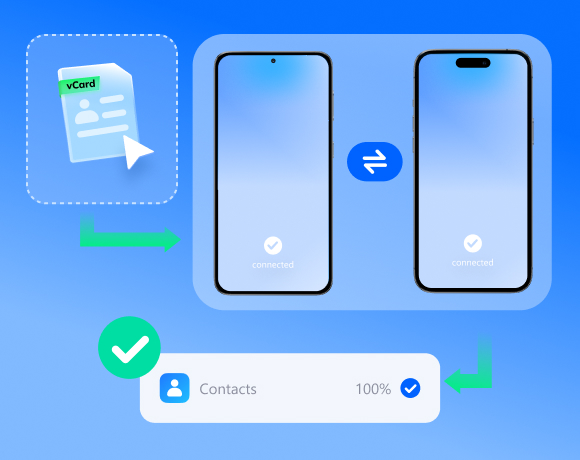
Tap, confirm, done. From importing a vCard to moving contacts between phones, it’s as easy as 1-2-3—even for non-tech users.
Your contacts, your control. MobileTrans uses AES-256 encryption to protect your personal info—no cloud risks, no third-party snooping.
Helps Anyone Who Needs Contact Transfer
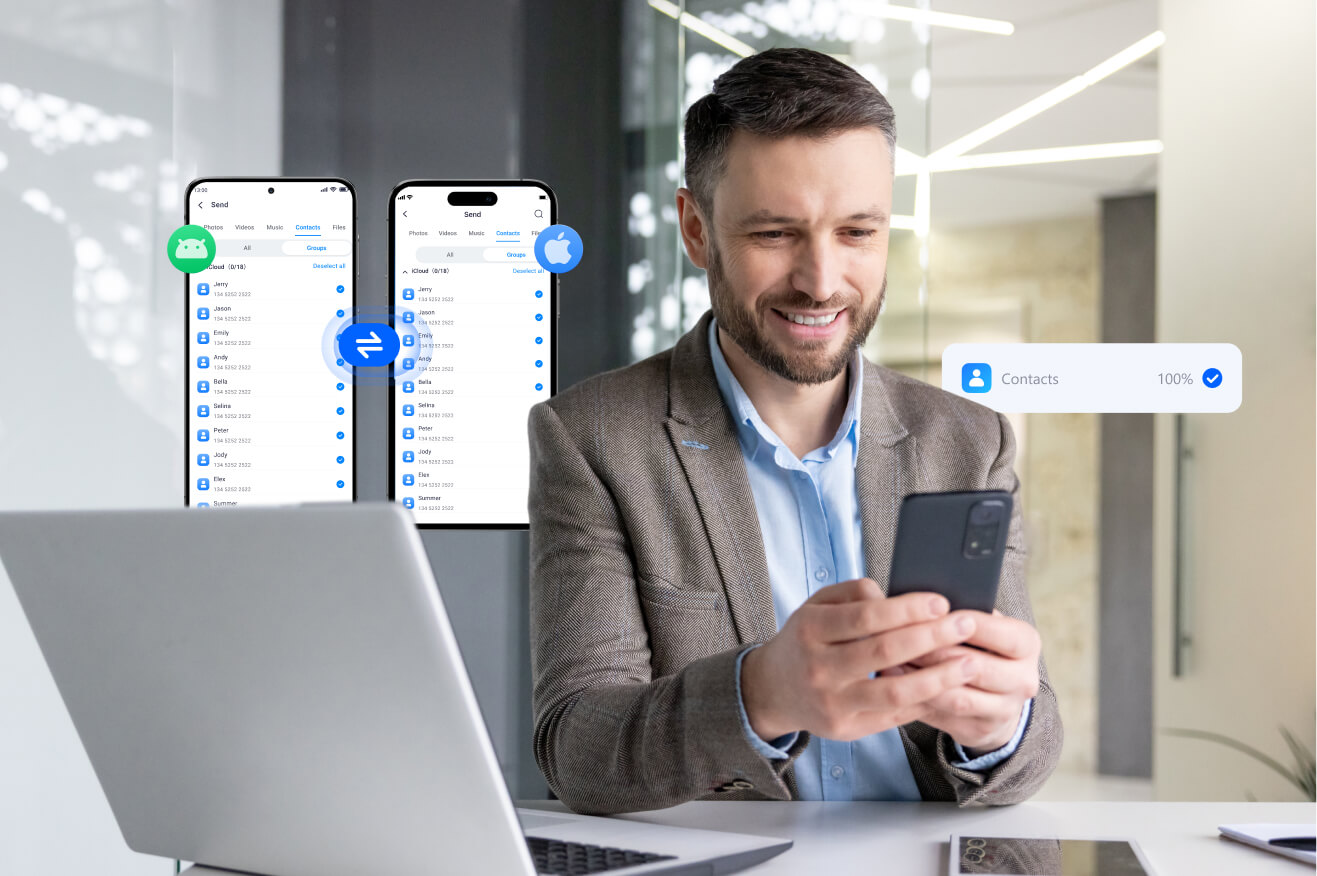
“Switching from Android to iPhone used to mean hours rechecking if all my clients’ info made it through. With MobileTrans, every contact field—from notes to email—was there in one click. No stress, no errors.”

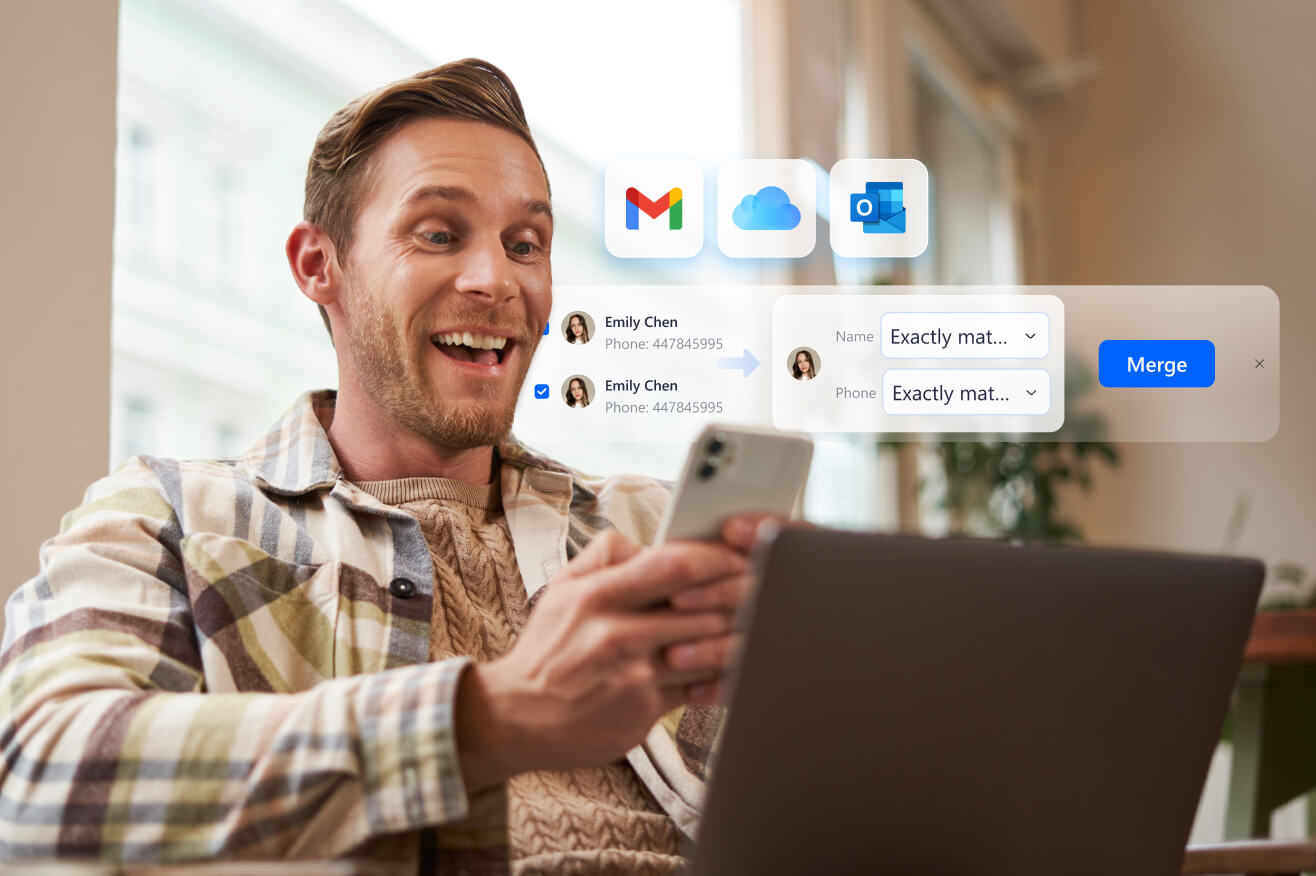
“I had thousands of scattered contacts from years of work — Gmail, iCloud, Outlook. MobileTrans merged them all, deleted duplicates, and even let me export backups.”
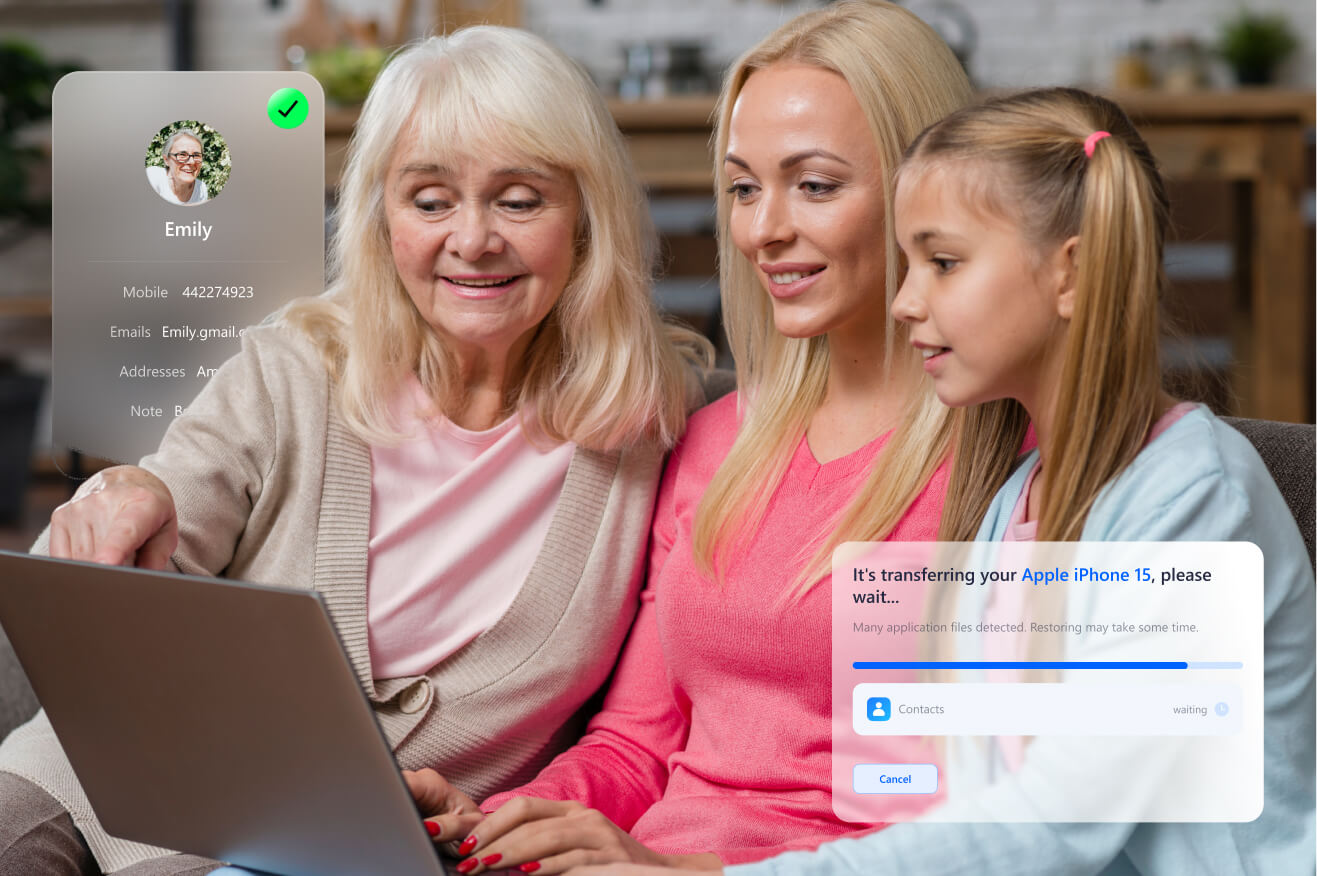
“Helped my mom transfer all her contacts—including birthdays and old notes—from her flip phone to her new Android. MobileTrans kept everything organized. She didn’t lose a thing.”
More Tips for Smart & Secure Contact Transfer

