The iPhone 17 Pro and Galaxy S23 Ultra are both premium phones, but they come from different generations and different design priorities. The iPhone 17 Pro combines newer silicon, lower weight, faster USB 3 transfer, and stronger battery claims, while the Galaxy S23 Ultra still appeals if you want a huge display and Samsung's most zoom-heavy Ultra camera hardware.
In this comparison, we break down the key differences between the iPhone 17 Pro and Galaxy S23 Ultra across price, design, display, performance, cameras, battery life, software features, and transfer workflow so you can decide which premium phone makes more sense.
TL;DR: The iPhone 17 Pro is the better all-around buy for most people, while the Galaxy S23 Ultra still makes sense if its giant display and long-range zoom matter most to you.
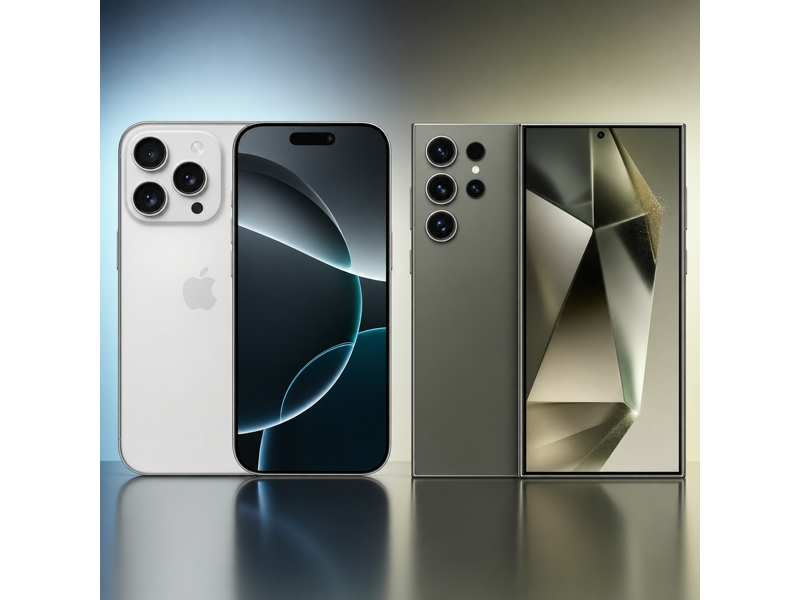
iPhone 17 Pro vs Galaxy S23 Ultra Specs Table
The table below highlights why this is not a simple Apple-versus-Samsung comparison. The iPhone 17 Pro is newer, lighter, and better on battery claims, while the Galaxy S23 Ultra still answers with a larger display and more aggressive zoom hardware.
| Specifications | iPhone 17 Pro | Galaxy S23 Ultra |
|---|---|---|
| Starting Price | $1,099 | $1,199.99 |
| Dimensions | 5.91 x 2.83 x 0.34 in | 6.43 x 3.07 x 0.35 |
| Weight | 206 g | 234 g |
| Processor | A19 Pro | Snapdragon 8 Gen 2 for Galaxy |
| Storage | 256GB, 512GB, 1TB | 256GB / 512GB / 1TB |
| Display | 6.3 in (Super Retina XDR OLED, ProMotion, Always-On) | 6.8 in (Dynamic AMOLED 2X) |
| Resolution | 2622 x 1206 | 3088 x 1440 |
| Connectivity | 5G, Wi-Fi 7, Bluetooth 6, Thread, NFC, Ultra Wideband | 5G, LTE, Wi-Fi 6E, Bluetooth 5.3, NFC, UWB |
| Rear Cameras | Triple 48MP Pro camera system | Quad rear camera |
| Front Camera | 18MP Center Stage | 12MP |
| Battery Life | Up to 33 hours video playback | Up to 26 hours video playback |
| Colors | Cosmic Orange, Deep Blue, Silver | Phantom Black, Cream, Green, Lavender, Graphite, Sky Blue, Lime, Red |
iPhone 17 Pro vs Galaxy S23 Ultra: Price
The iPhone 17 Pro starts at $1,099, while the Galaxy S23 Ultra starts at $1,199.99. That puts the Samsung model about $101 higher at launch. In that situation, the lower-priced phone does not have to be perfect. It just has to deliver the stronger overall package for less money. The iPhone 17 Pro does exactly that with a lower entry price, USB 3 transfer up to 10Gb/s, and a more compact Pro design.
Because the newer iPhone also launches for less, the iPhone 17 Pro has the cleaner value argument here. The Galaxy S23 Ultra is harder to justify unless its giant-screen Ultra format and zoom hardware are exactly what you want.
 Winner: iPhone 17 Pro
iPhone 17 Pro vs Galaxy S23 Ultra: Design
The iPhone 17 Pro measures 5.91 x 2.83 x 0.34 in and weighs 206 g, while the Galaxy S23 Ultra measures 6.43 x 3.07 x 0.35 and weighs 234 g. That means this section is not just about looks. It is about footprint, thickness, and how heavy the phone feels over a full day.
The iPhone 17 Pro is the easier phone to live with for most people because it is much narrower and lighter than the Galaxy S23 Ultra. The Ultra size only helps if you actively want a very large-screen device. For everyday carrying comfort, the iPhone is the easier pick.
Winner: iPhone 17 ProiPhone 17 Pro vs Galaxy S23 Ultra: Display
The iPhone 17 Pro has a 6.3 in panel at 2622 x 1206, while the Galaxy S23 Ultra gives you a 6.8 in panel at 3088 x 1440. Both are excellent flagship displays with adaptive refresh, but the difference is mostly about scale and sharpness. If you want the bigger, more cinematic screen, the Galaxy S23 Ultra is the stronger display choice.
Winner: Galaxy S23 UltraiPhone 17 Pro vs Galaxy S23 Ultra: Performance
The iPhone 17 Pro runs on the A19 Pro, while the Galaxy S23 Ultra uses the Snapdragon 8 Gen 2 for Galaxy. Both are powerful, but this is one of the few matchups where the generation gap matters. The iPhone is the newer 2025 Pro device, while the Galaxy S23 Ultra is built on an older 2024 flagship chip generation. That makes the iPhone 17 Pro the safer pick if you want the newer performance tier and better long-term headroom.
Winner: iPhone 17 ProiPhone 17 Pro vs Galaxy S23 Ultra: Camera
This is the one section where Samsung fights back hardest. The iPhone 17 Pro offers a Triple 48MP Pro camera system, but the Galaxy S23 Ultra answers with a Quad rear camera that includes both 3x and 10x telephoto options plus a 200MP main camera. If zoom range and having the broadest rear-camera toolkit matter more than pocketability, the Ultra still has the stronger camera hardware case. Front camera resolution is not a major separator here because the iPhone lists 18MP Center Stage and Samsung lists 12MP.
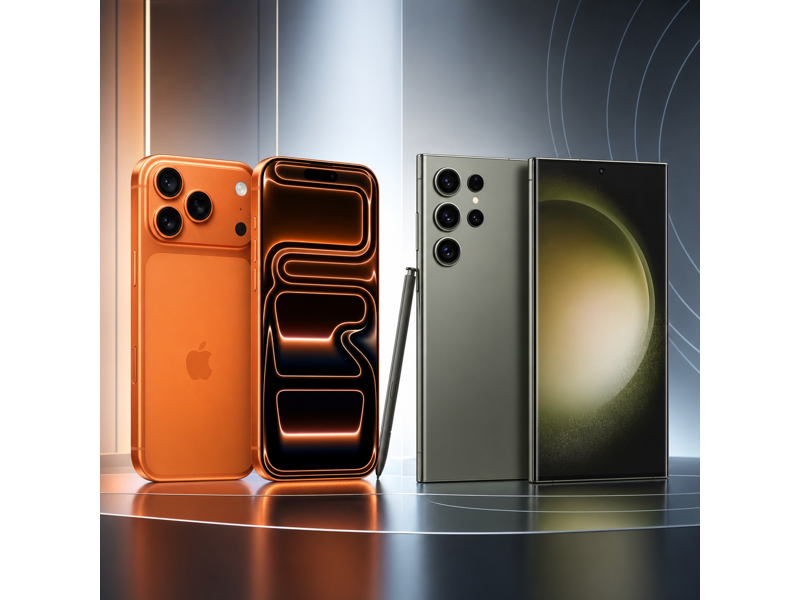 Winner: Galaxy S23 Ultra
iPhone 17 Pro vs Galaxy S23 Ultra: Battery
The iPhone 17 Pro is rated for up to 33 hours of video playback, while the Galaxy S23 Ultra is rated for up to 26 hours. That gives the iPhone a 7-hour advantage on the listed video playback claims. For an older Ultra phone with a giant-screen reputation, falling behind here is meaningful. If you want the better battery promise from the published specs, the iPhone 17 Pro is the safer choice.
Winner: iPhone 17 ProiPhone 17 Pro vs Galaxy S23 Ultra: Software, Storage, and Features
The iPhone 17 Pro has the cleaner edge here because it combines a 1TB ceiling with USB 3 up to 10Gb/s. The Galaxy S23 Ultra also reaches 1TB, but its USB-C, USB 3.2 Gen 1 (typically up to 5Gb/s) is slower on paper. If you care about wired transfer speed for large media files, the iPhone is the stronger workflow device.
Winner: iPhone 17 ProSwitching to a New Phone? Use MobileTrans to Transfer Your Data
If you are moving between the iPhone 17 Pro and Galaxy S23 Ultra, the practical challenge is not just choosing a winner. It is also making sure your photos, videos, messages, contacts, and app data move over cleanly without wasting time.
That is where MobileTrans - Phone Transfer can help. It is useful whether you are jumping from iPhone to Samsung, Samsung to iPhone, or just setting up a second device while keeping your files organized.


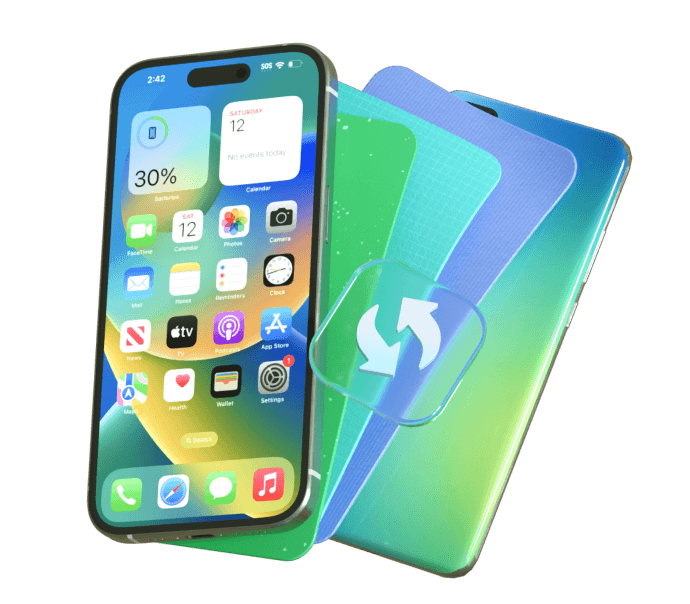


How to transfer data using MobileTrans
If you decide to upgrade to either model, moving your data can be quick and simple with MobileTrans.
Step 01
Connect Your Phones
Install MobileTrans on your computer, then click the Phone to Phone tab and connect both Phones via USB.
Step 02
Choose What to Transfer
Select the data you want to move, such as contacts, photos, messages, videos, and other important files.
Step 03
Start the Transfer
Click the transfer button and wait for the process to finish. Once done, check your new phone to make sure everything has been copied successfully.



iPhone 17 Pro vs Galaxy S23 Ultra: Which One Should You Buy?
Choose the iPhone 17 Pro if you want the newer, lighter, lower-priced premium phone with better battery claims and faster wired transfer. Choose the Galaxy S23 Ultra if you specifically want Samsung's giant Ultra display and its more zoom-focused rear camera system.
The iPhone is the better fit for most buyers, while the S23 Ultra is the specialist pick for people who still want the classic Ultra formula.
Winner: iPhone 17 ProFinal Verdict
Overall, the iPhone 17 Pro wins this comparison by combining a lower starting price with newer silicon, better battery claims, lower weight, and faster wired transfer.
The Galaxy S23 Ultra is still worth considering if you care most about its giant Ultra display and zoom-oriented camera hardware.