


 TL;DR:
The iPhone 17 series delivers a substantial photography upgrade featuring 48 MP ultra-wide lenses and 18 MP front cameras across all models, while the Pro versions specifically target professional creators with a new 8x optical zoom and Apple Log 2 video format.
● Night photography improves significantly across the lineup due to a new Atomic Layer Deposition coating that dramatically reduces lens flare when shooting directly into light sources like streetlights.
● While everyday users benefit from the new Center Stage front camera that automatically adjusts framing for group shots, videographers must choose the Pro models to access 4K 120 fps recording and Dolby Vision HDR.
● Upgrading users transferring large media files can bypass slow iCloud speeds using the third-party MobileTrans app to preserve original resolution and metadata cross-platform, provided they create a mandatory user account.
Ask AI for a summary
 ChatGPT
 Perplexity
 Gemini
 Claude
 Grok
Grok
The iPhone 17 series brings Apple’s biggest camera refresh in years — including a redesigned 18 MP Center Stage front camera and dual 48 MP rear lenses. The Pro models add a groundbreaking 8× optical-quality zoom and support for Apple Log 2 video format, bridging the gap between smartphone and cinema camera.
Read on to get the complete review of iPhone 17 camera.
In this article

Part 1: iPhone 17 & iPhone 17 Pro Camera Specs (Official)
| Camera | iPhone 17 | iPhone 17 Pro / Pro Max | Key Upgrade |
| Front (Camera) | 18 MP Center Stage, new sensor with wider lens | 18 MP Center Stage (shared) | Larger sensor for better low-light and group shots |
| Main (Wide) | 48 MP | 48 MP | Improved low-light and detail |
| Ultra Wide | 48 MP | 48 MP | Massive upgrade from 12 MP |
| Telephoto | — (2× digital zoom) | New 8× optical-quality telephoto with tetraprism lens | Longest zoom ever on iPhone |
| Video | Up to 4K 60 fps | Up to 4K 120 fps (Dolby Vision HDR, Apple Log 2, ProRes) | Professional editing flexibility |






Part 2: Hands-On Testing — Real World Results
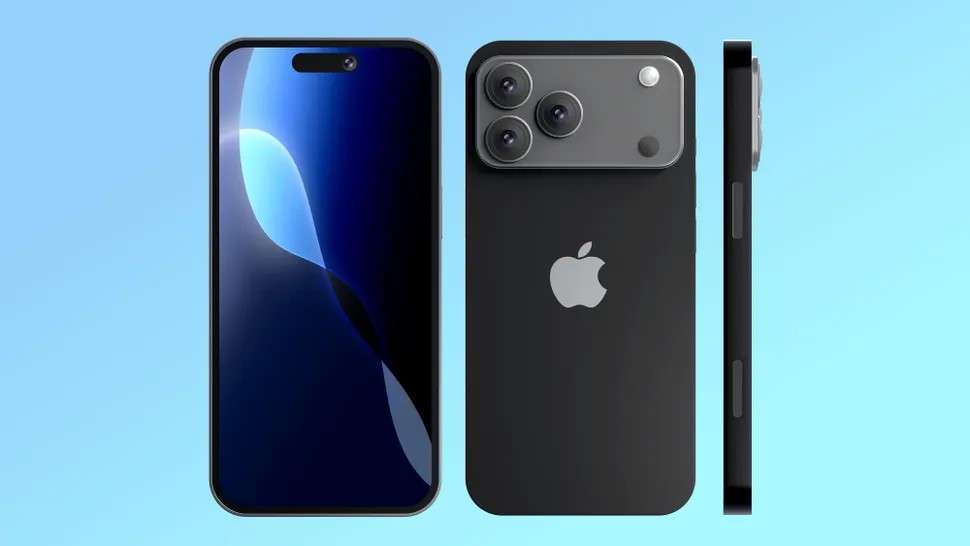
Main 48 MP Sensor (Photos & Portraits)
The 48 MP wide lens captures outstanding clarity and natural color. Dynamic range is excellent, and portrait edge detection has noticeably improved — especially with complex details like hair and glasses.
Night Mode & Lens Flare Control
Apple’s ALD (Atomic Layer Deposition) coating truly works. When shooting directly into streetlights or headlights, lens flare is dramatically reduced versus the iPhone 16 Pro. Low-light images retain more contrast and color accuracy.
New 18 MP Center Stage Front Camera
This is a major leap forward. The larger sensor and wider lens capture sharper, brighter selfies with enhanced low-light performance. Center Stage now automatically adjusts the frame to fit more people — great for group shots and video calls.
8× Optical Zoom & Apple Log 2 Video
The Pro model’s new tetraprism telephoto lens delivers a true 8× optical-quality zoom — the longest in iPhone history. Paired with Apple Log 2 and ProRes support, video creators can achieve cinematic dynamic range and color grading flexibility.
Part 3: iPhone 17 vs. iPhone 16 Pro — What’s New?
- Front Camera: From 12 MP to 18 MP with Center Stage tracking and wider aperture.
- Ultra-Wide Lens: Now 48 MP across all models for higher detail and ProRAW output.
- Telephoto Zoom: 8× optical-quality zoom on Pro models via new tetraprism design.
- Video Formats: Apple Log 2 and Dolby Vision HDR up to 120 fps for professionals.
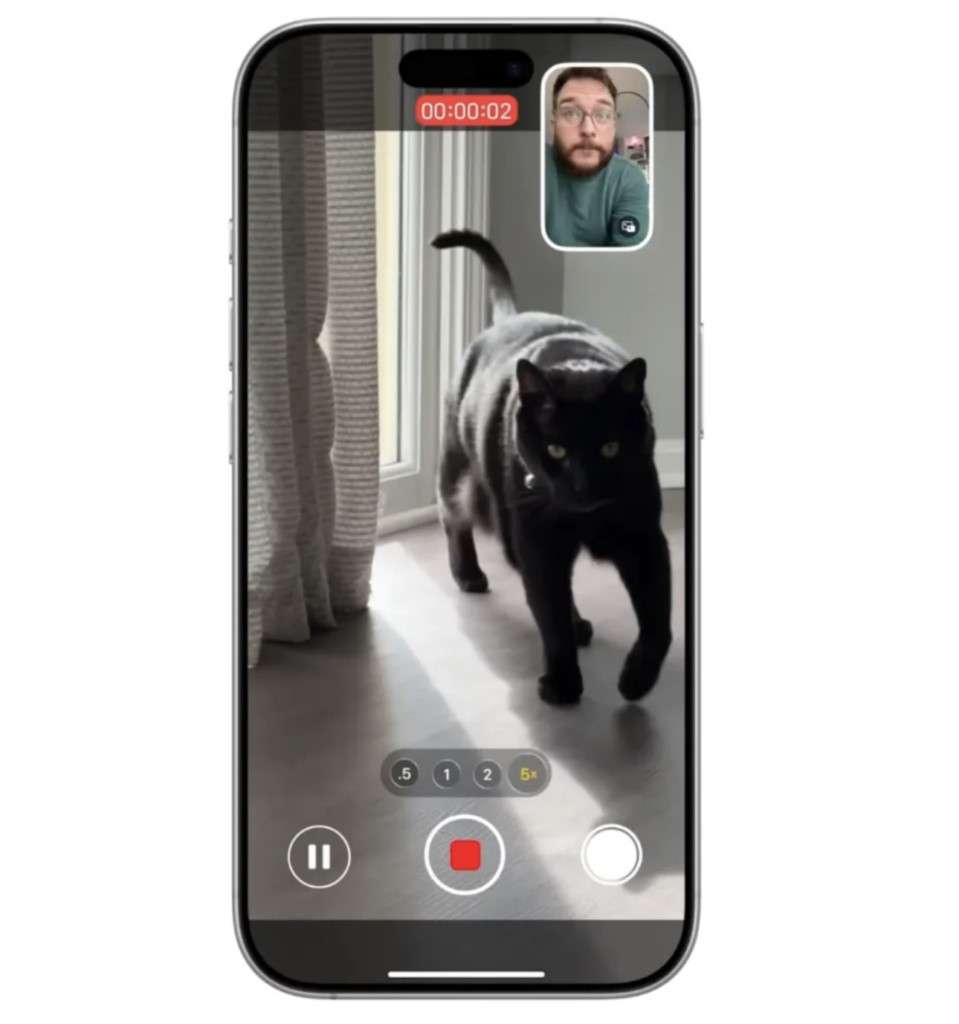
Source: Trak.in
Casual users will see better low-light photos and clearer selfies, while pros gain significant creative headroom for shooting and editing.
Part 4: Just Upgraded to iPhone 17? Don't Lose Your Old Photos
Convinced by the new camera? If you're upgrading, the next step is moving your memories. Transferring thousands of high-resolution photos, 4K videos, and new 8K files from your old iPhone can be slow and painful with iCloud.
The good news is that there is a new and secure way to transfer all your photos to your new iPhone 17 without sacrificing image quality.
The MobileTrans-Photo Transfer app is a user-friendly and secure tool that allows you to transfer and receive images between iPhones. The app also retains all data, including shooting time, location, and album.

How to Transfer Photos on iPhone 17 via MobileTrans
Step 1: Connect Your Devices
Open the MobileTrans app and connect your iPhones to the PC using compatible USB cables. Select Phone to Phone Transfer and confirm the Source and Destination devices.

Step 2: Choose Photos to Transfer
Tap on all the photos you want to send and click on Start.
Step 3: Photo Transfer Complete
The MobileTrans app will notify you once the iPhone photo transfer is complete. You can disconnect your devices and browse your photos on your new iPhone.
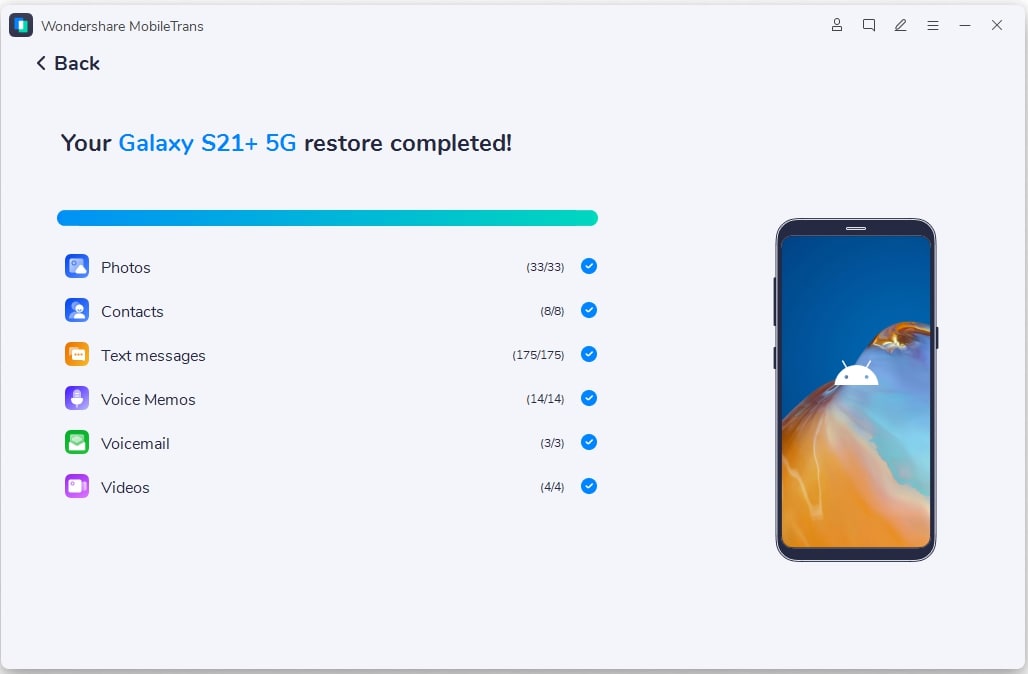
Advanced Features of the MobileTrans-Photo Transfer App
- Retain Image Quality: The MobileTrans app keeps the original image quality and resolution for your images.
- Keep Metadata: The MobileTrans app keeps the metadata from your photos, so you can see the time, location, and date the image was captured.
- Keep Album: The app keeps your albums and image organization, making it easier to find and share photos.
- Encrypted Photo Transfer Process: iPhone photo transfer via the MobileTrans app is secure and encrypted.
- Swift Transfer Speed: The MobileTrans-Photo Transfer app is 96% faster than other photo transfer methods.
With the MobileTrans app photo transfer, you can now move photos and videos from your iPhone 17 to any device and vice versa without compromising image quality.
Conclusion — Is the iPhone 17 camera Worth It?
Absolutely — if you care about photography or video.
The iPhone 17 Pro’s 48 MP triple-sensor array and 8× optical zoom set a new standard for smartphone cameras. Even the base iPhone 17 offers a noticeable upgrade with its dual 48 MP setup and smarter front camera.
For everyday users, expect more natural photos and low-light improvements. For creators, the new video formats and zoom capabilities make the upgrade well worth it. You can also transfer photos and videos to your new iPhone 17 with MobileTrans.
FAQs
-
Is the iPhone 17 camera really better than the iPhone 16 Pro?
Yes, significantly. The 24MP front camera and the 48MP ultra-wide/telephoto lenses (on Pro models) provide much more detail, especially for ProRAW photos and cropping. The ALD coating also noticeably reduces lens flare at night. -
How many megapixels does the iPhone 17 Pro camera have?
The iPhone 17 Pro and iPhone 17 cameras have a trio of 48-MP back cameras, just like the iPhone 16, and an improved 24-MP front camera from the 12-MP front camera on the iPhone 16. This improvement makes selfies easier to take and wider. The iPhone 17 Air has a single 48-MP camera. -
What is the iPhone 17 camera's maximum zoom?
The iPhone 17 camera offers 3.5x zoom. The zoom capacity was a downgrade from the 5x zoom on the iPhone 16. The reason for the downgrade is that Apple chose to sacrifice some of the zoom capacity to allow the trio of 48-MP cameras at the back of the iPhone 17. This allows users to take better portrait shots and still get impressive digital zoom capabilities.










