


 TL;DR:
For a secure and complete data migration to a Google Pixel, MobileTrans is the recommended top choice due to its 30MB/s local hotspot transfer speeds and cross-platform WhatsApp support, though Android Switch provides a reliable official alternative for native setups.
● For cross-platform transfers including Windows and Mac, Xender delivers up to 40Mb/s speeds without mobile data, whereas Google Drive is best suited for users needing cloud-based migration with 15GB of free storage.
● Apps relying strictly on wireless connections, such as Copy My Data and Smart Mobile Data Transfer, require devices to be on the same stable Wi-Fi network and frequently struggle with freezing or crashing when handling exceptionally large files or older Android devices.
● Send Anywhere provides strong 256-bit encryption utilizing a manual 6-digit key or Wi-Fi Direct, but shared link files expire quickly and require repetitive code entries for each transfer.
Ask AI for a summary
 ChatGPT
 Perplexity
 Gemini
 Claude
 Grok
Grok
A lot of people face trouble when moving data to their new Pixel phone. Switching devices usually causes missing files or confusion during transfer. That's where a Google Pixel data transfer app helps make the process simple. These apps basically allow users to move data, including photos and contacts, within minutes. This article explains how these tools work and lists the best options tested for effortless transfers.
In this article
Part 1. How Does a Google Pixel Data Transfer App Work?
The Google Pixel data transfer app actually works by connecting two phones securely. It helps move your important data, like contacts and apps, with just a few taps. Most apps use Wi-Fi or a cable connection to commence the transfer task. Upon linking both devices, you can select what you want to move. The app then copies the selected data to your new device safely.
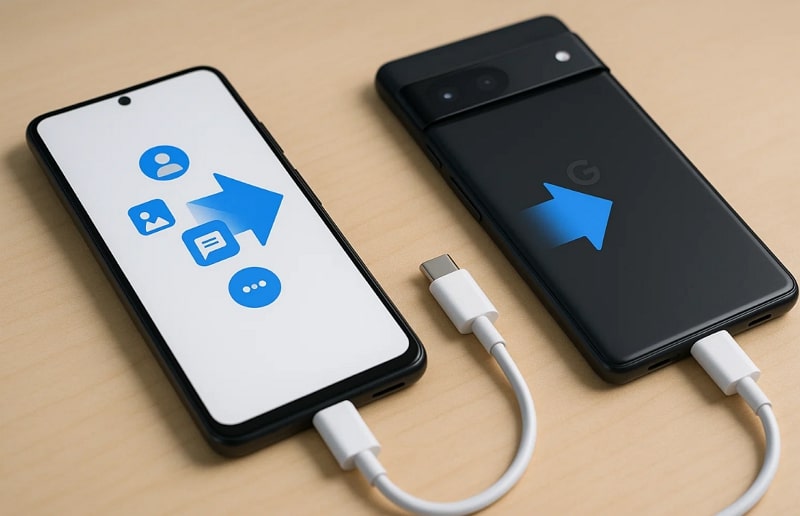
Plus, this process ensures that nothing important is missed during the Google Pixel phone transfer. Thus, it's designed for people who are changing phones and want an easy way to keep their files. Even without technical knowledge, it avoids manual setup while keeping your personal data safe.
Part 2. How to Choose the Top Google Pixel Data Transfer Apps
When choosing a transfer app, it's important to check specific features. Below, you will explore a few key points that make a Google Pixel data transfer app reliable:
- Fast Speed: A good app transfers large files quickly without lag or interruption issues. Faster transfers save time and make switching devices more convenient for everyone.
- Data Safety: The app should protect your personal data with secure migration methods and encryption. Plus, safe transfers prevent risks like data leaks or file corruption during movement.
- Device Support: Users should also opt for an app that supports various devices and versions. Hence, better compatibility ensures quick transfers across multiple phone models and operating systems.
- No Data Loss: Dedicated apps move files completely without missing or damaging any stored information. Thus, this feature ensures users don't lose their essential data during transfer.
- Positive Reviews: Check online feedback to know real experiences and app reliability ratings. High ratings show effortless performance and user satisfaction with transfer results.
Part 3. Top 8 Google Pixel Data Transfer Apps [Tested]
Several trusted apps offer secure data movement to make the Google Pixel phone transfer easier. Each tested app listed below provides simple features to help users move files safely and quickly:
1. MobileTrans App
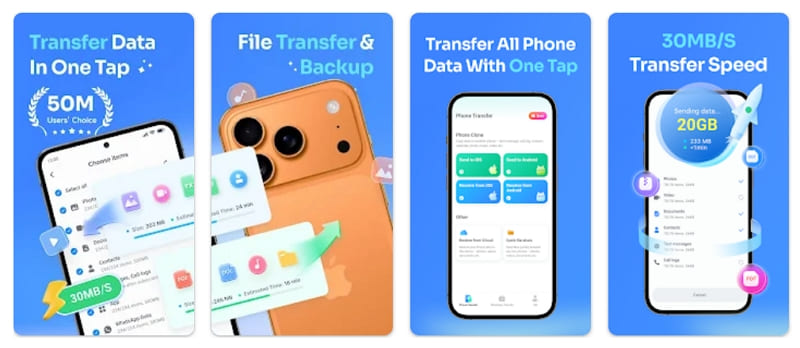
MobileTrans App is a dedicated Google Pixel data transfer app that supports complete phone data movement. It also allows transferring almost all types of data files, including photos and documents, at high speed. With up to 30MB/s transfer rate, it quickly moves even large files between devices. Plus, the app uses a local hotspot, so no mobile data is consumed during transfers.






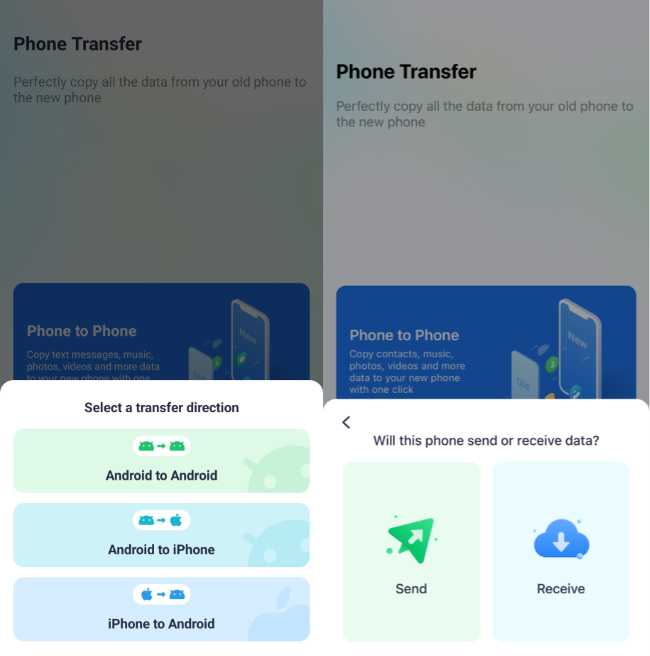
You can review the following guide to learn how to use MobileTrans for Google Pixel data transferring:
Instructions. Access Phone To Phone > Android to Android > Send > Choose Data > Send. On receiving Pixel, choose Receive > Scan QR > Receive Data.
User Reviews
- "Tried all manner of other things. This is the best way if you want to keep your original data and not have to reset when transferring to iPhone!"
- "I tried to use the new WhatsApp transfer system from iPhone to Pixel but it didn't work probably because I was fussing around with the transfer multiple times and because I also changed my number. So I'm the end I resorted to this app which fixed the issue swiftly without hardly any effort."
2. Android Switch
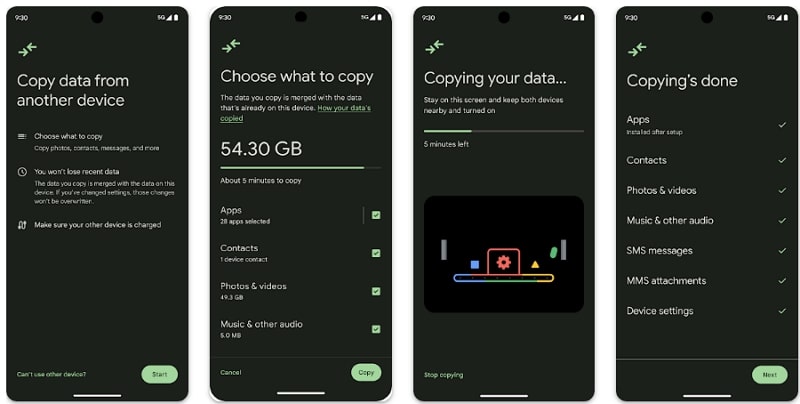
It is an official app for easy and secure Google Pixel phone transfer. Android Switch allows users to copy data safely during setup or anytime afterward. It also supports migrating multiple data types, such as apps and settings, between supported devices. Users can even choose between Express Transfer for full migration or Custom Transfer for specific data.
User Reviews
- "I got a new phone and this worked great for me! It installed all my data, apps, and settings faster than through the cloud. And it even loaded all my music on my new phone."
- "App is being used to hack my phone. Swapping my phone data to someones device as if they were setting up a new phone. Using bluetooth and nearby device connection ALL my information has been taken . Contacts, Apps, Passwords, Pictures everything."
3. Copy My Data
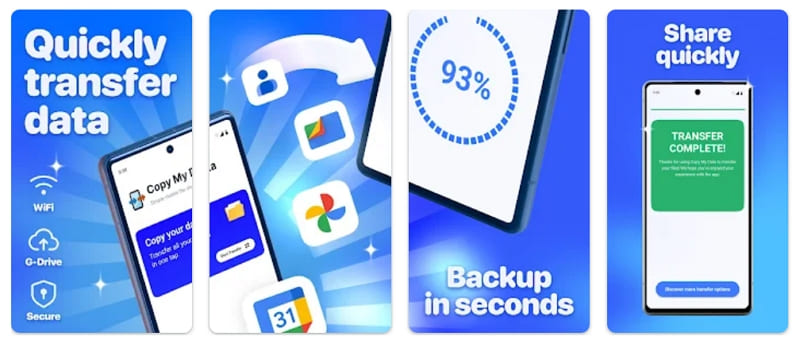
Copy My Data is another simple Google Pixel data transfer app for quick wireless sharing. It lets you transfer various data types between 2 phones with no risk of losing quality. The app connects devices through a secure Wi-Fi network or QR code instantly. With this advanced app, you can clone your phone easily without losing any data. This app works across operating systems, making data transfer effortless.
User Reviews
- "This app is so great, I didn't have to do a single thing. All you need is wifi, then download the app on both of your devices and follow the rest of the instructions. It worked wonderfully on my phones and it took less than ten minutes, mind you I have about 800 files on my phone that needed to be transfered."
- "Samsung and AT&T instructed me to use this app to transfer files to new phone. I spent hours trying to make it work. It just gets stuck or freezes up. Also, whenever you use this app, it forces you to let the most annoying video ads play before you can do any data transfers."
4. Send Anywhere
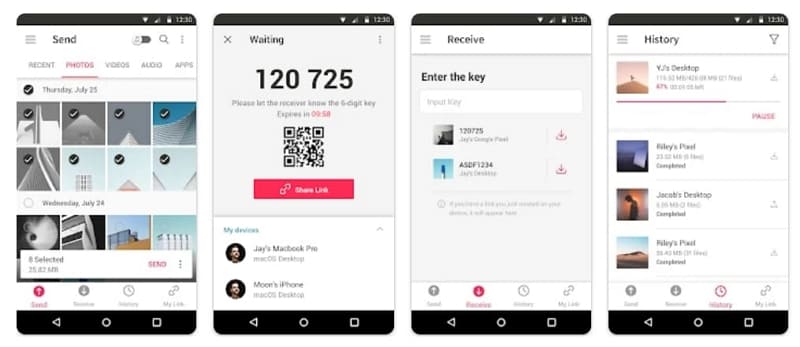
Send Anywhere is a flexible Google Pixel data transfer app that supports all file types easily. It transfers files without changing their original quality or format during sharing. Users can connect through a simple 6-digit key for quick, secure transfers. The app also supports Wi-Fi Direct, avoiding mobile data or internet use. It even allows sharing files with multiple people at once through generated links.
User Reviews
- "Wow! Just what I had hoped for plus more. Perfect for moving inspection photos to my PC from my Android phone."
- "Not sure why you need the access of my notification, message, camera, etc. uninstalling your app right away."
5. Smart Mobile Data Transfer
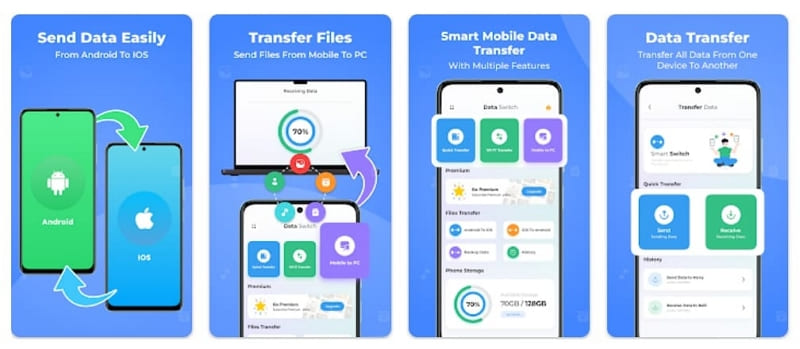
Another Google Pixel phone transfer tool that lets users send multiple data easily between phones. The app supports Wi-Fi or internet connections for smooth and stable transfers. With no file size limit, it handles large data without any interruption. Users can share all data with one click for faster results. It also creates QR codes for instant pairing and ensures secure, safe content transfer.
User Reviews
- "The app offers flawless wireless transfer speed, perfect synchronization, and simple setup for moving files between devices securely."
- "Very very bad , very stupid application and crazy Useless, Many many many ads without any benefits."
6. Xender
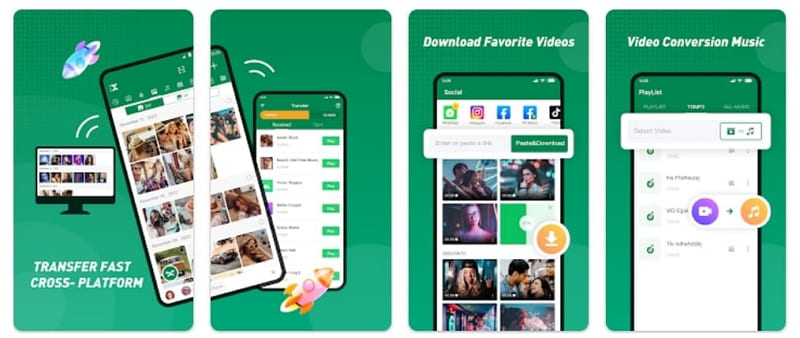
Xender is a powerful Google Pixel data transfer app designed for fast, wireless sharing. It transfers files 200 times faster than Bluetooth using strong Wi-Fi connectivity. Plus, this app supports cross-platform sharing between Android, iPhone, Windows, and Mac devices. It requires no mobile data or USB cables during transfers. In addition, users can send multimedia files and documents of any size effortlessly.
User Reviews
- "I really don't like the fact that the I've been unable to connect to my system using the connect to web aspect of it. As someone who relies heavily on it usage, I'm very disappointed."
- "This app is amazing. It has made sharing data very easy, the speed of sharing is very fast, more so the application has inbuilt music player app which is well equalised for high definition sound."
7. Google Drive
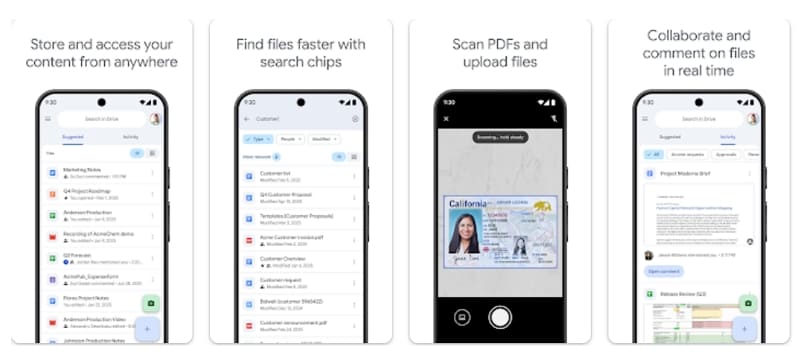
This app lets you safely store and access files anywhere to handle Google Pixel phone transfer tasks. It allows users to move data between devices safely using cloud storage. Users can also scan paper documents with their phone camera and upload them online directly. Besides, it allows users to store and edit 100+ file types, including PDFs and Office files.
User Reviews
- "Google Drive is an excellent and reliable cloud storage service that keeps all my important files safe and accessible anytime, anywhere. I love how smoothly it syncs across my phone and laptop. The sharing options are super easy to use, and collaboration feels effortless."
- "App is great... until you use it a lot. As soon as you get storage use up to 80% or so it constantly badgers you to buy more, even when you have tons of space left. Annoying and cloying, bullying you to buy space you don't need."
8. Data Transfer - Copy My Data
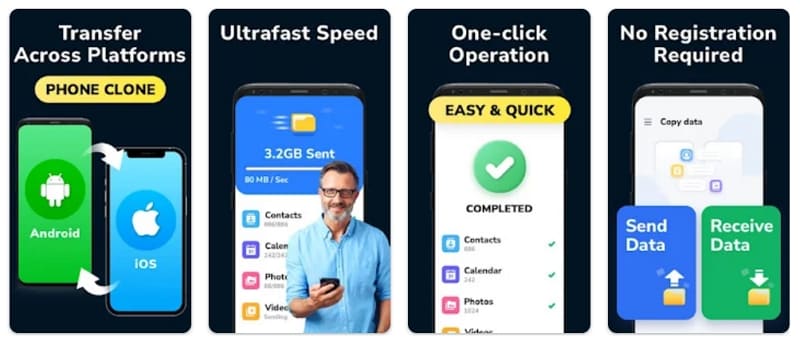
This dedicated app supports cross-platform transfer between Android and iOS devices. With one click, users can transfer contacts and photos without losing quality. This Google Pixel data transfer app ensures easy phone transfer and secure file sharing. It works over Wi-Fi, making data transfer effortless and reliable. This tool also provides ultra-fast speed and efficient data copying without needing a computer.
User Reviews
- "After trying I can't even count how many apps. This is the only one that worked. After hours and hours of trying other apps. Same options on both phones when you open the apps. Very easy to understand. Send or receive. Very simple."
- "Non stop watching ads on 2 devices just to constantly be told the transfer failed, & to try again. But wait, watch 2 more 30 second ads first!!!!!"
Conclusion
To sum up, this article has explored the 8 best data transferring apps to move data securely. These tested options ensure your contacts and files move safely without errors or delays. Each app offers unique features for easy and fast data movement. For complete transfers with speed and safety, MobileTrans stands out as the top choice. It meets all needs for an effortless and worry-free Google Pixel phone transfer app experience.










