


 TL;DR:
To safely migrate your data to the new 256GB base storage iPhone 17 models without relying on slow iCloud syncs or risky manual backups, use MobileTrans for secure, high-speed, cross-platform local transfers.
● The iPhone 17 storage tiers cater to specific workflows: the 256GB base model suits everyday streaming, 512GB handles mobile vlogging, while the 1TB and 2TB options on the Pro and Pro Max models are required for 4K/8K video and RAW photography.
● Expanding to larger storage capacities makes default migration methods impractical, because iCloud syncing is heavily restricted by internet bandwidth and manual cable transfers often drop essential contacts or cause cross-platform format compatibility errors.
● MobileTrans bypasses these limitations through offline device-to-device connections, supporting the selective migration of over 18 data types, including direct cross-platform transfers of WhatsApp and WhatsApp Business chats from Android or Google Drive.
Ask AI for a summary
 ChatGPT
 Perplexity
 Gemini
 Claude
 Grok
Grok
Apple has recently introduced a new series, the iPhone 17, which has people hyped due to its robust upgrades, particularly the iPhone 17 256GB entry-level storage. On the one hand, it provides media with more room, but on the other, it creates an additional challenge: how can you safely transfer data to your new device?
Conventional procedures, such as iCloud, may take time, and manual transfers may result in the loss of files. Therefore, this guide will provide all the information about iPhone 17 storage options and explain how MobileTrans will be a reliable tool to make migration successful.
In this article
iPhone 17 Storage Options: Tailored for Every User
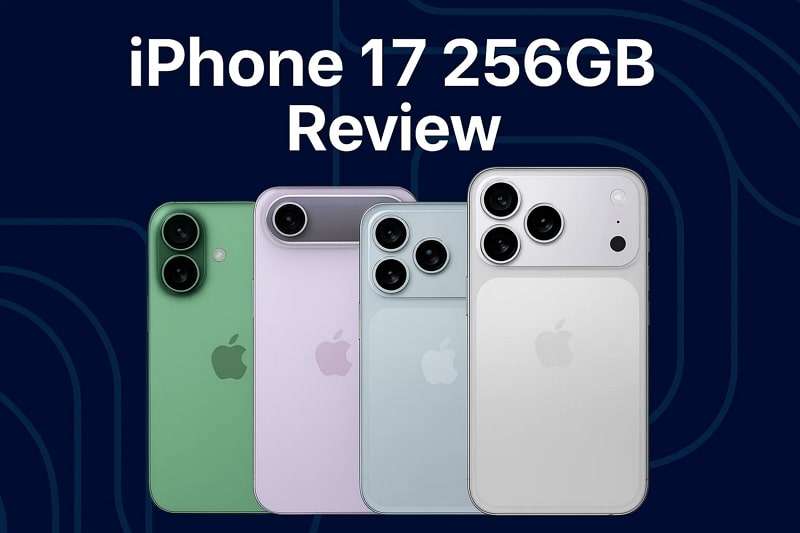
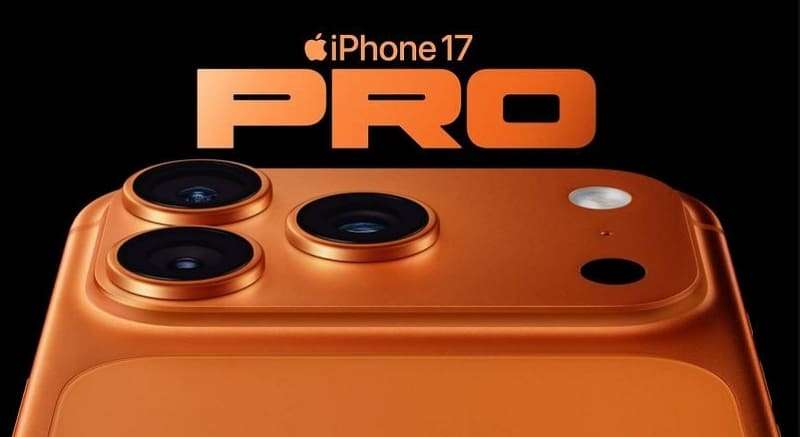
iPhone lineup, which now runs to iPhone 17, Air, 17 Pro, and 17 Pro Max, now has a 256GB starting point across all models, a massive jump from 128GB. The typical iPhone 17 is available in 256GB and 512GB, which suits users who use cloud storage or only save necessary files. In the meantime, the product that has been satisfying people is the iPhone 17 Pro, available in 256GB, 512GB, and 1 TB storage options.
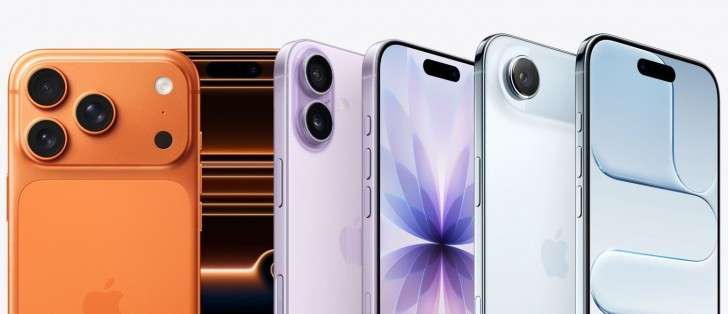
On the top-end, the iPhone 17 Pro Max offers storage options ranging from 2TB to 256GB, 512GB, and 1TB. This storage versatility allows users of both amateur and professional groups to find the appropriate solution for taking 4K videos. In addition, it enables large app downloads, photo archiving, and editing on the move, all without worrying about storage.
Best Storage Options for Casual Users, Content Creators, & Professionals
- Everyday Essentials - 256 GB: The iPhone 17 256GB is designed for users who primarily use social media, streaming, casual photography, and light applications. It provides adequate storage, ensuring a seamless experience without the unnecessary expense of additional storage.
- Creative Explorers - 512GB: Whether you are vlogging, capturing high-res images, or editing on the go, 512GB gives you the power to create. It strikes a good balance between cost and storage ability, eliminating the need for regular cleanups.
- Pro-Level Performers - 1TB: 1TB will be essential to professionals who use RAW photography, 4K/8K video, or have a big project file. This is the best choice because you will have all your heavy contents with you at any given time, besides having apps, music, and offline libraries.
- Unlimited Visionaries - 2TB: When one considers their iPhone as a real creative workstation, 2TB will be unparalleled. It enables storing years of professional endeavors, making movie-quality recordings, and having a large media collection without worrying that one will approach storage capacity.
256GB: The Perfect Balance of Price and Power
The 256GB model is the gold mean of the iPhone 17 storage model as it provides users with the right amount of storage at the right price. It also offers space to store thousands of photos and hours of videos without compromising its functionality. To the professionals or common users who require good performance but are concerned with the price, this is the best balance in both cost and durability.
Challenges of Transferring Large Data to iPhone 17
Before you fully enjoy the expanded iPhone 17 storage options, there's one hurdle many users face: getting all their old data onto the new device. Let's discuss some of the other issues you might encounter when getting more storage in the following section:
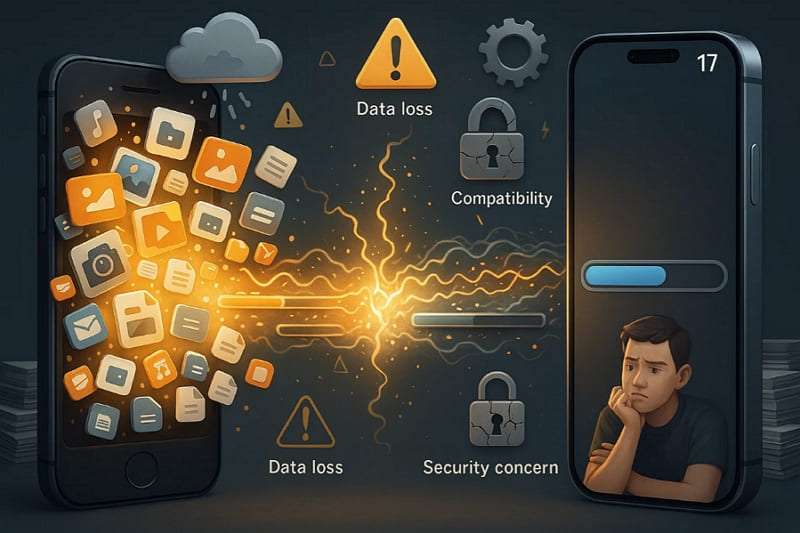
- More Storage, More Data to Transfer: The iPhone 17 will have 256GB as its base storage capacity, which means that users tend to have hundreds or thousands of photos and applications that must be transferred. This is because the bigger the storage, the more time-consuming and inaccurate the transfer process can be when not appropriately handled.
- iCloud Limitations and Low Bandwidth: The use of iCloud alone is frustrating, as the quality of the internet greatly determines the speed of uploading and downloading information. For users upgrading to the iPhone 17 Pro, syncing hundreds of gigabytes can take hours or even days.
- Possibility of Data Loss with Manual Transfers: Data copying by using a set of cables due to manual copying of files exposes the risk of leaving behind essential files such as contacts, chats, or application data. It is also a crucial problem when switching to a new iPhone 17 with more storage, as people want all their previous information to be transferred without issues.
- Version and Compatibility: Not every app or data format can be transferred to the new iPhone 17 models without any problems with older iPhones or even Android phones. This causes frustration to users who, all of a sudden, are unable to access some of their files even after they have paid to have a larger storage space.
- Security Issues When Transferring Large Data: Transferring large volumes of personal or business information is a significant issue concerning privacy breaches, especially in the case of unsecured third-party software. Moving users to the next level in terms of iPhone 17 storage, they must be convinced that their important files are not lost in the process.
As the storage volume and the heavy load of data increase, it can be tedious and dangerous to use manual processes. This is why it is wiser to use such a working tool as MobileTrans. It ensures seamless, secure, and comprehensive transfers to your new iPhone 17, eliminating the usual hassle.
Why Choose MobileTrans for iPhone 17 Migration
Before diving into manual solutions, it's worth considering a more innovative approach tailored to modern needs. With iPhone 17 Pro storage offering larger capacities than ever, MobileTrans stands out as a reliable tool to move all data, like videos or photos, without quality loss. The following are some of the most essential features that can be used to transfer the data:
- Broad Bandwidth Support: MobileTrans enables you to transfer over 18 different data, such as photos, apps, and documents.
- Cross-Platform Compatibility: The tool does not limit the movement of data from iOS, Android, Windows, and macOS devices.
- High-Speed: It offers a speed of 200 times faster than Bluetooth, enabling the rapid transfer of large amounts of data.
- Selective/Batch Transfer: The software allows for selective migration in one click, so everything is moved, regardless of its size.
- Privacy Protection: It ensures that no data is ever uploaded to the servers and all transfers are local and private.
- WhatsApp Migration: MobileTrans allows one to transfer WhatsApp and WhatsApp Business chats and media, even through Google Drive directly.






How to Transfer Data to iPhone 17 Using MobileTrans
Now that you know the features of this tool, you might be wondering what the actual transfer process looks like. Let's learn how to transfer data from your old phone to your new iPhone 17 Pro Max storage with the given guide:
Step 1: Go to the Phone-to-Phone tab > Phone Transfer section. Connect your iPhone 17 and your old phone by choosing the Source and Destination options.

Step 2: Pick the desired data from the Select Content to Copy section > Click the Start button.

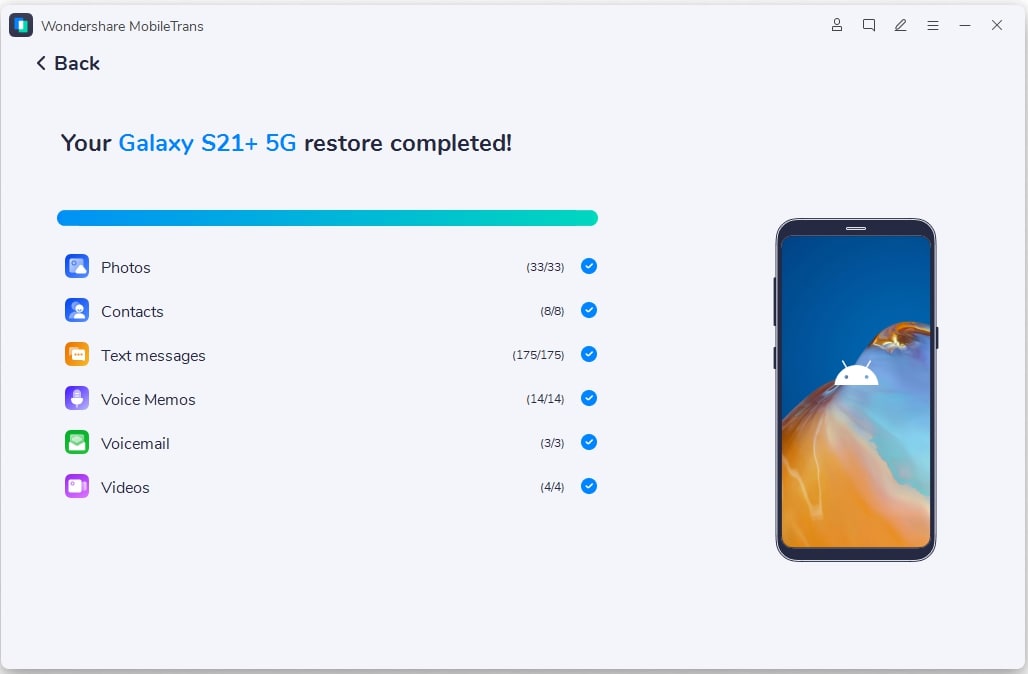
Step 3: Stay there until the transferring procedure is complete.
Conclusion
To sum up, the move to the iPhone 17 256GB will open additional storage opportunities. Nevertheless, increased storage can make transferring your precious data from your old device more challenging, as ensuring complete safety without data loss requires reliable tools.
Instead of relying on slow or complicated methods, the wise choice is to use MobileTrans. Moreover, it ensures data transfer is secure, making your transition to the iPhone 17 seamless from start to finish.










