


 TL;DR:
Smash File Transfer provides a straightforward, ad-free platform for web-based file sharing, but users requiring offline device migration, persistent storage, or massive file handling should utilize dedicated alternatives.
● The Smash free tier restricts transfers to 2 GB with a 7-day expiration and fails to preserve folder structures, while the $10/month Pro plan increases the file limit to 250 GB and extends link validity to 30 days.
● For cross-platform smartphone data migration, MobileTrans serves as an offline alternative that uses USB cables to transfer over 18 data types directly between iOS and Android devices without internet dependency.
● Users needing larger web-based free capacities can use Send Anywhere for a 10 GB limit via a 6-digit live transfer key, or opt for TransferNow and pCloud Transfer which provide 5 GB free limits with AES-256 encryption.
Ask AI for a summary
 ChatGPT
 Perplexity
 Gemini
 Claude
 Grok
Grok
The need for sending big files quickly and safely keeps growing in both work and personal life. Many people face limits when trying to share large files through email or common apps. This is where Smash comes in, which basically offers an easier way to transfer without unnecessary hurdles. In this Smash file transfer review, you will learn everything about it, followed by discovering some other trusted alternatives.
In this article
Part 1: What is Smash File Transfer?
Smash File Transfer is an online service designed to help users send large files without requiring sign-ups. Unlike traditional email services, it allows smooth sharing of multimedia and documents securely. Plus, the platform even offers an unlimited transfer option, which lets users share files of any size. With Smash file transfer, you can effortlessly transfer files up to 2 GB in size without paying anything.
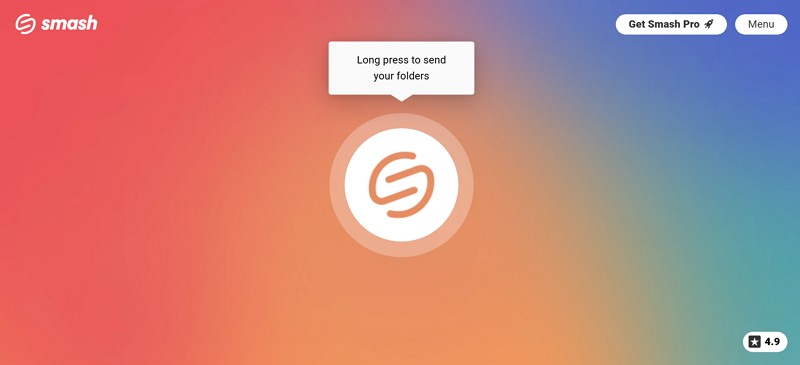
The tool also works well across web, mobile, and desktop platforms, which makes it highly accessible. Besides, the Pro users have the ability to send files up to 250 GB and enjoy extended transfer expiry times of up to 30 days. Besides, its Pro plan also gives 1 TB of storage for managing and organizing transfers effectively.
Supported Platforms: Website, Mobile App, Outlook plugin, and API
Pricing Plans
- Pro: $10/month
- Teams: $25/month
Part 2: Must-Know Features of Smash Transfer for Easy Transfers
This dedicated transferring tool offers a variety of features that make file sharing easy and secure for everyone. Below, we will explore a few of Smash Transfer's key features to help you understand better:
- Batch Transfer: Users can send multiple files together in one smooth transfer without repeated uploads.
- Email Sharing: Transfers can be directly shared via email, which makes it simple for recipients to access.
- Link Sharing: You can also generate a unique link for easy file sharing without requiring user registration or setup.
- Expiration Date: It lets you set a fixed expiration period up to 30 days to ensure files are only accessible for a specific time.
- Password Protect: Senders can add passwords to their transfers to prevent unauthorized access.
- Download Notification: You will receive email alerts when recipients download your shared files.
- File Preview: Smash allows recipients to preview files before downloading, saving bandwidth.
- Custom Branding: For Pro users, they can customize their transfer page, links, and download experience with logos or promotional pop-ins.
Part 3: Smash Transfer Review: Benefits and Limitations You Should Know
Upon choosing this file transfer tool, it is essential to understand both its strengths and possible drawbacks. Thus, this part covers a few of the benefits and challenges of using the Smash file-sharing tool:
Users Reviews
Apart from the above, you will now discover some real-life user experiences regarding this file transferring tool:
Positive Reviews
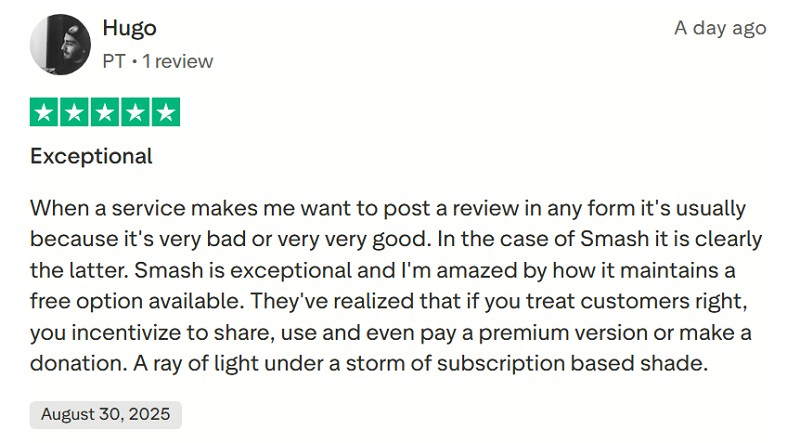
- Smash is exceptional and I'm amazed by how it maintains a free option available. They've realized that if you treat customers right, you incentivize to share, use and even pay a premium version or make a donation.
- It's great! every other platform I've tried wanted to charge me to send large files. But Smash is a great find, and easy even for someone like me who's from the Jurassic period of technology
Negative Reviews
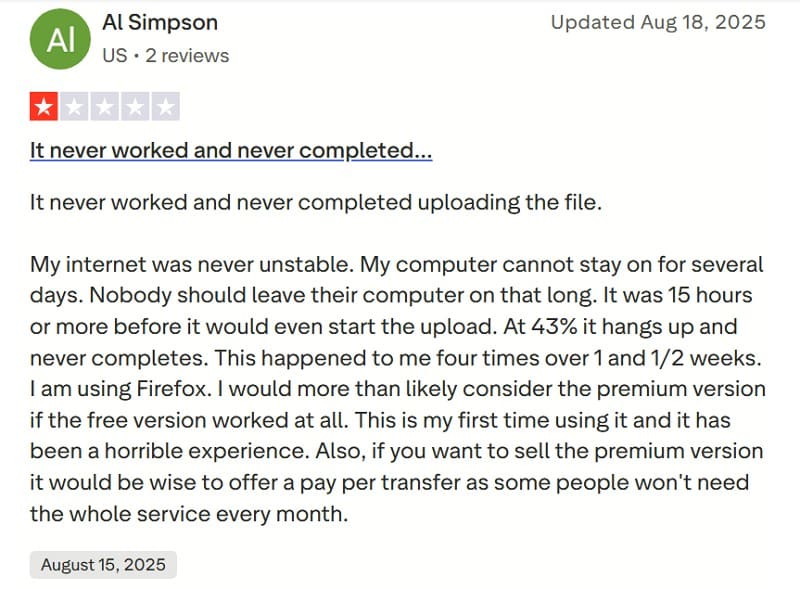
- My internet was never unstable. My computer cannot stay on for several days. Nobody should leave their computer on that long. It was 15 hours or more before it would even start the upload. At 43% it hangs up and never completes. This happened to me four times over 1 and 1/2 weeks.
- Not preserving folders and subfolders makes this platform only semi-useful.
Part 4: Top Smash Transfer Alternatives: Best Tools for Large File Transfers
After exploring the above Smash transfer review, it's useful to also look at other reliable large file transfer services. Thus, the following parts cover the top alternatives that provide smooth sharing for different needs:
1. MobileTrans
MobileTrans is a powerful transfer tool designed to simplify data migration between 2 phones. This software supports 18+ types of data to transfer, including documents and contacts. Additionally, users can send 5 types of data from a computer directly to smartphones for instant accessibility.
Its extensive features set it apart as a strong alternative uncovered in this Smash file transfer review.
Key Features
- Cross-Platform Transfer: Support moving from Android to iOS, iOS to Android, or upgrading within the same system. Transfer data directly from iCloud to any Android device.
- WhatsApp Migrate: Move all WhatsApp chats and data between phones for a complete messaging continuity experience.
- Backup & Restore: You can back up your entire smartphone to a computer for extra data security and restore it anytime.
- Great Compatibility: It is compatible with over 6000 devices, covering major Android brands and all iOS versions.
- Flexible Transfer Mode: MobileTrans can allow batch transfer without manual effort and selective transfer for quick sharing.
- Industry-Leading Speed: 10-8 times faster than Bluetooth or internet-based tools, eliminating delays caused by unstable connections.






Review the detailed guide below to understand how you can use MobileTrans to move data between 2 phones:
Step 1. Open MobileTrans, click the Phone to Phone tab, and connect both phones using USB cables.

Step 2. After connecting, choose your desired data and hit the Start button. You will see a confirmation window upon completing the procedure.

Limitations
- Some features are paid to use.
2. WeTransfer
File Transfer Size: Unlimited Transfer
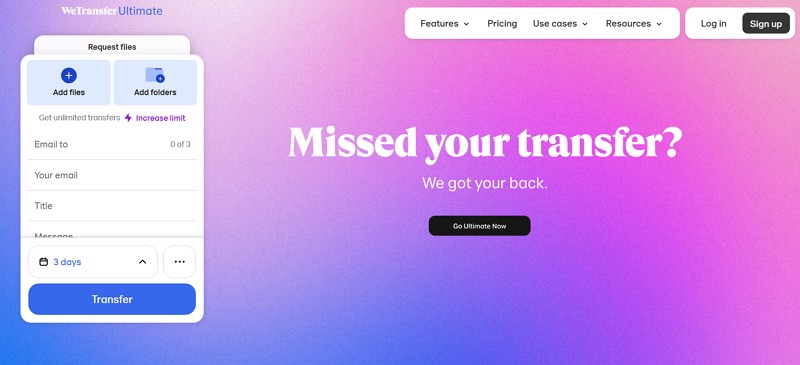
Among the available Smash Transfer alternatives, WeTransfer also allows users to send up to 3 GB of files per month for free. The free service supports up to 10 transfers monthly, with each transfer lasting up to 3 days before it expires. Users can share files either by sending an email directly or by creating a unique download link. Plus, WeTransfer offers the option to add password protection to transfers, enhancing security.
Limitations
- Security is weak since anyone with the link can access without traceability.
- There is no option to resume interrupted uploads or downloads.
3. TransferNow
File Transfer Size: 500 GB per Transfer
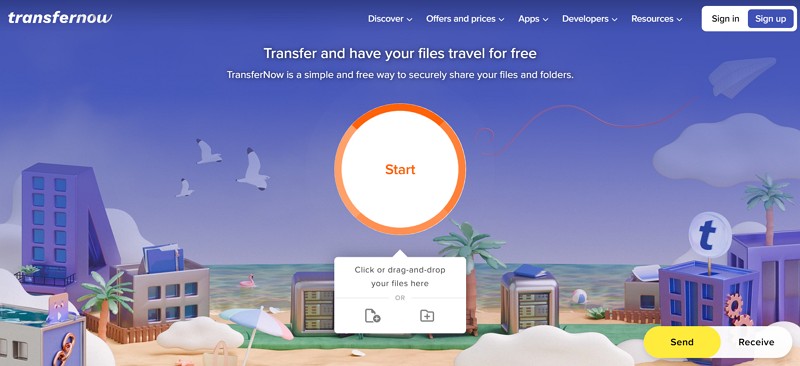
It is also a flexible platform allowing free 5 GB per transfer, with files stored securely for 7 days. Users can protect sensitive data using a password and generate shareable links for secure delivery. Unlike traditional Smash file-sharing services, it provides regional storage selection for optimal performance. Besides, all files are encrypted with AES-256 and work well on Windows, macOS, Linux, iOS, and Android.
Limitations
- Free account lacks storage space, preventing extended access or archival of files.
- On Paid plans, only 10 recipients per transfer are allowed, restricting distribution for larger groups.
4. pCloud Transfer
File Transfer Size: 5 GB of File Transfer
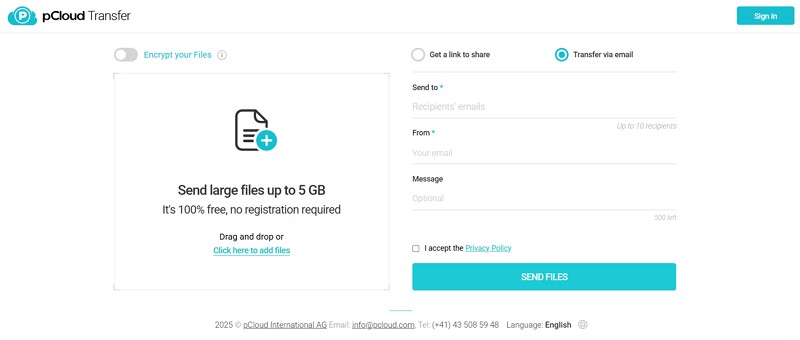
Another tool is pCloud Transfer, which enables sending large files up to 5 GB for free without requiring registration. Plus, it provides TLS/SSL protection and 256-bit AES encryption, which upholds strict Swiss privacy laws. The platform also lets users share protected links and even collaborate in shared folders easily. Unlike Smash Transfer, pCloud also offers many other features, like seamless sync and offline access.
Limitations
- Does not allow setting custom expiration dates for shared links.
- Users cannot schedule automatic transfers for future planned sharing.
5. Send Anywhere
File Transfer Size: 30 GB of File Transfer
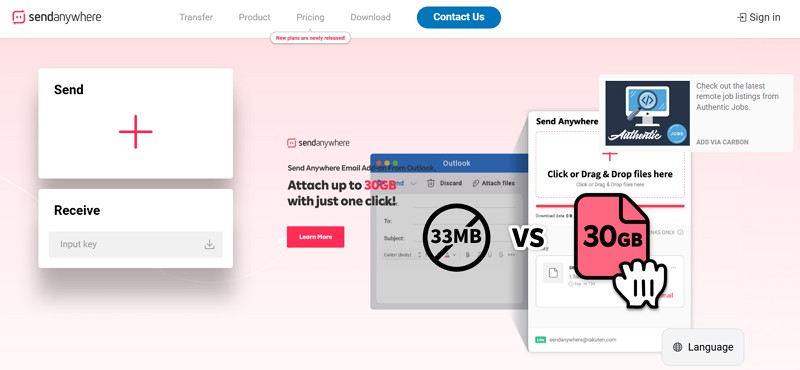
Send Anywhere offers simple, instant file transfer without account registration for convenience. While transferring, it generates a secure 6-digit key for one-to-one live transfers between devices. Besides, users can create shareable links valid for 48 hours, which allows unlimited downloads during that timeframe. With transfer history management and strong 256-bit encryption, it stands as a strong complement within a Smash File Transfer review.
Limitations
- Free tier has a 10GB transfer limit, which restricts huge files.
- No download notifications are provided in the free version to track activity.
6. TransferXL
File Transfer Size: 200 GB of File Transfer
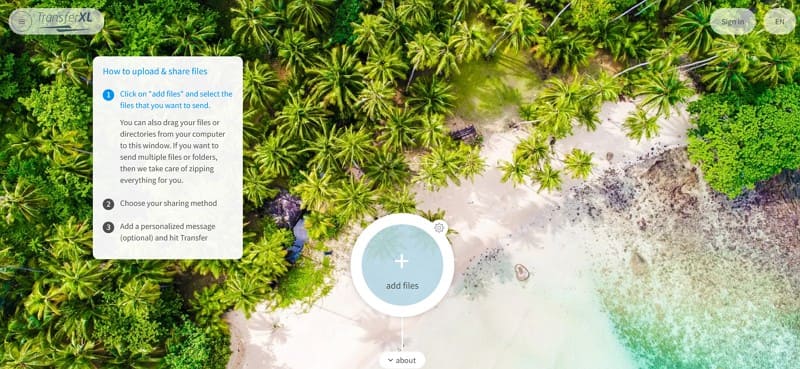
This is also a reliable and easy-to-use file transfer service offering transfers up to 200 GB. The service encrypts files to ensure security, with automatic file compression and speed up uploads. Alongside that, it provides transfer tracking and notifications for recipient downloads. Unlike Smash Transfer, TransferXL ensures smooth functionality with automated zipping. You can even personalize transfers with custom domains and backgrounds, enhancing branding efforts.
Limitations
- Up to 5 email recipients are only allowed in the free version.
- Free plan limits transfers to 5 GB, insufficient for larger files.
Conclusion
In conclusion, after going through this Smash File transfer review, it is clear that Smash provides flexible sharing. However, its free limits, expiry rules, and internet dependency may not fit every user's needs. Thankfully, reliable alternatives exist for handling bigger or more advanced transfers across devices. So, when you want a complete solution for phone data transfers with ease, MobileTrans is the most recommended option today.










