


 TL;DR:
Selecting the best TransferNow alternative depends on your specific capacity and security requirements, with Smash offering unlimited file sizes for creative professionals, pCloud and WeTransfer enabling quick account-free sharing for 5GB and 2GB respectively, and Transfer XL providing end-to-end encryption for business payloads up to 100GB.
● For mobile or cross-device sharing, MobileTrans facilitates direct iOS and Android data migration but strictly requires a paid subscription for full access, while Send Anywhere enables quick transfers via a 6-digit code but displays distracting ads in its free tier.
● Google Drive, Dropbox, and Microsoft OneDrive function as optimal alternatives for teams requiring long-term cloud storage alongside real-time project collaboration, provided users upgrade to premium plans to bypass restrictive free space limits.
● To maximize efficiency and prevent security risks across any chosen service, users must compress large files before uploading, apply platform-supported password protection, and strictly avoid transmitting sensitive corporate files over public Wi-Fi networks.
Ask AI for a summary
 ChatGPT
 Perplexity
 Gemini
 Claude
 Grok
Grok

Sharing large files online is not always simple. Many people use TransferNow, but sometimes you may want other options. Different tools give different speeds, storage, and features.
Looking at TransferNow alternatives helps you choose the right one for work or personal use. Each tool has its own strengths. Some are free, while others have paid plans with more benefits.
In this article
Part 1: What is TransferNow?

TransferNow is a fast and easy file-sharing service. It lets you send large files without hassle. You can use it for both personal and work needs.
People like TransferNow because it's simple. But it has limits—like file size and speed. These can be frustrating for some users.
That's why many look for alternatives. Other services offer more storage, faster transfers, or extra features. Choosing the right one depends on your needs.
Part 2: Top TransferNow Alternatives To Try Right Now
Below are some of the best tools you can use as a TransferNow alternative. Each has unique features, pros, and cons.
Here is a quick comparison table of the 7 top file transfer tools at a glance.
|
Tool |
Key Features |
Pros |
Cons |
|
Fast, wireless, phone-to-phone transfer. Works with iOS and Android. |
Quick setup, simple design. |
Limited free version. |
|
|
No size limits. Files stay up to 14 days. |
Clean design, secure sharing. |
Slow with very large files. |
|
|
Send up to 2GB free. Paid plan offers more. |
Very easy to use. |
Limited free storage. |
|
|
Up to 100GB with the premium plan. Encrypted sharing. |
Strong security. |
Paid plan needed for large files. |
|
|
Free, secure transfer up to 5GB. |
No account needed. |
Small size limit. |
|
|
Cloud storage plus sharing. Easy teamwork. |
Reliable, trusted brands. |
Limited free storage space. |
|
|
Share files with a 6-digit code. Works on many devices. |
Fast and cross-platform. |
Ads in the free version. |






When you look for a TransferNow alternative, you will see many good tools. Each one offers its own style of sharing, limits, and security options. Some are simple and free, while others give more power through paid plans.
Below, you will find seven TransferNow alternatives that can make your file transfers smooth. Each option has a short overview, key features, and a clear list of pros and cons.
1. MobileTrans
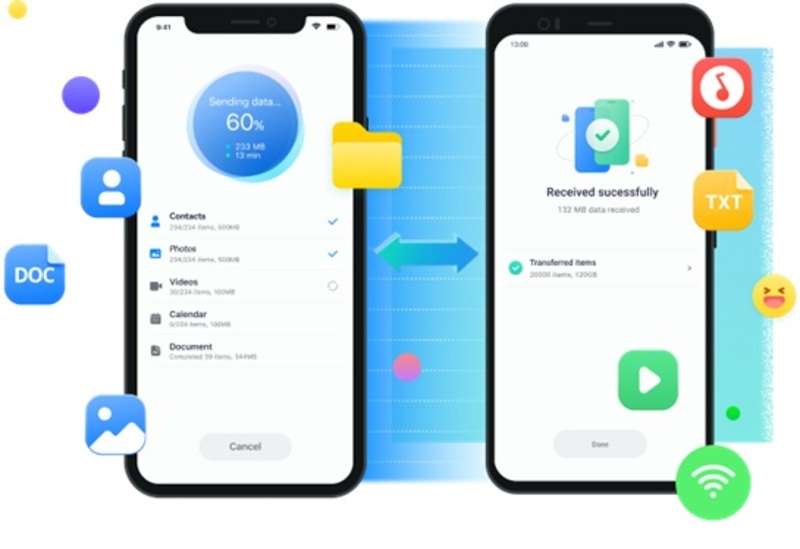
MobileTrans is a tool made for phone-to-phone transfers. It works with both iOS and Android. People often use it when they change phones and want all their data moved without stress.
This tool is not only for personal use. Businesses that deal with many mobile devices can also find it helpful.
Key Features:
- Transfer contacts, photos, videos, and apps.
- Works across iOS and Android devices.
- Fast one-click setup.
2. Smash
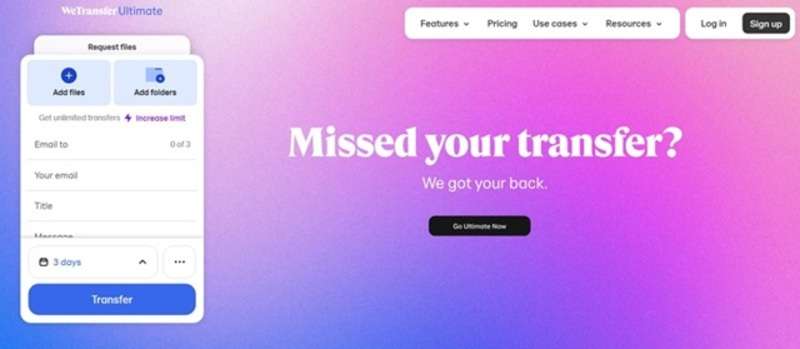
Smash is another strong TransferNow alternative. It has no file size limits, which makes it attractive for people who send big files. Files can stay available for up to 14 days, even with the free plan.
Creative professionals like Smash because it keeps transferring stylish and secure. It also comes with password protection and tracking features.
Key Features:
- Unlimited file size.
- File availability up to 14 days.
- Password protection and tracking.
3. WeTransfer
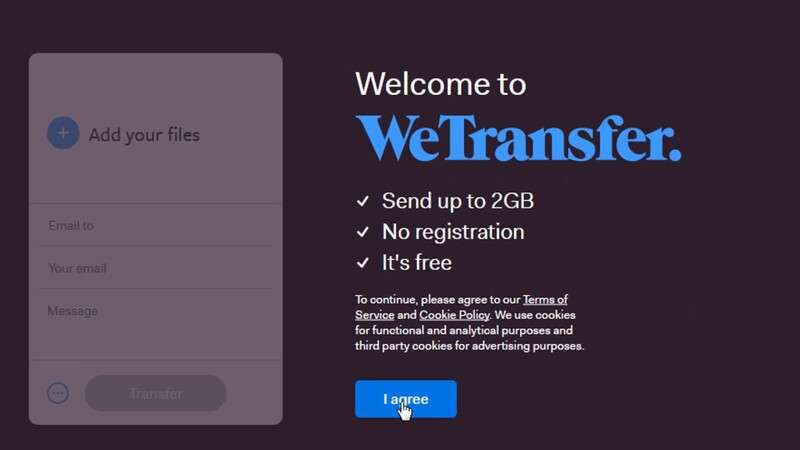
WeTransfer is one of the most popular TransferNow alternatives. It is well-known for being simple and fast. You can send files up to 2GB for free, and a paid plan allows more.
People like it because you do not need an account to use it. That makes it very user-friendly.
Key Features:
- Free transfers up to 2GB.
- Paid version with larger limits.
- No account required for basic use.
4. Transfer XL

Transfer XL is a strong choice if you need a secure TransferNow alternative. It allows very large transfers, up to 100GB with a premium plan. Every file is encrypted, giving peace of mind for business users.
It is often used by companies that need to send sensitive or heavy data. The tool is flexible and works well across many devices.
Key Features:
- Send up to 100GB with the premium plan.
- End-to-end encryption.
- Preview files before downloading.
5. pCloud Transfer
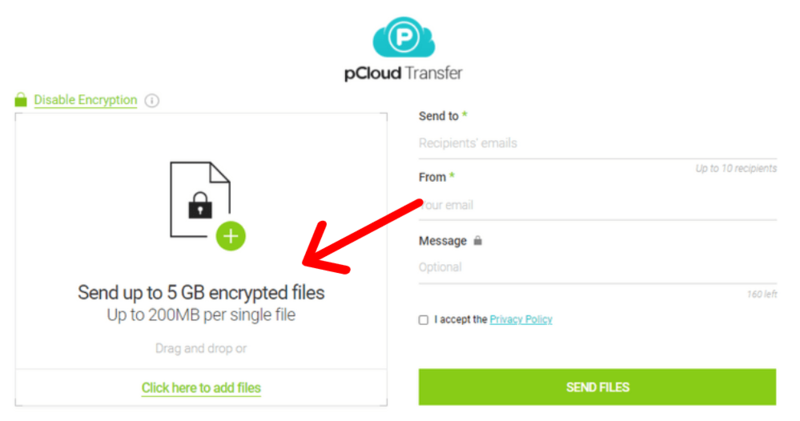
pCloud Transfer is a free TransferNow alternative that allows up to 5GB per transfer. You do not even need to create an account to use it, which makes it easy for quick sharing.
This tool is simple but secure. It even lets you set a password for your files before sending them.
Key Features:
- Free transfers up to 5GB.
- Password protection available.
- No sign-up required.
6. Google Drive / Dropbox / Microsoft OneDrive
These three tools are cloud-based services, but they also work well as TransferNow alternatives. They give you storage plus sharing options. With them, you can store files long-term and share links anytime.
They are widely trusted and have strong collaboration features. Teams often use them to work on projects together.
Key Features:
- Cloud storage with file-sharing links.
- Real-time collaboration tools.
- Mobile and desktop access.
7. Send Anywhere
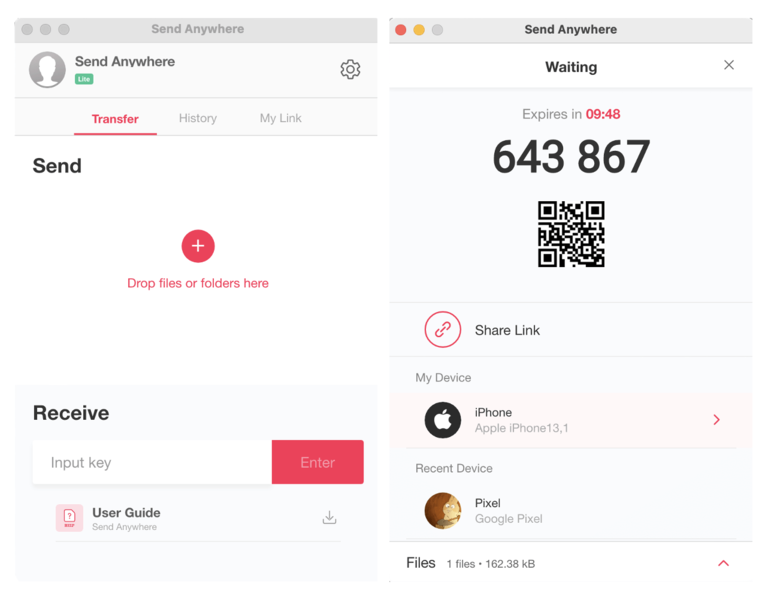
Send Anywhere is a flexible TransferNow alternative. It uses a simple 6-digit code to share files across devices. This makes it very easy to send and receive without logging in.
The app works on phones, desktops, and even browser extensions. It is a great choice for quick, cross-platform sharing.
Key Features:
- Share files with a 6-digit code.
- Cross-platform support.
- Link-based sharing for large files.
Part 3: Make Your Transfers Stress-Free: Essential Tips & Tricks
Sharing files online does not have to be difficult. A few smart habits can save you time and protect your data. Follow these tips to keep your transfers smooth and secure.
- Compress your files before sending to save space.
- Use a stable Wi-Fi connection for faster uploads.
- Check the size limits of each tool before starting.
- Protect sensitive files with passwords whenever possible.
- Match the tool to the task—small files need less, big projects need more.
- Keep a backup of all important files in case of errors.
- Avoid public Wi-Fi when sharing private or business data.
- Update your apps often to stay safe and enjoy new features.
Conclusion
File-sharing tools are important for both personal and business use. While TransferNow is good, many TransferNow alternatives are worth exploring. Each one brings something special.
Choosing the right TransferNow alternative depends on your needs. Think about file size, speed, and budget. Once you find the right fit, your transfers become stress-free.
FAQs:
-
Q: Which TransferNow alternative is best for large files?
A: If you send very large files, Transfer XL and Smash are great choices. Transfer XL supports up to 100GB with strong encryption. Smash has no size limits, which is rare. Both give better freedom than TransferNow.
-
Q: Are these tools safe to use?
A: Yes, most TransferNow alternatives use secure methods like encryption. Some also offer password protection. It is always smart to use these safety features. Avoid sharing private files on open networks.
-
Q: Do I need to pay for these apps?
A: Many apps are free but with limits. For example, WeTransfer gives 2GB free, while pCloud Transfer offers 5GB. If you often send huge files, a paid plan may save time and stress. Business users often choose premium plans for extra space and security.










