How to Export Text Messages from iPhone/Android to a Computer?
Are you looking to free up space, back up your conversations for safekeeping, or simply need to access them on a larger screen? This comprehensive guide will walk you through how to effortlessly export text messages from your iPhone or Android device to your computer using MobileTrans. You'll learn how to save your precious conversations in versatile formats such as HTML, CSV, or even as a text file, giving you easy access and peace of mind.
 safe & secure
Step 1. Connect your phone to the computer
First of all, connect your phone to a computer and launch MobileTrans. Go to Phone Transfer > Phone to PC.
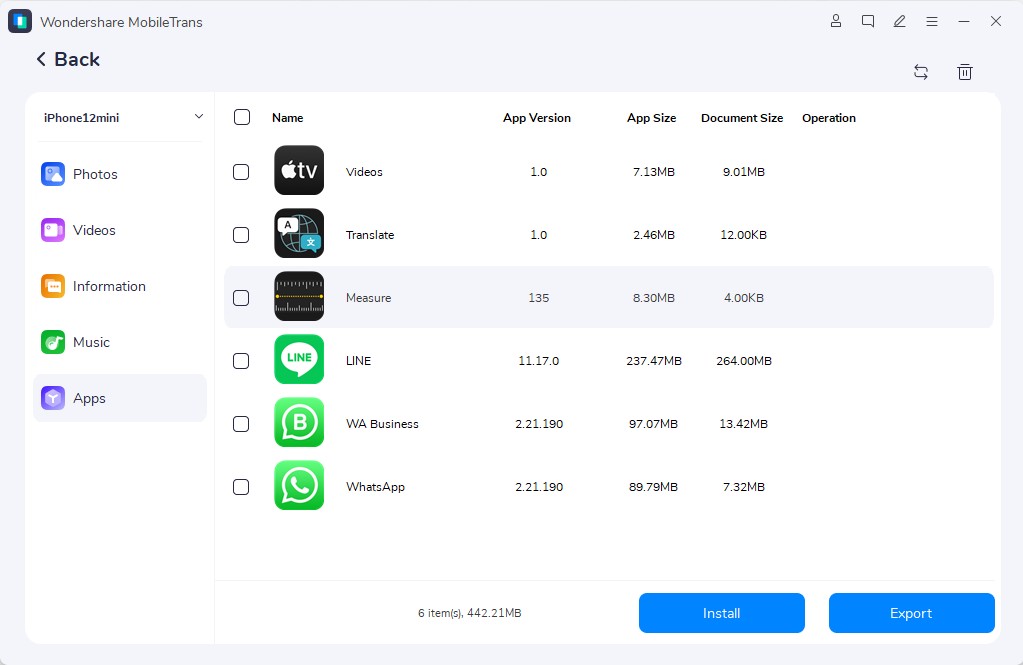
Step 2. Select messages to export
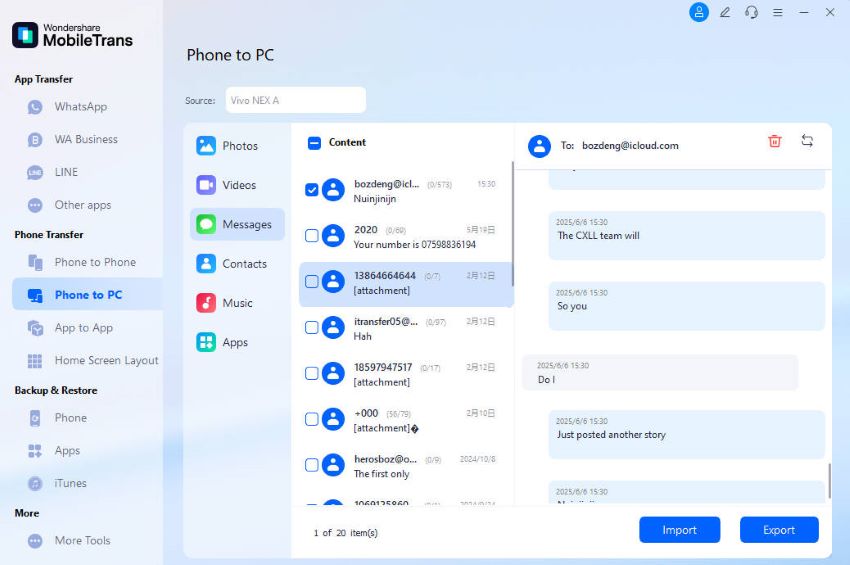
Select Messages from the data types. You can check the messages and select which chat to export.
Step 3. Export messages successfully
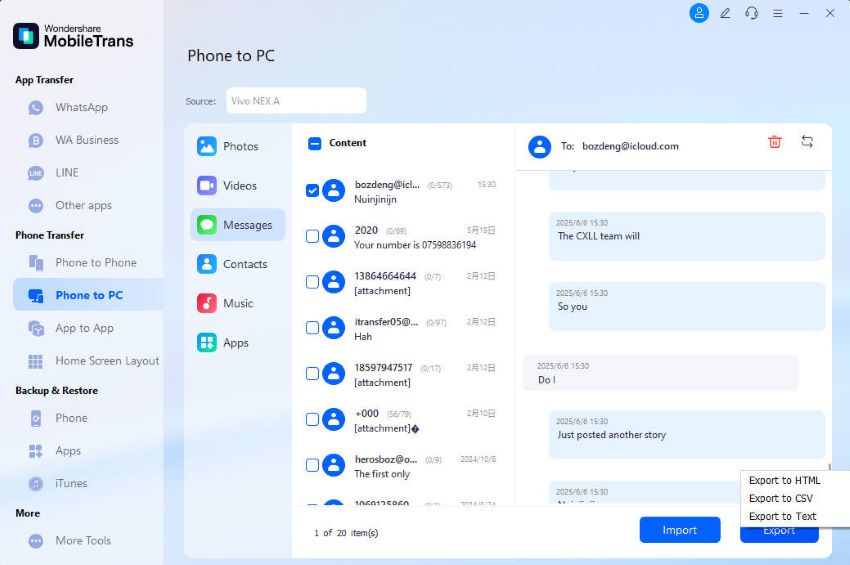
Click the Export button, and you can choose to save the exported messages in HTML, CSV, or Text formats.
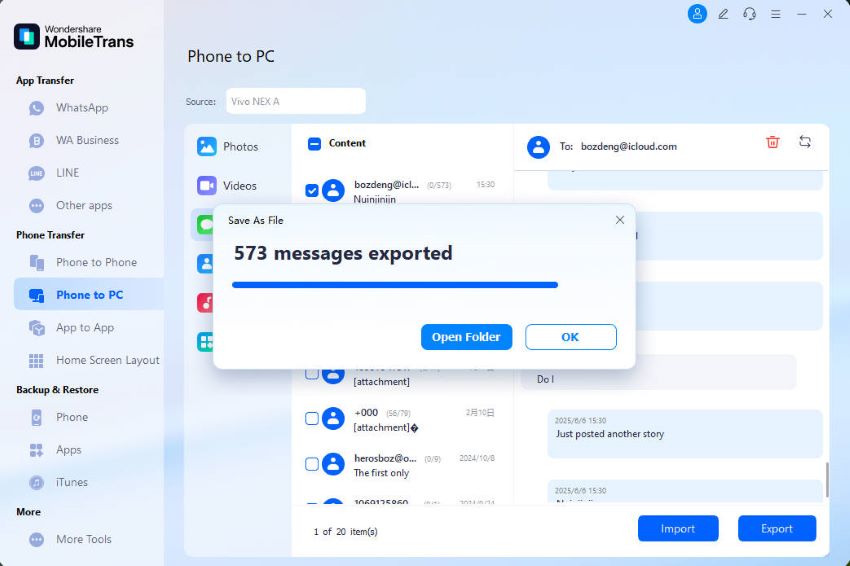
Keep your phone connected, and the export will complete in a while. You will get a notification after the process is complete.