A Better & Simpler Way to Transfer WhatsApp AI-Powered
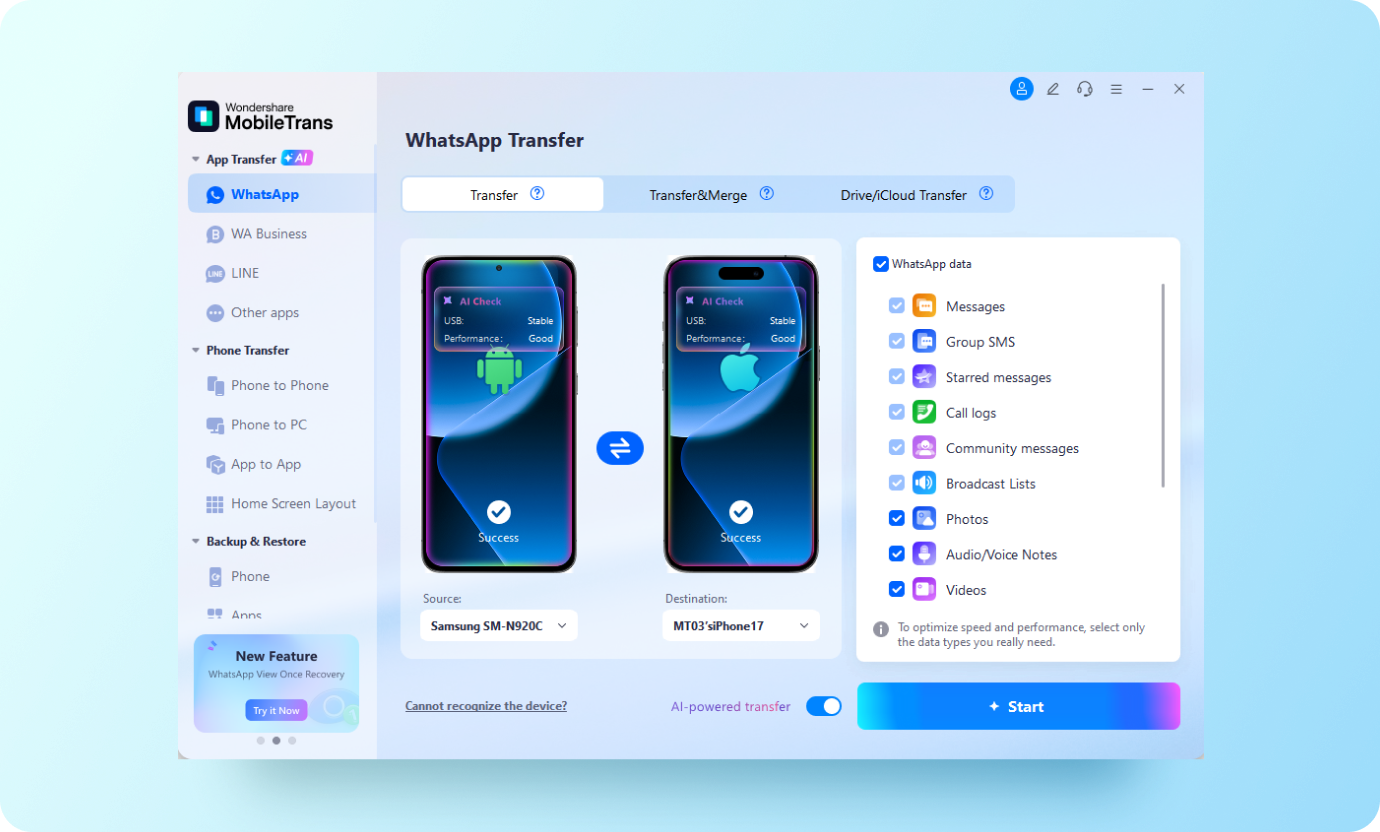
- Transfer WhatsApp between 6000+ iOS and Android devices.
- Transfer messages, attached photos and videos, and stickers altogether.
- Transfer WhatsApp Business from Android to iPhone and vice versa.
- Move LINE, Kik and Viber to new phone.
- Enjoy AI-powered WhatsApp transfer with auto pre-check, smart cleanup, and 50% faster speed.





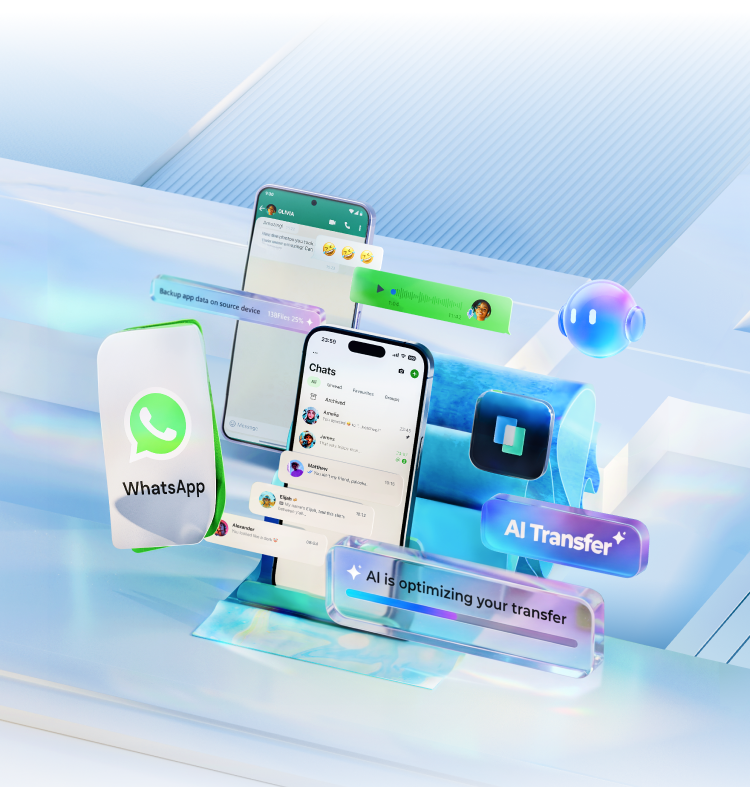


Cross-Platform WhatsApp Transfer
Migrate WhatsApp from Another OS

Move ALL WhatsApp Data


Merge Old and New Data for Integrity
Move WhatsApp data to another phone without erasing old data. This feature simplifies your WhatsApp data management as you can easily access and manage old and new messages, photos, videos, etc., all on one device.
Restore WhatsApp/WhatsApp Business from Cloud Drive
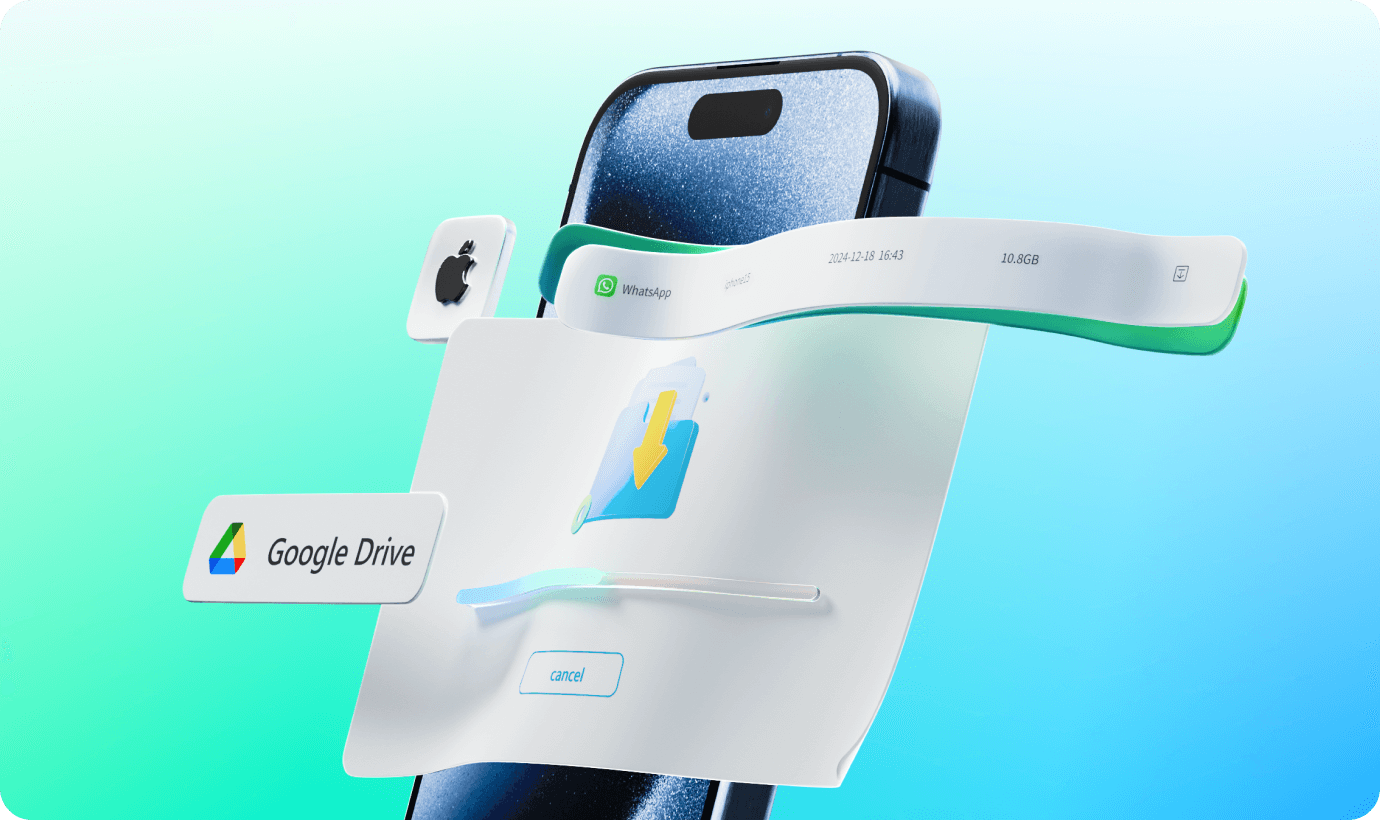
Even though Move to iOS supports transferring WhatsApp data to iPhone, it still cannot restore your WhatsApp or WhatsApp Business backups stored on Google Drive or iCloud to your phone. MobileTrans, on the other hand, can parse the backup, transfer the files to your Android/iPhone directly, and merge them with existing data.
Smarten Up Your WhatsApp Transfer with AI
WhatsApp Transfer
Say goodbye to transfer crashes and storage bloat. Our next-gen AI pre-checks your device, filters out digital junk, and supercharges transfer speeds for a flawless move.
- AI Pre-Check
- AI Cleanup
- AI Speed Up
WhatsApp Transfer
Say goodbye to transfer crashes and storage bloat. Our next-gen AI pre-checks your device, filters out digital junk, and supercharges transfer speeds for a flawless move.
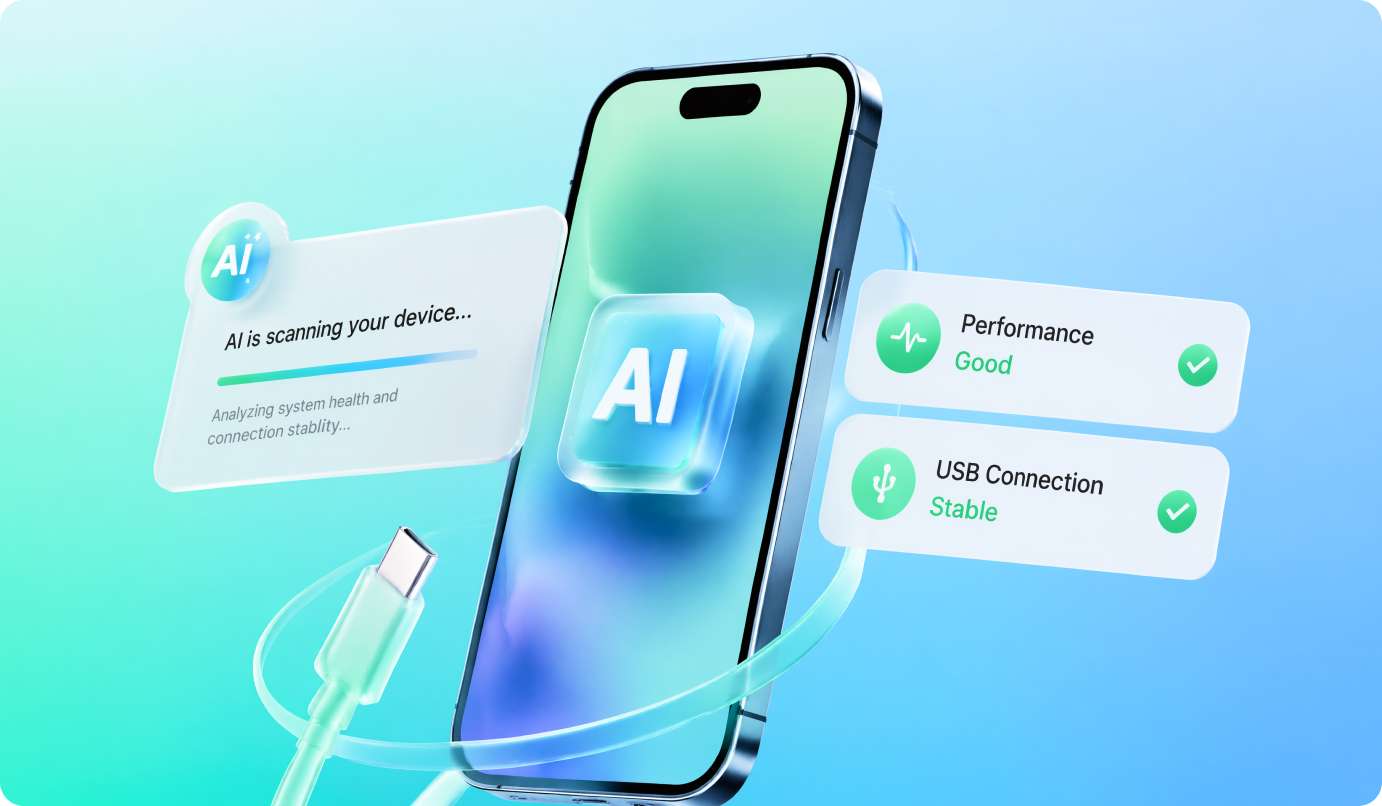
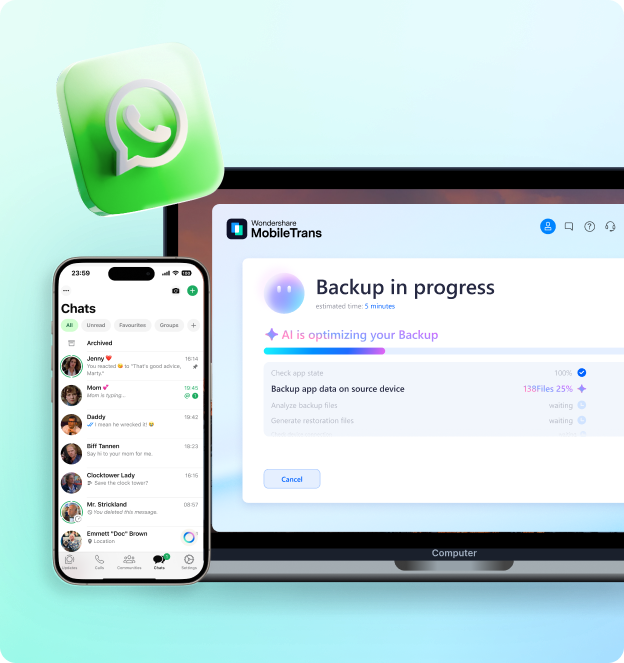
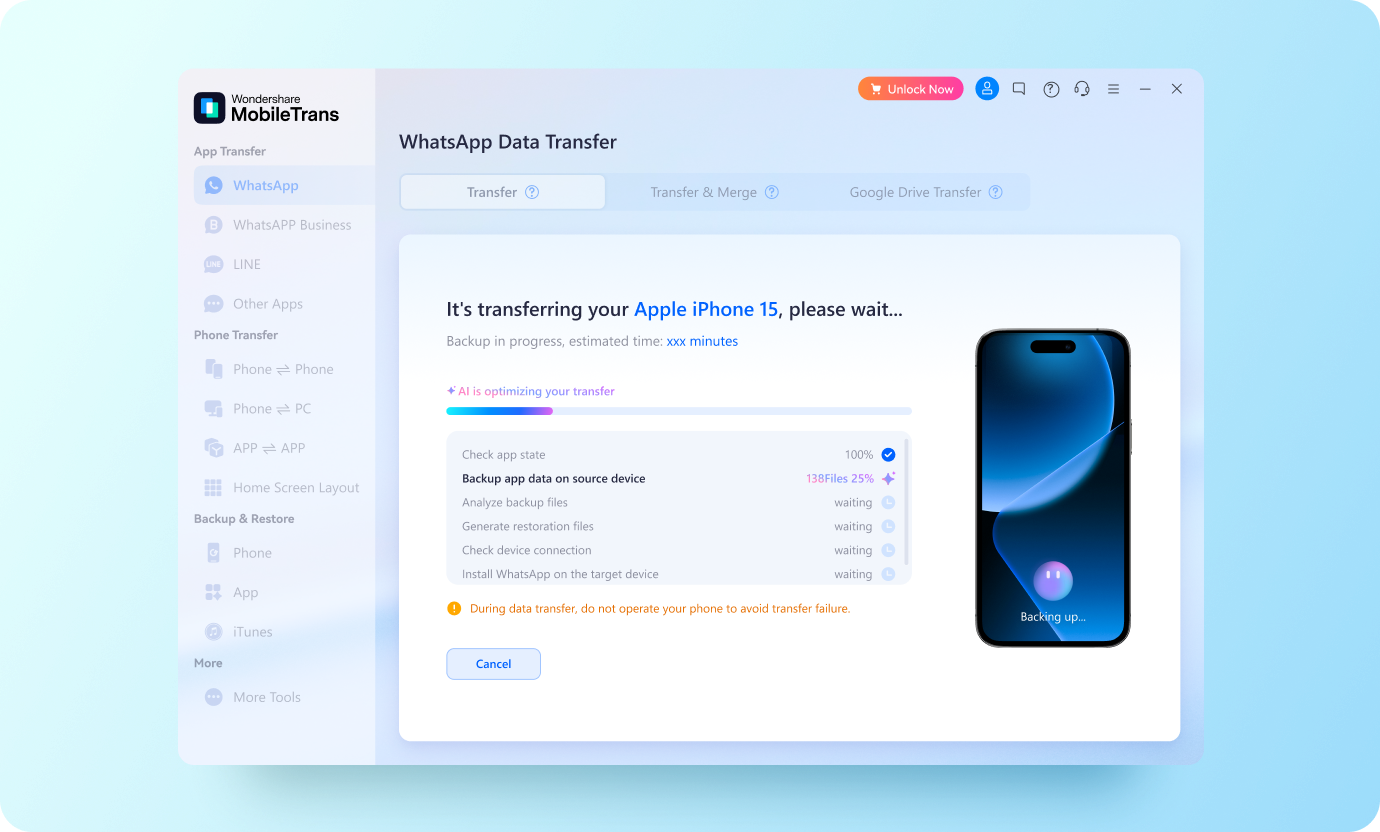
Run a smart, 5-second diagnostic scan before you start. AI automatically verifies storage and connection stability, slashing transfer failures by 27% for a guaranteed successful move.
WhatsApp Transfer
Say goodbye to transfer crashes and storage bloat. Our next-gen AI pre-checks your device, filters out digital junk, and supercharges transfer speeds for a flawless move.
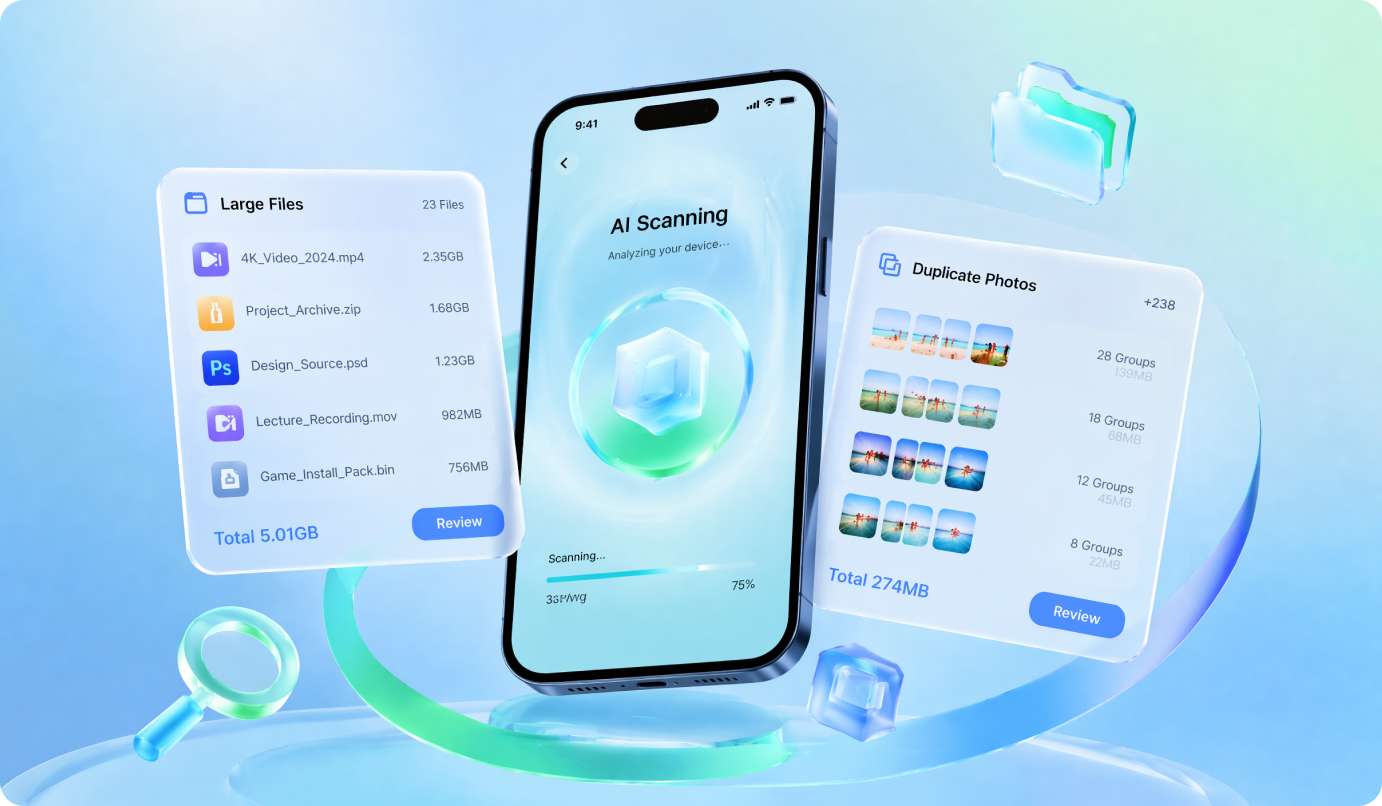
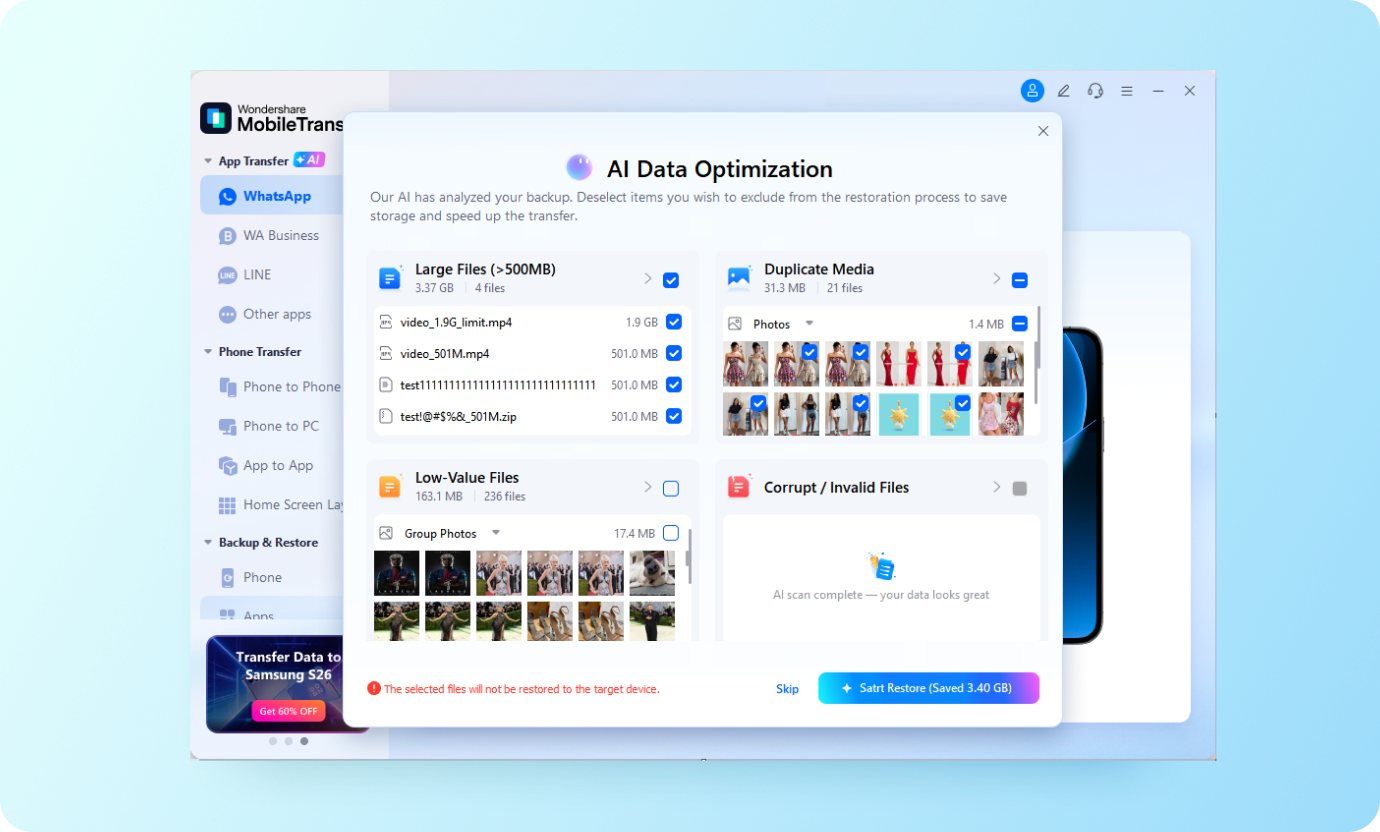
Don't move years of trash to your new phone. AI instantly detects heavy files, duplicate photos, and corrupted media, saving you 8–18 GB of storage before the transfer even begins.
WhatsApp Transfer
Say goodbye to transfer crashes and storage bloat. Our next-gen AI pre-checks your device, filters out digital junk, and supercharges transfer speeds for a flawless move.
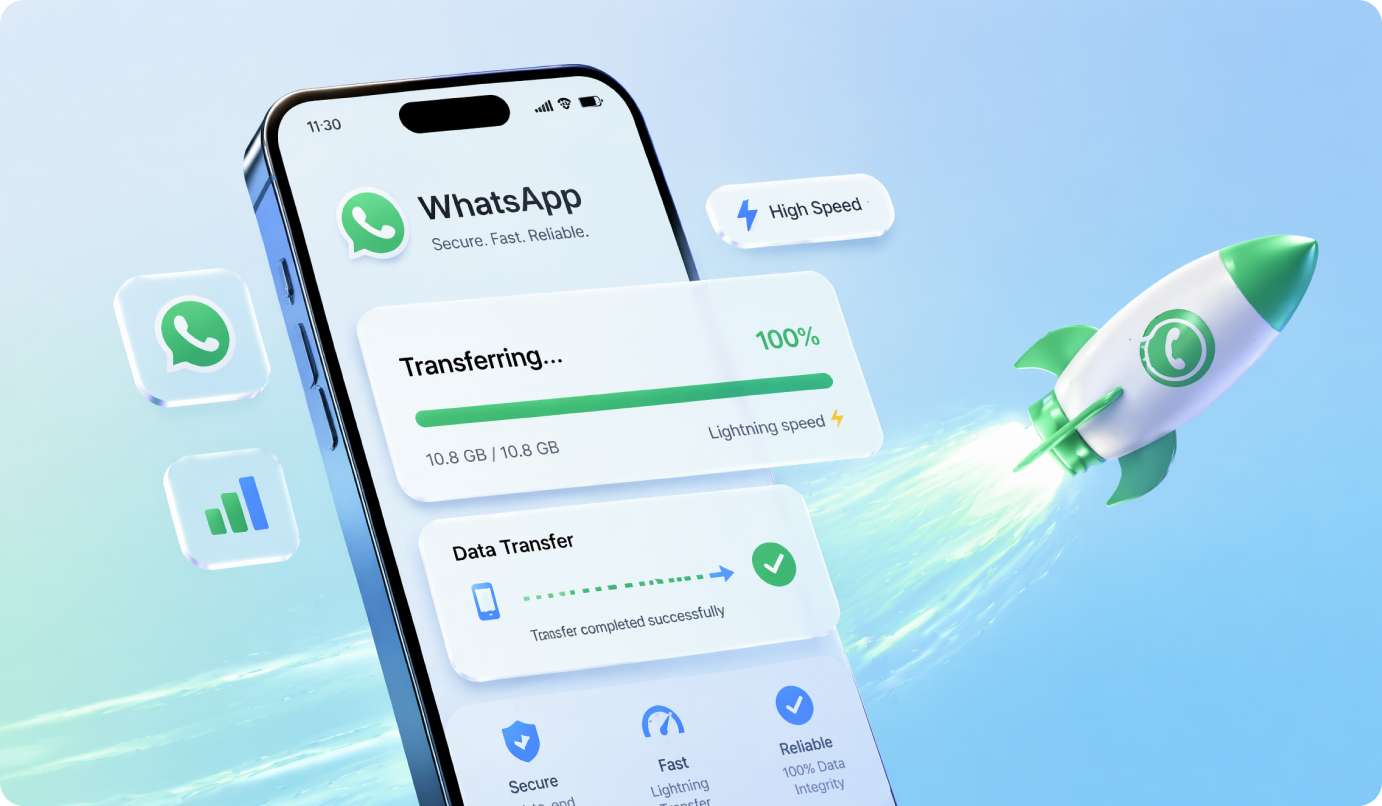
Experience smart data routing. AI prioritizes your core chats and optimizes data packets, boosting transfer speeds by 35–52% so you can get back to chatting on your new phone instantly.
Best WhatsApp Transfer App
MobileTrans stands out to be the best solution in WhatsApp transfer, not only because of its easy-to-use interface but also because of its remarkable features:

|
Move to iOS | |
|---|---|---|
| Transfer WhatsApp from iPhone to Android |

|

|
| Merge WhatsApp Chats of Two Accounts |
|
|
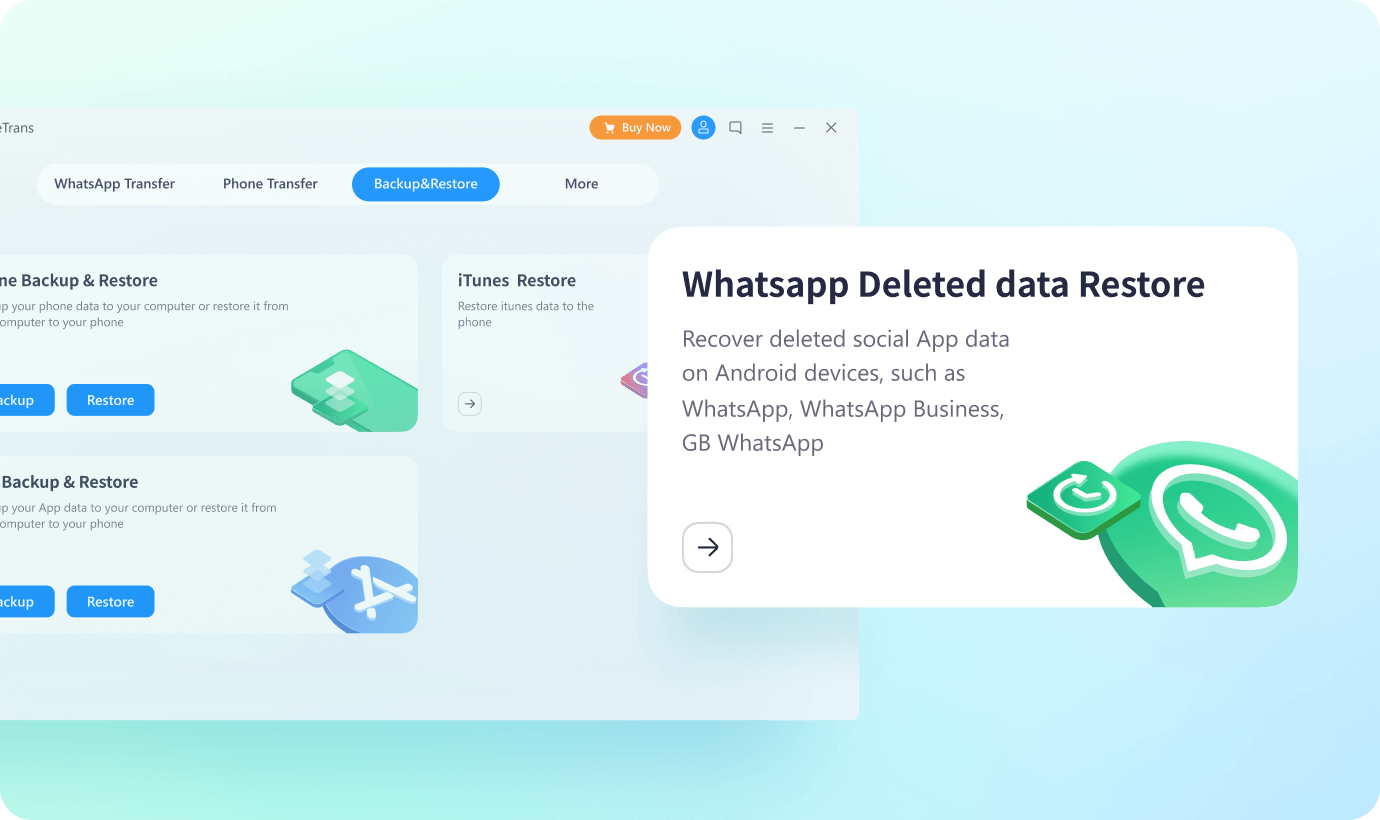
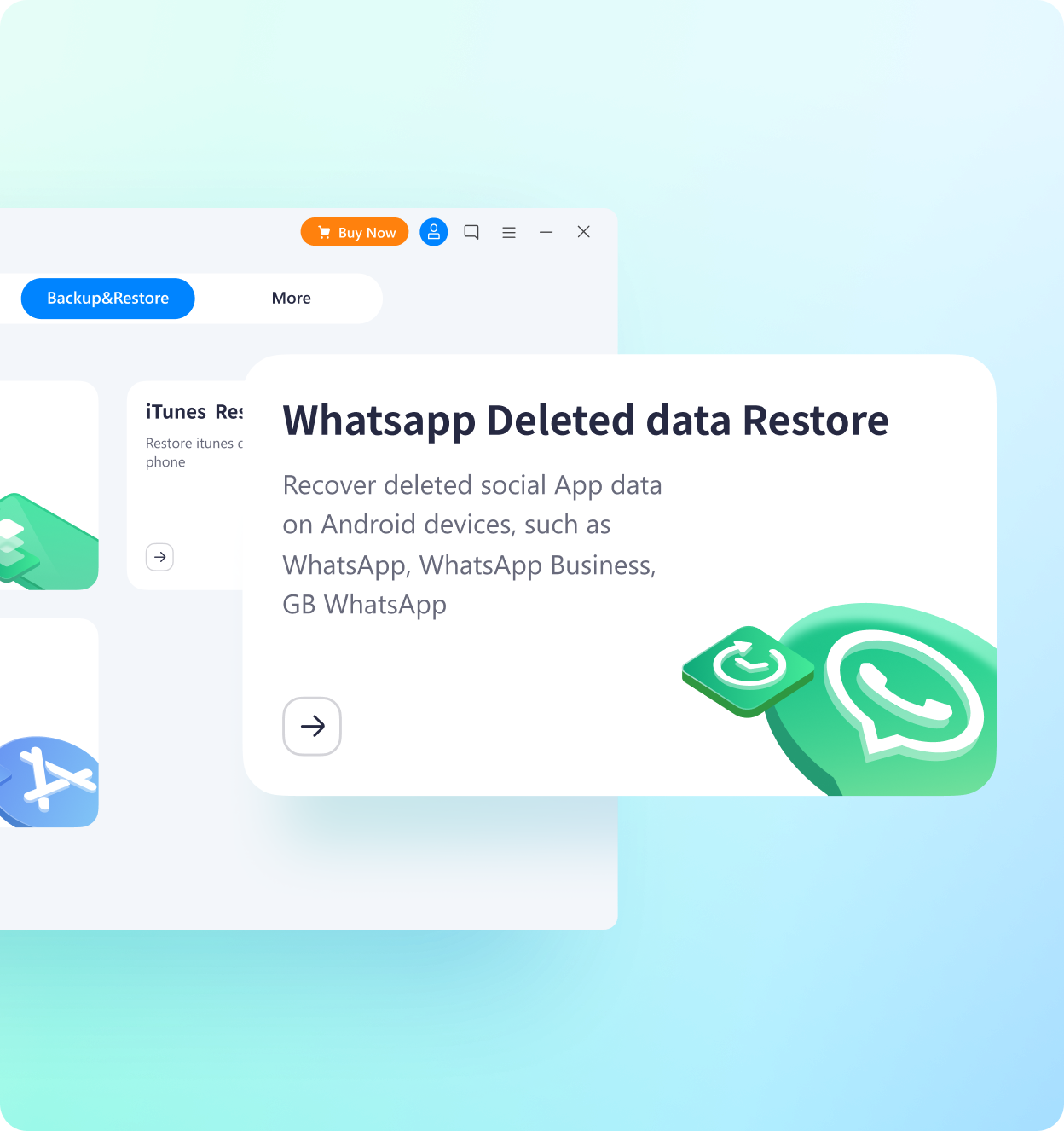
| Recover Delete WhatsApp Data |
|
|
| No Need to Factory Reset |
|
|
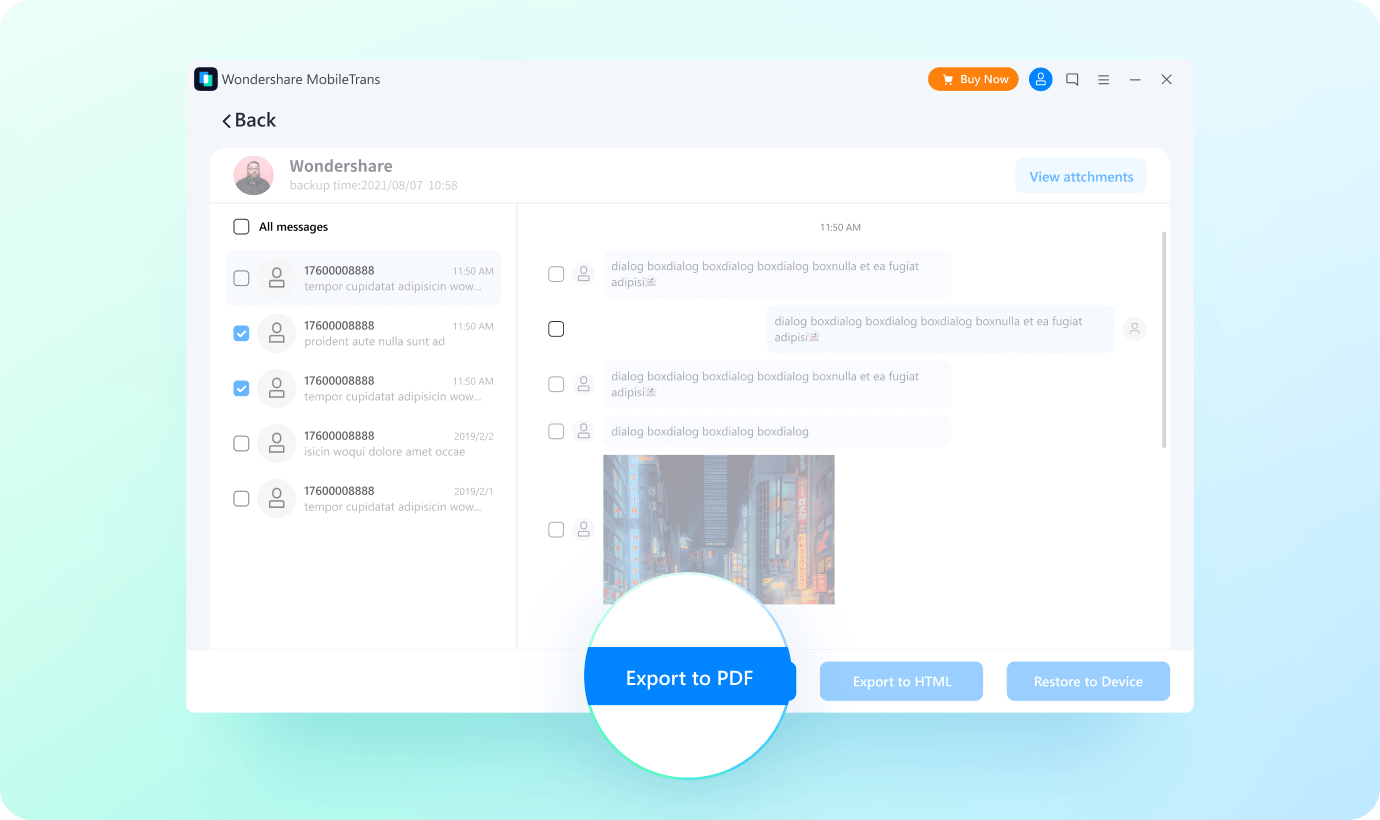
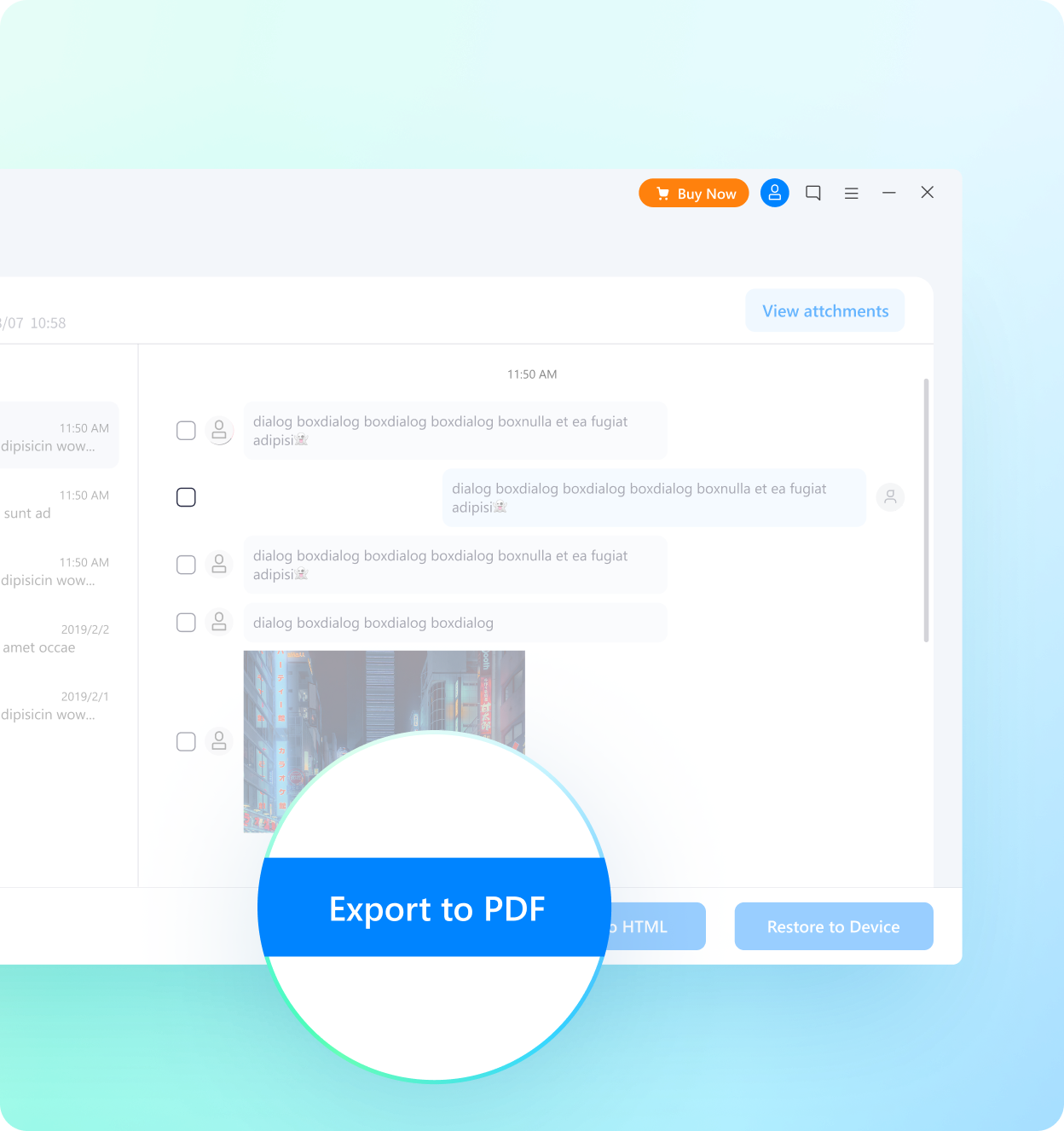
| Export WhatsApp Chats |
|
|
| Backup & Restore WhatsApp |
|
|
| Transfer WhatsApp Call History |
|
|
| WhatsApp Version supported |
ALL
|
2.22.15.11 beta or above
|
| iOS version supported |
iOS 6 or above
|
iOS 15.5 or above
|
| AI Transfer Pre-Check |
|
|
| AI File Cleanup for Faster Transfer |
|
|
Transferring More Apps?
MobileTrans Never Lets You Down
Likewise, you can transfer WhatsApp Business messages from Android to iPhone and vice versa, Android to Android and iPhone to iPhone.

Using MobileTrans, you can also transfer LINE chats from Android to iPhone or vice versa.

Using Viber instead of WhatsApp? MobileTrans allows you to back up and restore Viber messages.

MobileTrans can also transfer Kik messages, ensuring a smooth experience when you moving Kik data.
TECH SPECS
1GHz (32 bit or 64 bit)
200 MB and above free space
256 MB or more of RAM (1024MB Recommended)
iOS Versions: iOS 6 and up (iOS 26 beta included)
Android Versions: Android 4.6 and up (Android 16
included)
Windows: Win 11/10/8.1/8/7/Vista/XP
Mac: 15 (macOS Sequoia), 14 (macOS Sonoma),13 (macOS Ventura), 12
(macOS Monterey), 11 (macOS Big Sur), 10.15 (macOS
Catalina), 10.14 (macOS Mojave), Mac OS X 10.13 (High Sierra), 10.12(macOS Sierra), 10.11 (El Capitan),
10.10 (Yosemite), 10.9 (Mavericks), or
10.8)
You May still be Wondering
 Can you transfer WhatsApp conversations to a new
iPhone?
Can you transfer WhatsApp conversations to a new
iPhone?
 How can I see WhatsApp messages on my PC?
- Open MobileTrans on your computer.
- Connect your phone to the computer.
- Choose "Backup & Restore".
- Navigate to "App Backup & Restore" and choose "Backup."
- Choose "WhatsApp" and click "Start" to back up data.
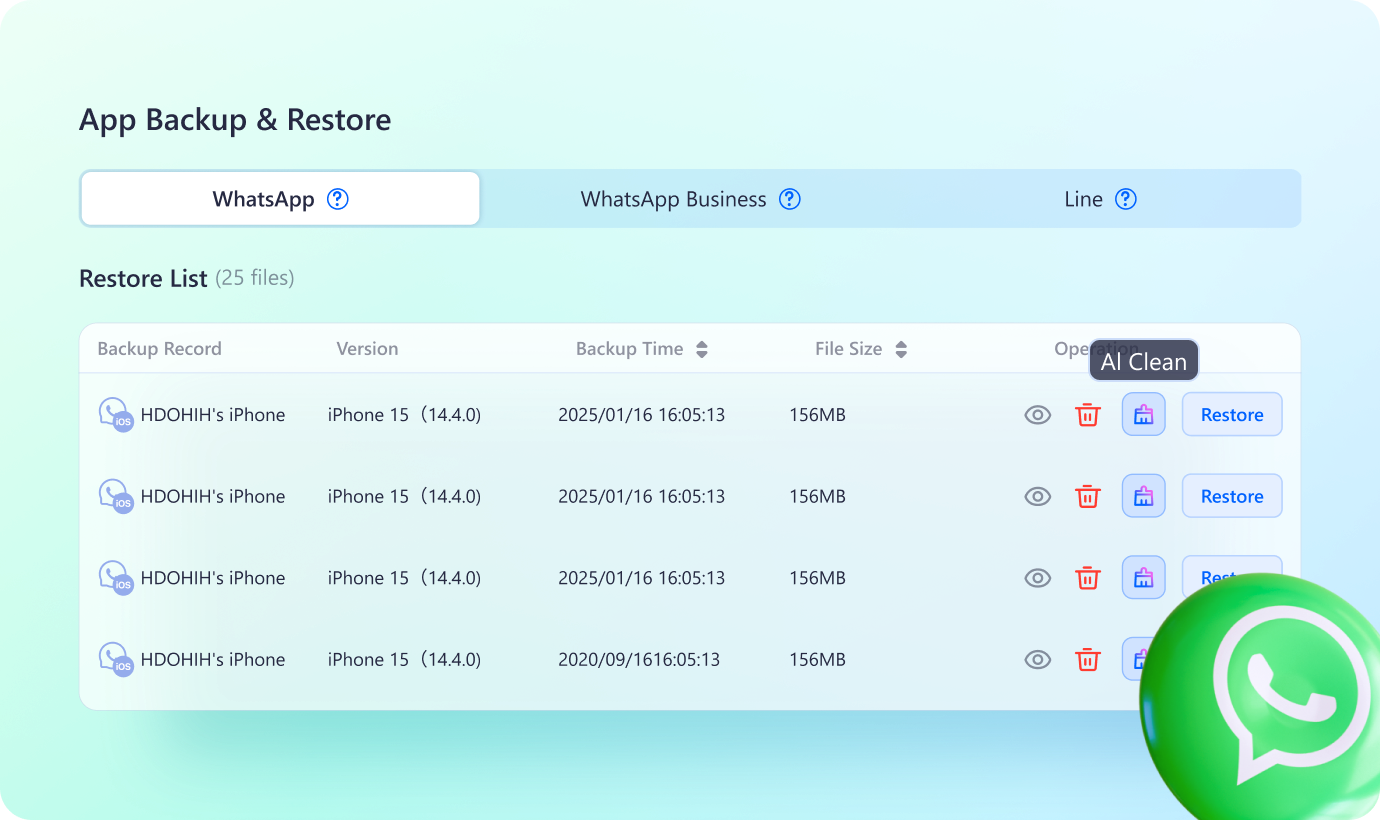
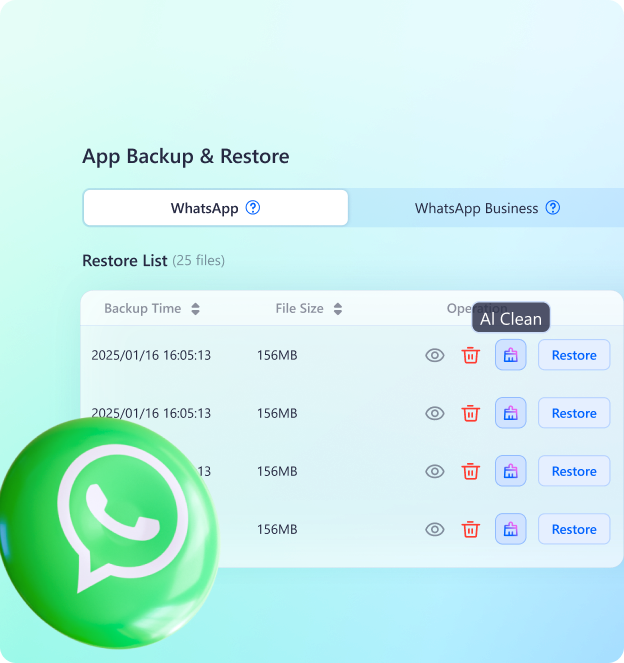
- Go to "Restore" under "App Backup & Restore." Choose the backup version and click "View" to see WhatsApp messages on PC.
Can I also transfer LINE/Kik/Viber to a new
phone?
How can I restore my WhatsApp messages without phone
backup?
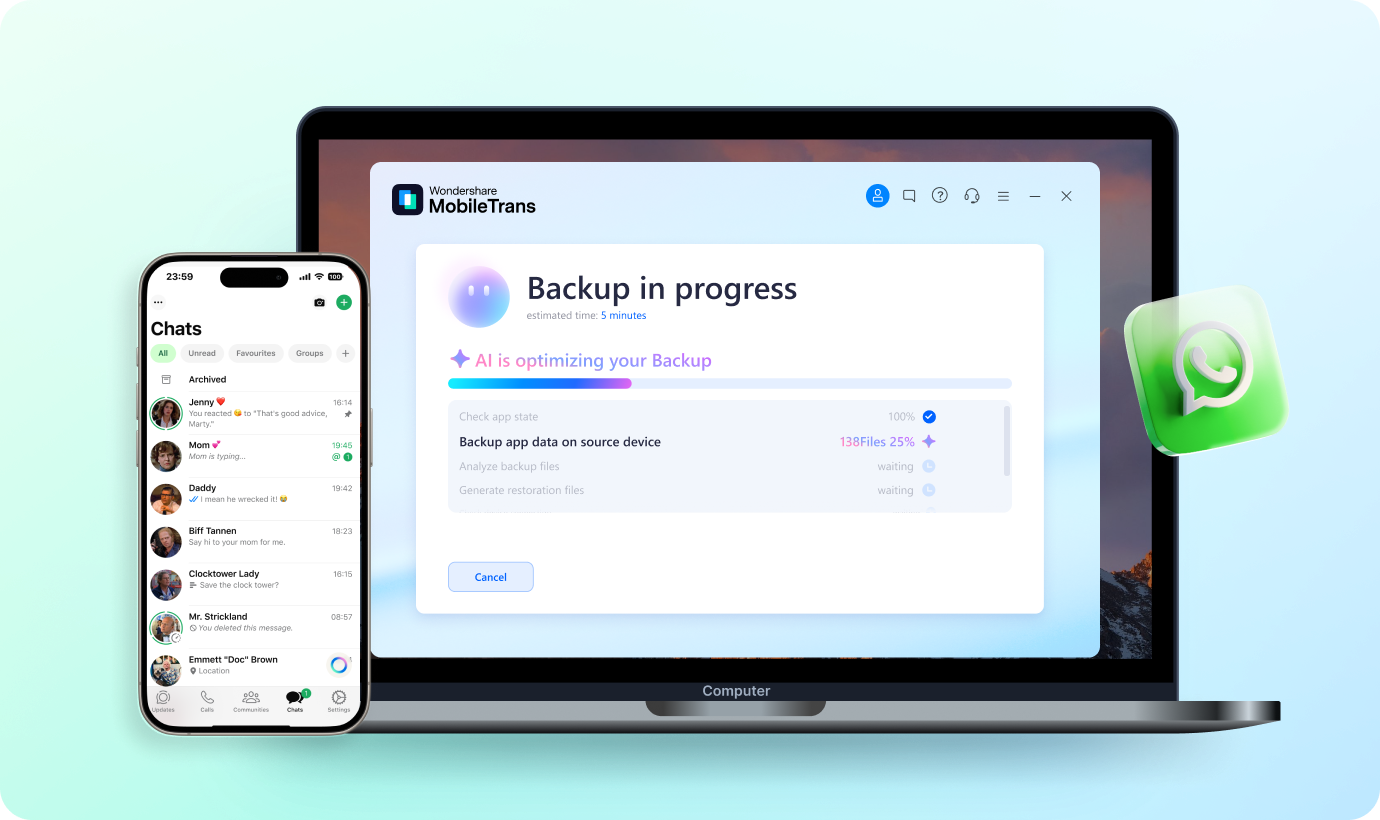
Connect both phones to a computer and run MobileTrans. Open Transfer Social App and restore WhatsApp from source phone to the destination phone. You'll see WhatsApp messages on the target phone after a complete transfer.
What devices are supported?
