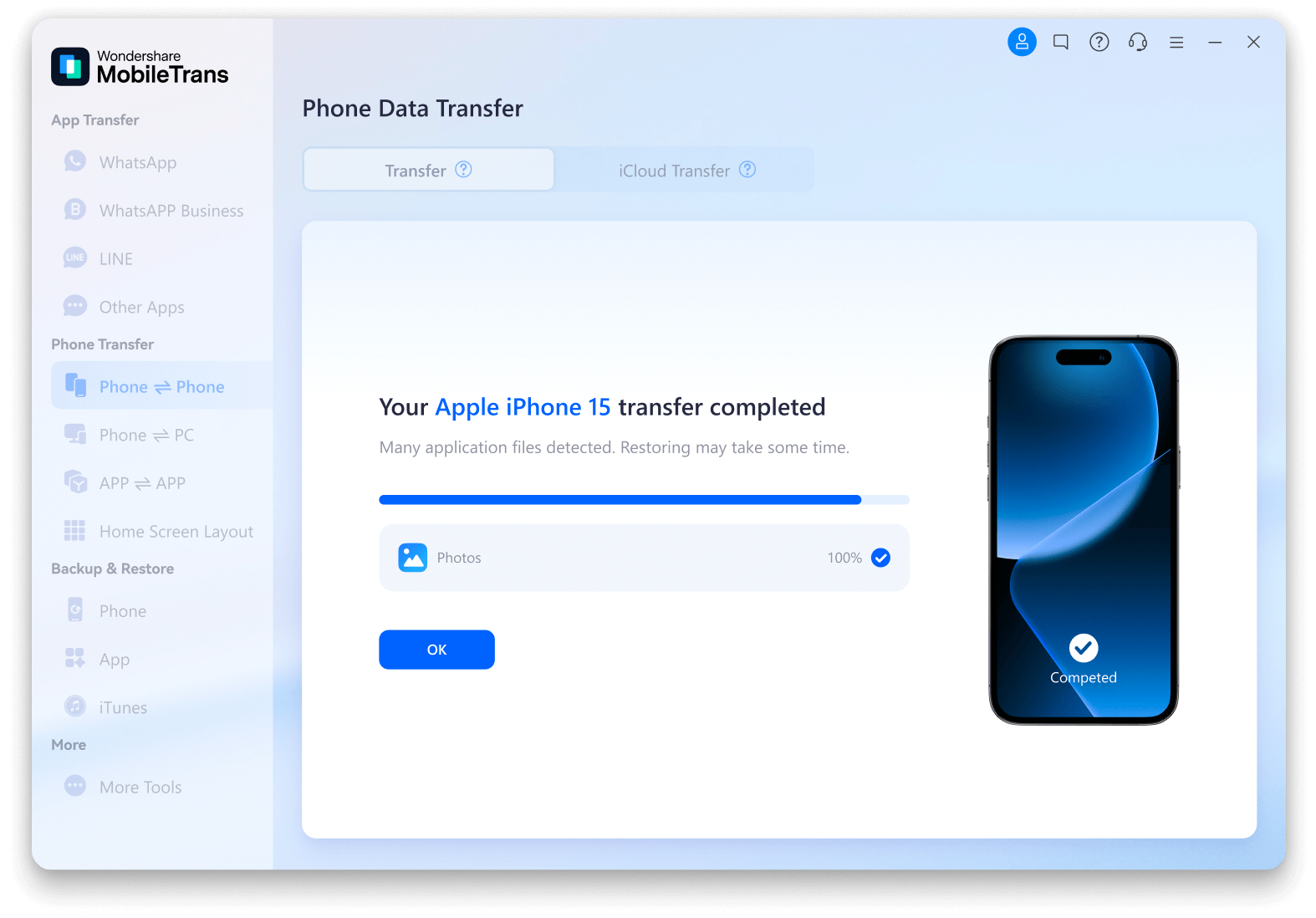
Wondershare MobileTrans

The Easiest Phone to Phone Transfer Software

  • Transfer 18+ types of data including messages, contacts, photos, videos, and more between phones.
  • Supports 6000+ mobile devices running on Android and iOS systems.
  • Transfer photos, videos and more from Android or iOS to computer.
  • Transfer 5 types of data from computer to mobile devices directly.
  • Transfer iCloud data to Android directly.
  • Transfer apps from Android to iPhone/Android.
Windows 11/10/8/7/XP/Vista
7-day money-back guarantee
Available on:
qr-code
qr-code
partner
partner

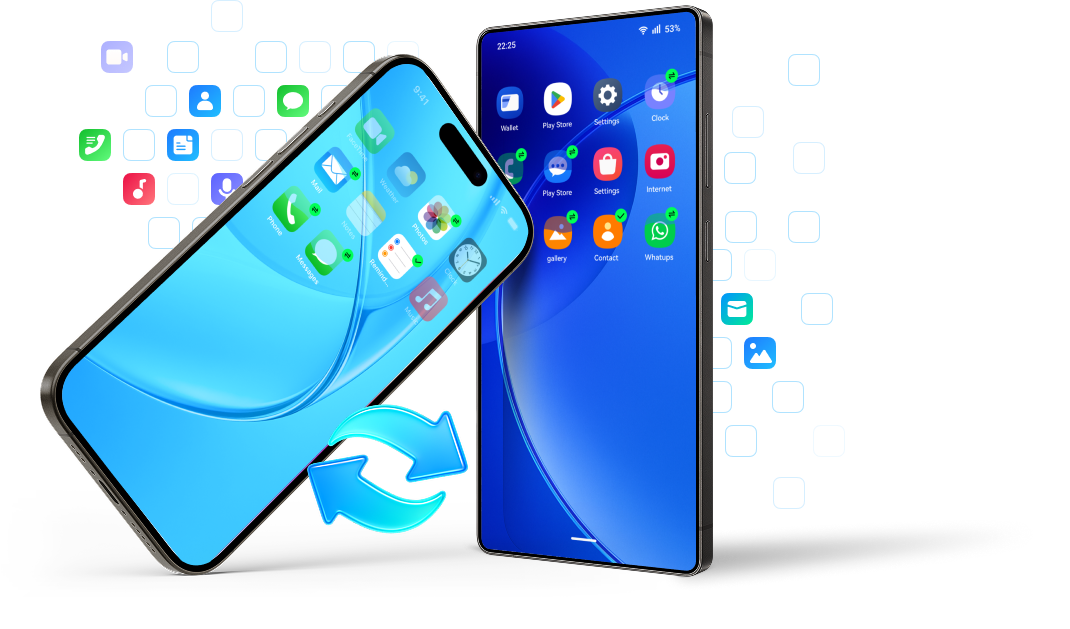
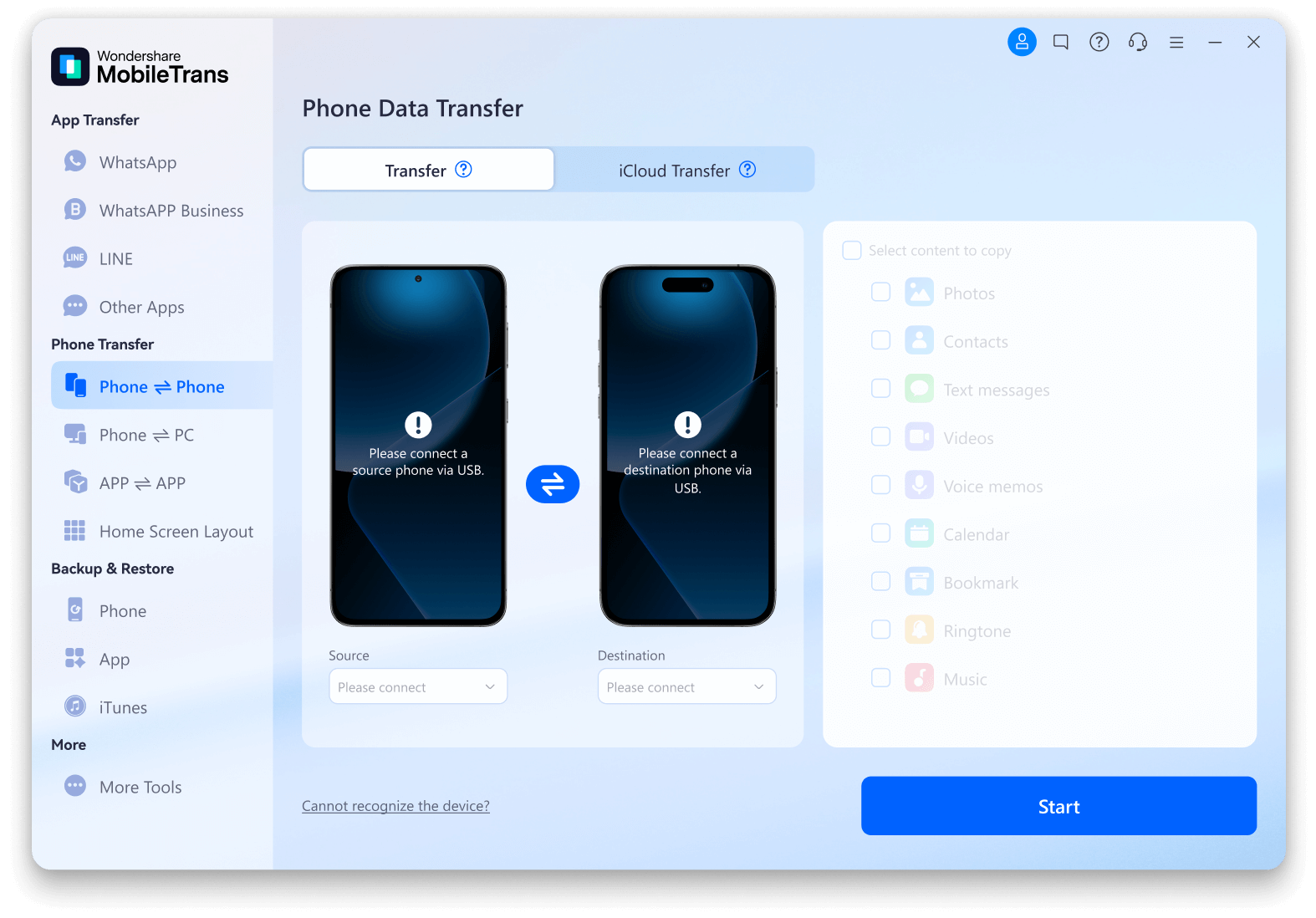
Cross-platform Phone to Phone Transfer

Whether you're switching from Android to iPhone or vice versa, Wondershare MobileTrans makes the utmost effort to transfer
data across the bridge without a hiccup. Break the limits of the OS and enjoy the freedom of seamless data sharing.
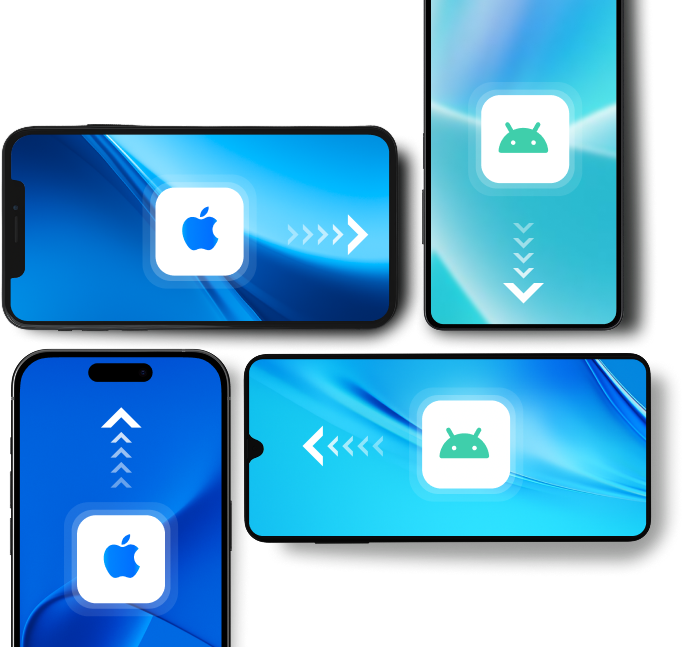
send photos without losing quality

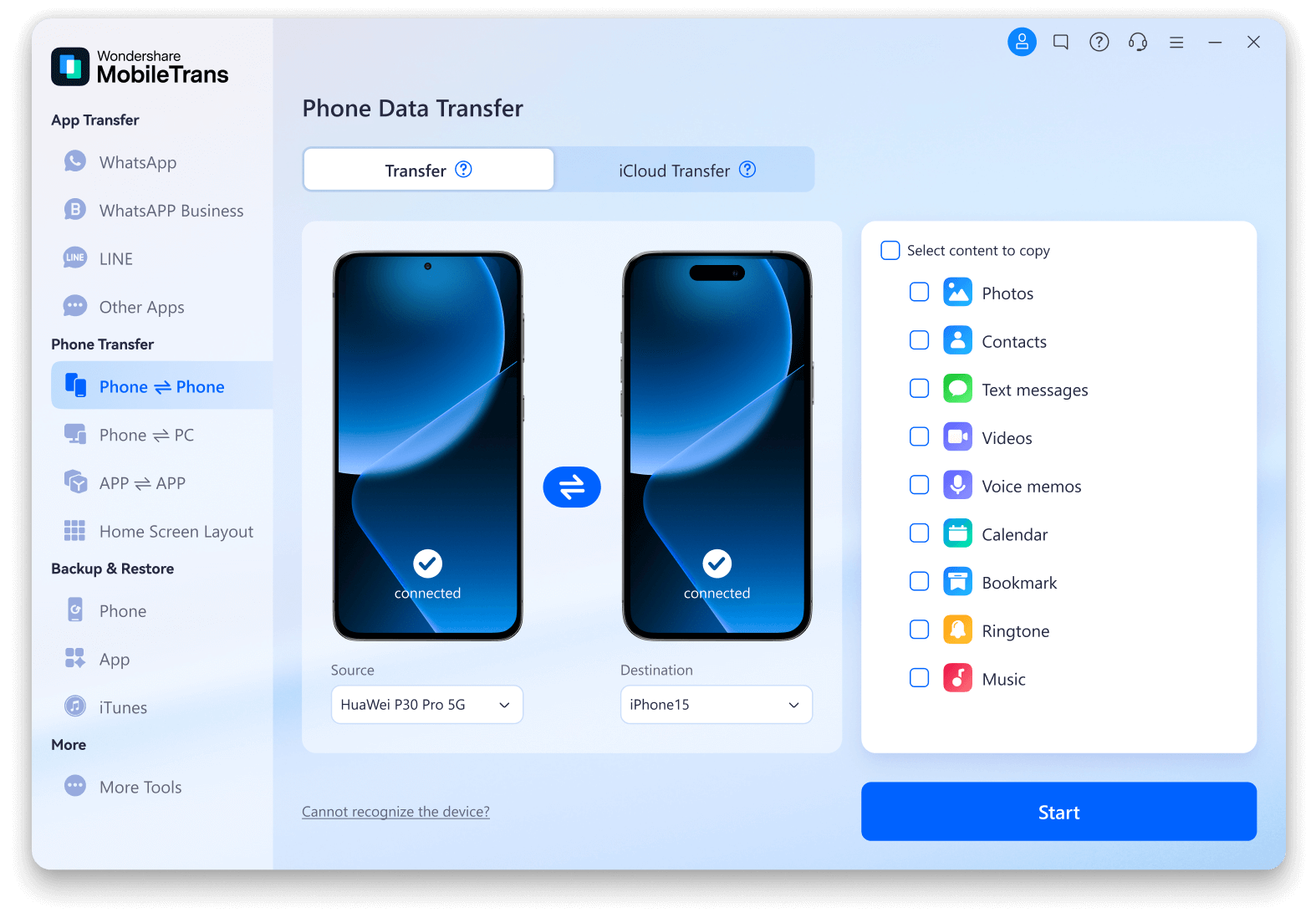
Explore the Data You Can Transfer with MobileTrans

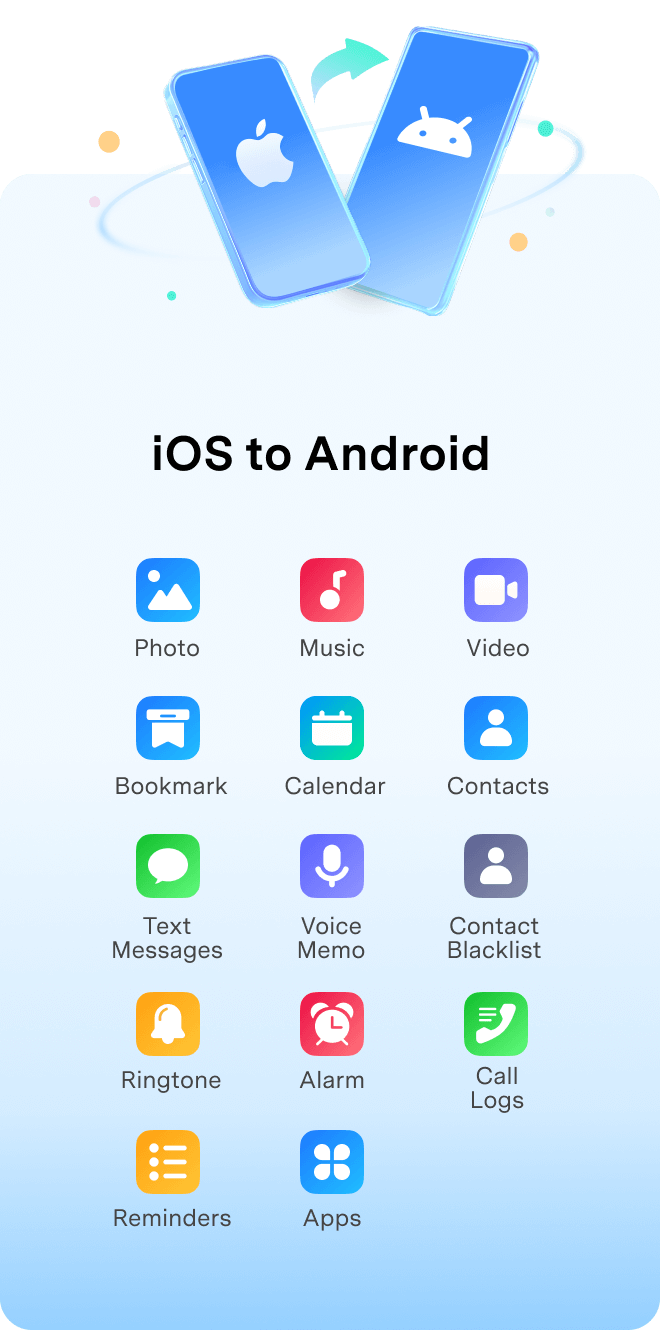
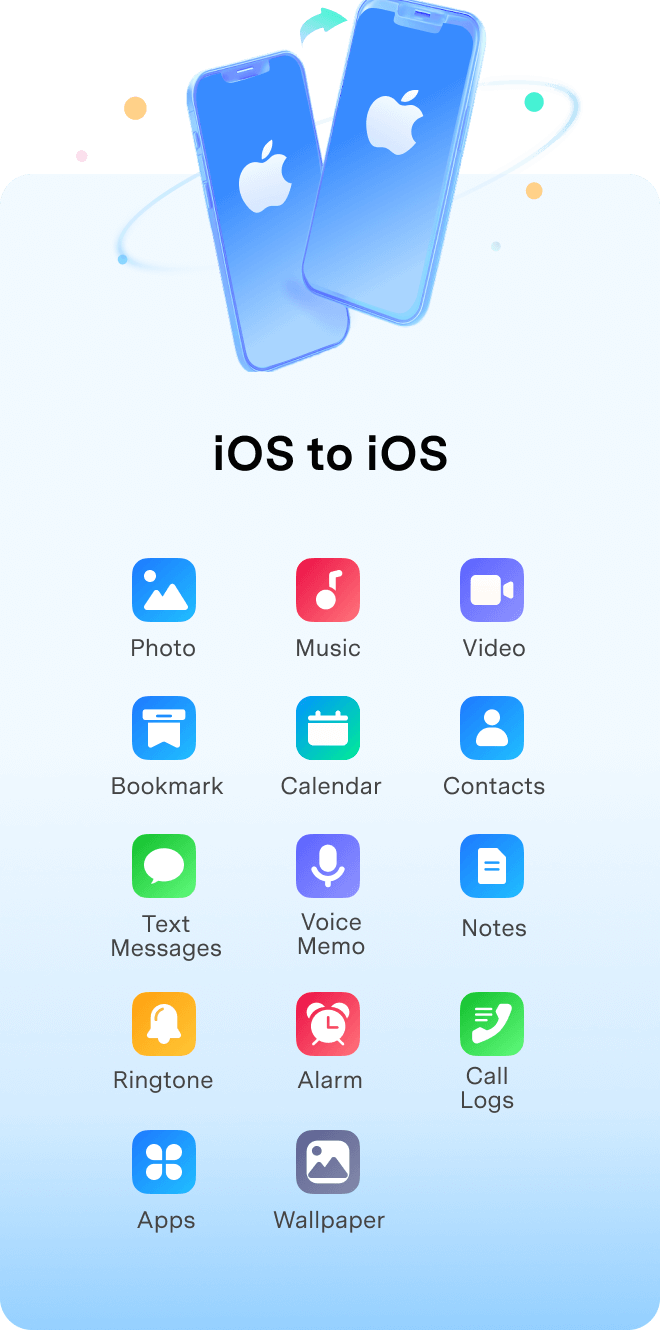
MobileTrans can transfer up to 18+ types of files between phones. Explore the files you can
transfer from Android to Android, Android to iOS, iOS to Android, or iOS to iOS.
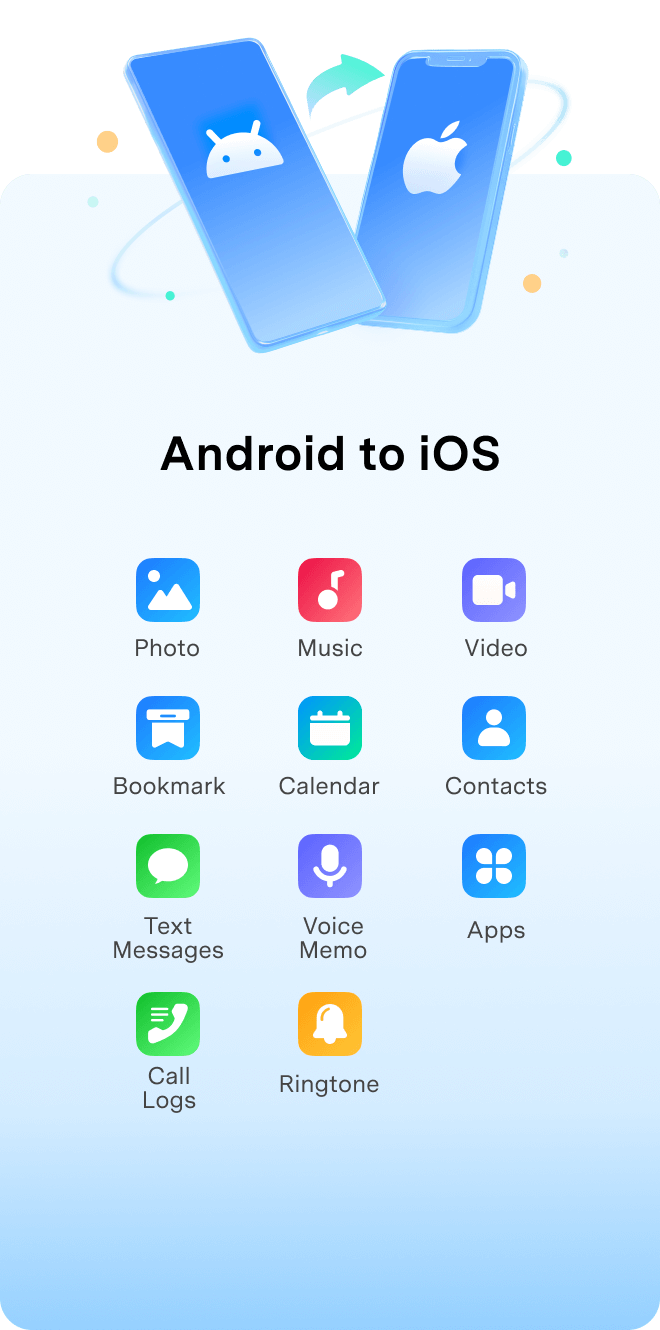
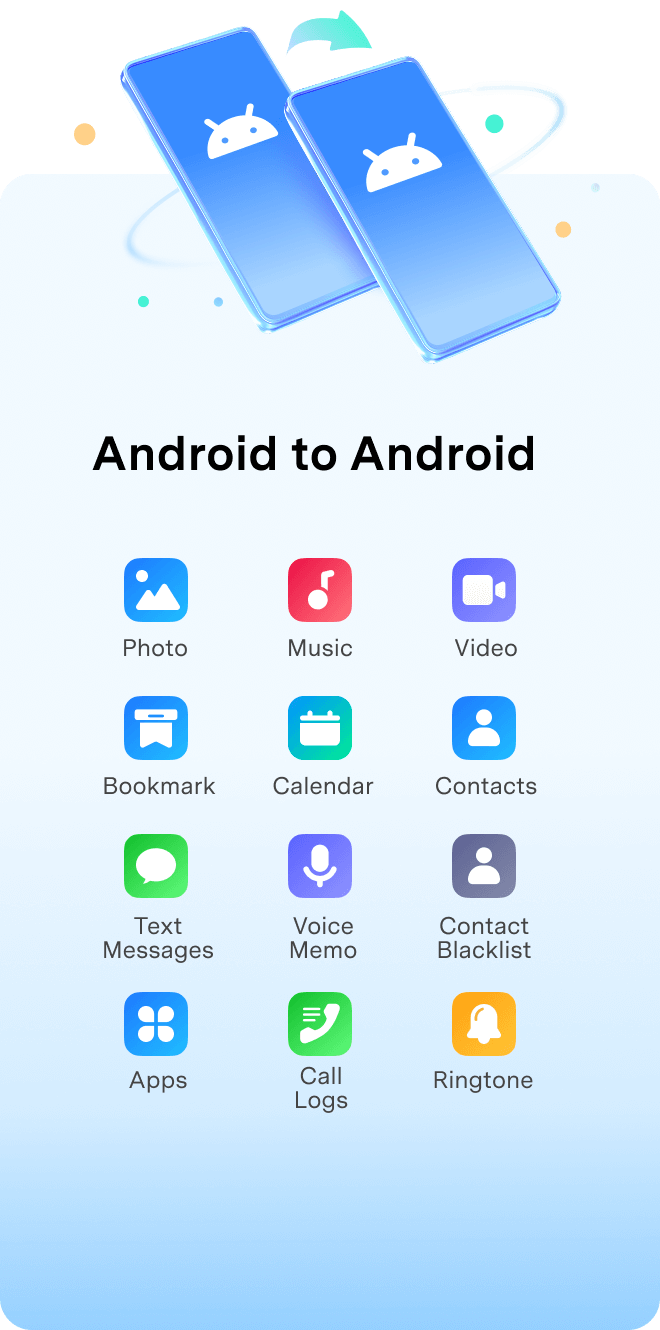
android to iphone data transfer
transfer data from android to android
transfer data from iphone to android
transfer data from iphone to iphone

MobileTrans Can Do More for You

Besides transferring data from phone to phone, MobileTrans can help you more: transfer data from phone to computers or from computers to phones,
directly move data from iCloud to Android or iPhone devices, and migrate apps with in-app data. Explore the amazing features that help you manage your phone data like a pro!

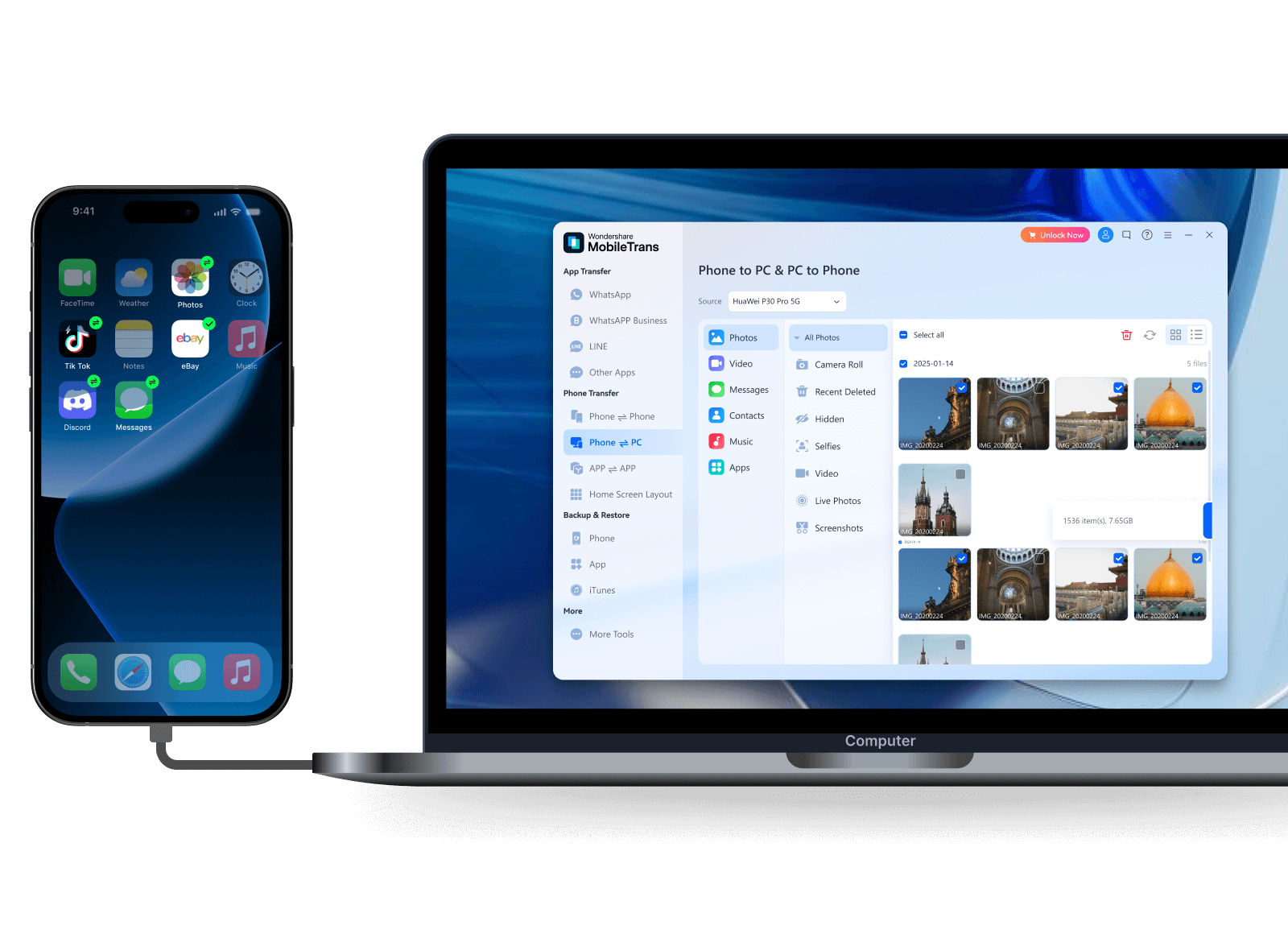
Transfer Data between Phone and Computer

Whether you've run out of storage space on your phone or want to access files on the go, you can always count on MobileTrans to transfer data from mobile phone to pc or vice versa. It can easily transfer photos, music, videos, messages, contacts, or apps between your phone and computer, making data sharing a breeze.

photo music video messages contact apps
transfer data from phone to computer
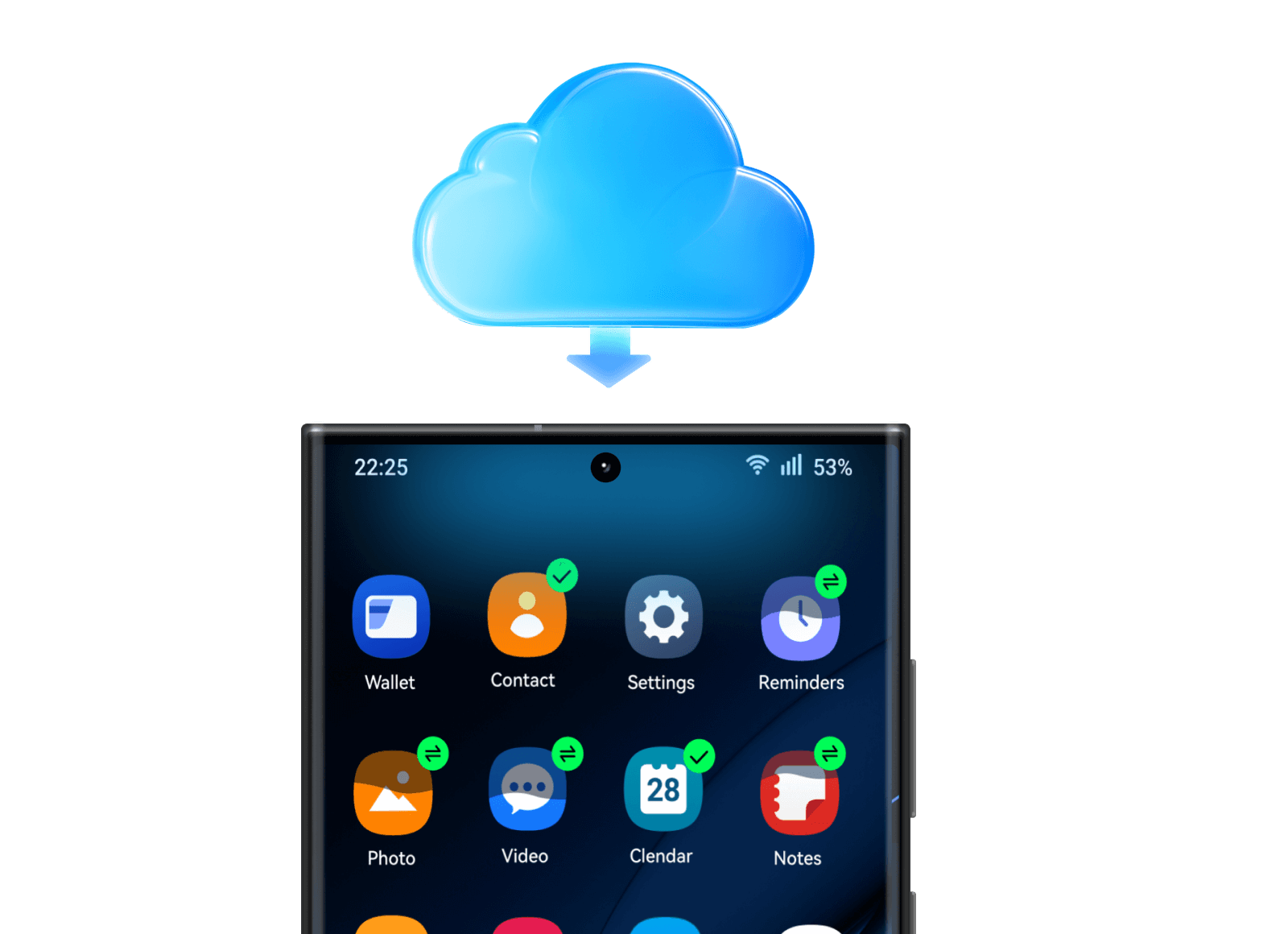
transfer from icloud to android

Transfer iCloud Data to Android Phone

Switching from iOS to Android, while iCloud stored your cherished data? Worry less, MobileTrans helps restore all data that syncs to your iCloud before you switch to your new Android device. No need to restore them to an iPhone or download the files one-by-one, MobileTrans can migrate all iCloud photos, videos, contacts, notes, reminders, and calendar to your new Android with 1 click.

photo video contact note reminder calendar

Transfer Apps between devices

Easily transfer apps to your new phone without having to reinstall them one by one. MobileTrans automatically detects all apps on your old device and supports batch app installation on your new phone. It could also move the in-app data to your new phone and sync it with the apps. No need to worry about losing precious memories or game saves!
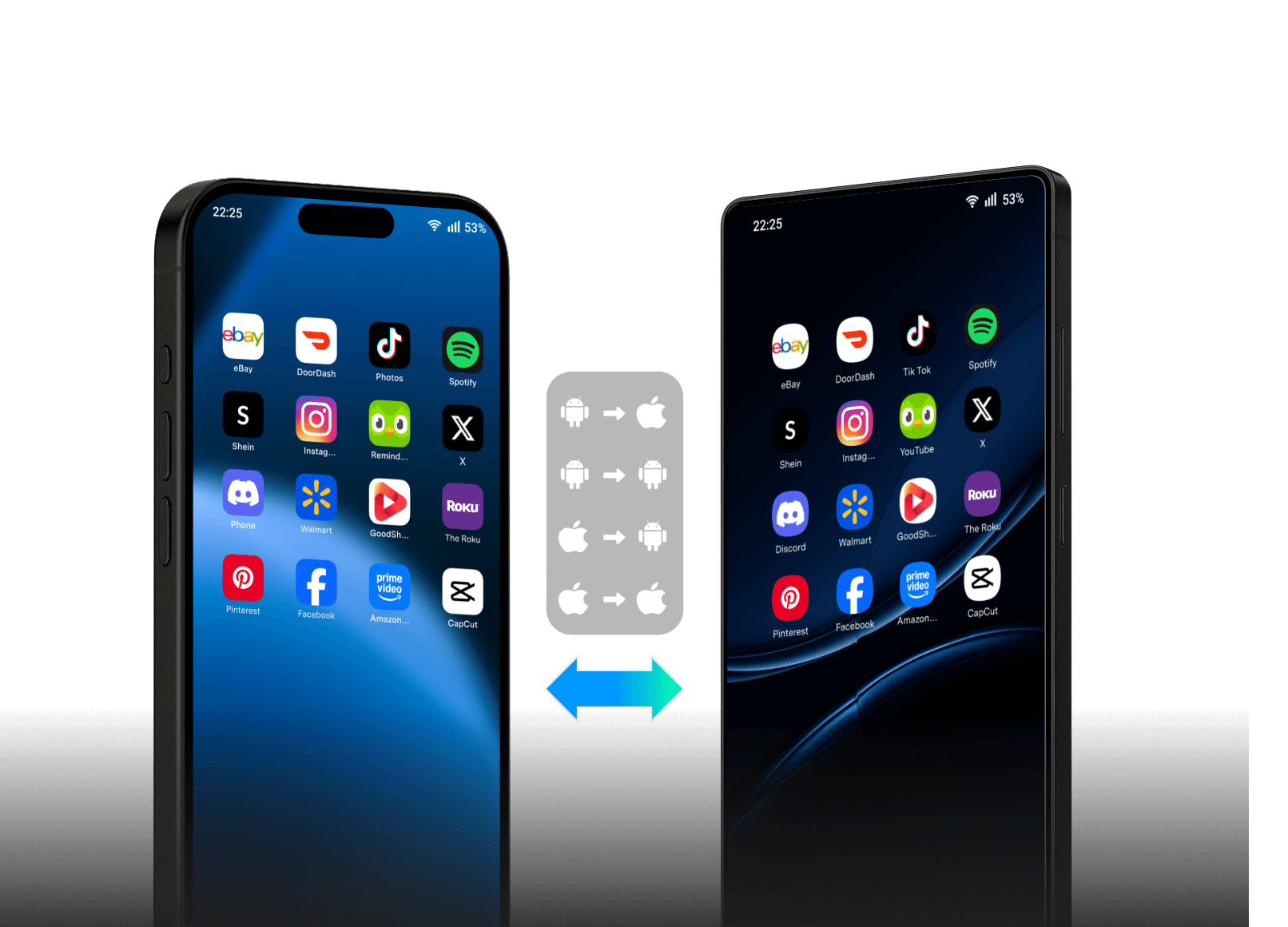
transfer apps from phone to phone

Why Choose MobileTrans to Transfer Data from Phone to Phone?
simple 3 step transfer

Simple

Designed for non-tech-savvy users. With clear instructions and easy operations, providing a silky-smooth phone data transfer experience.

selective transfer

Selectively transfer files & data

clear interface

Clear instructions & interface

easy operation

3-Steps easy operations

fastest phone data transfer tool

Fast

Industry-Leading Speed

With its smart parallel transfer progress and optimized routing, MobileTrans is blazing fast. You an easily transfer a large batch of data with a remarkably faster speed

96.32%

faster than other

96.34%

faster than before

8/h

Movies sent

6500/h

Photos sent

safe and secure phone data transfer

Secure

Safely transfer your data with military-grade encryption. No cloud update, no Wi-Fi based transfer -- No one can access your private data.

end to end encryption

End-to-end Encrypted

no cloud update

No Cloud Update

no third-party access

No Third-party Access

Tech Specs

CPU

1GHz (32 bit or 64 bit)

Hard Disk Space

200 MB and above free space

RAM

256 MB or more of RAM (1024MB
Recommended)

iOS & Android

iOS Versions: iOS 6 and up (iOS 26 beta included)

Android Versions: Android 4.6 and up (Android 16 included)

Computer OS

Windows: Win 11/10/8.1/8/7/Vista/XP

Mac: 15 (macOS Sequoia), 14 (macOS Sonoma), 13 (macOS Ventura), 12 (macOS Monterey), 11 (macOS Big Sur), 10.15 (macOS Catalina), 10.14 (macOS Mojave), Mac OS X 10.13 (High Sierra), 10.12 (macOS Sierra), 10.11 (El Capitan), 10.10 (Yosemite), 10.9 (Mavericks), or 10.8

Why Users Love MobileTrans for Phone to Phone Transfer

user
Eloi G.
A simple, easily usable app to resolve a very complex and cumbersome process.
user
Sarah K
I did not need to factory reset my iphone. Very happy with the service!
user
Pratik
Whether it's from iOS to iOS, Android to iOS...this thing works.
user
Emily L
Simple interface, fast transfer. Highly recommend for anyone who needs to transfer phone data.
user
Donna H.
This sets the standard for how phone transfers should work; it's so comprehensive and reliable.
user
Eloi G.
A simple, easily usable app to resolve a very complex and cumbersome process.
user
Sarah K
I did not need to factory reset my iphone. Very happy with the service!
user
Pratik
Whether it's from iOS to iOS, Android to iOS...this thing works.
user
Emily L
Simple interface, fast transfer. Highly recommend for anyone who needs to transfer phone data.
user
Donna H.
This sets the standard for how phone transfers should work; it's so comprehensive and reliable.
user
Eloi G.
A simple, easily usable app to resolve a very complex and cumbersome process.
user
Sarah K
I did not need to factory reset my iphone. Very happy with the service!
user
Pratik
Whether it's from iOS to iOS, Android to iOS...this thing works.
user
Emily L
Simple interface, fast transfer. Highly recommend for anyone who needs to transfer phone data.
user
Donna H.
This sets the standard for how phone transfers should work; it's so comprehensive and reliable.
user
Eloi G.
A simple, easily usable app to resolve a very complex and cumbersome process.
user
KS
THE BEST!! Easy to use - follow the instructions. I completed the transfer of all data in 30-40 mins!! I did it from my laptop Android to iPhone. Amazing!
user
Joshua A.
Easy transfer of SMS from Android to iPhone where the official Apple transfer messed up most of the messages putting them into random groups.
user
John J.
I used this to pull all my notes and photos from an iCloud backup and move them directly to my new Android phone. It saved me a ton of hassle.
user
Ava S
I'm not the best with technology, but the instructions were so clear and simple. I switched all my data from my old Samsung to a new iPhone without any trouble.
user
Christian N.
My old phone's screen was broken, but this software was still able to move all my important contacts and chats from it without any problems.
user
KS
THE BEST!! Easy to use - follow the instructions. I completed the transfer of all data in 30-40 mins!! I did it from my laptop Android to iPhone. Amazing!
user
Joshua A.
Easy transfer of SMS from Android to iPhone where the official Apple transfer messed up most of the messages putting them into random groups.
user
John J.
I used this to pull all my notes and photos from an iCloud backup and move them directly to my new Android phone. It saved me a ton of hassle.
user
Ava S
I'm not the best with technology, but the instructions were so clear and simple. I switched all my data from my old Samsung to a new iPhone without any trouble.
user
Christian N.
My old phone's screen was broken, but this software was still able to move all my important contacts and chats from it without any problems.
user
KS
THE BEST!! Easy to use - follow the instructions. I completed the transfer of all data in 30-40 mins!! I did it from my laptop Android to iPhone. Amazing!
user
Joshua A.
Easy transfer of SMS from Android to iPhone where the official Apple transfer messed up most of the messages putting them into random groups.
user
John J.
I used this to pull all my notes and photos from an iCloud backup and move them directly to my new Android phone. It saved me a ton of hassle.
user
Ava S
I'm not the best with technology, but the instructions were so clear and simple. I switched all my data from my old Samsung to a new iPhone without any trouble.

More Tips for Fast & Secure Phone to Phone Transfer

question
Which mobile phones does MobileTrans support?
MobileTrans supports thousands of phones and tablets created by various manufacturers including Apple, Samsung, Huawei, Xiaomi, LG, HTC, Sony, and more.
Yes, MobileTrans can help you to transfer data from Android to iPhone after setup. Open MobileTrans > link your devices > select the data and tap the "Start" button > all selected files will be transferred from an Android device to iPhone.
If you want to directly transfer data from iCloud to Android, all you need to do is to use MobileTrans: open the tool > sign into your iCloud account > follow the on-screen instructions to choose and transfer the data that you want to keep on your Android devices. It is quite simple. Read this guide to learn how to transfer data from iCloud to Android wirelessly >>
Yes. You can move data via the mobile app of MobileTrans, or with Move to iOS app. We recommend MobileTrans app, because Move to iOS only works with new iPhones before setting up. Or you need to factory reset your iPhone, leading to data loss.
Open in MobileTrans
Open in MobileTrans